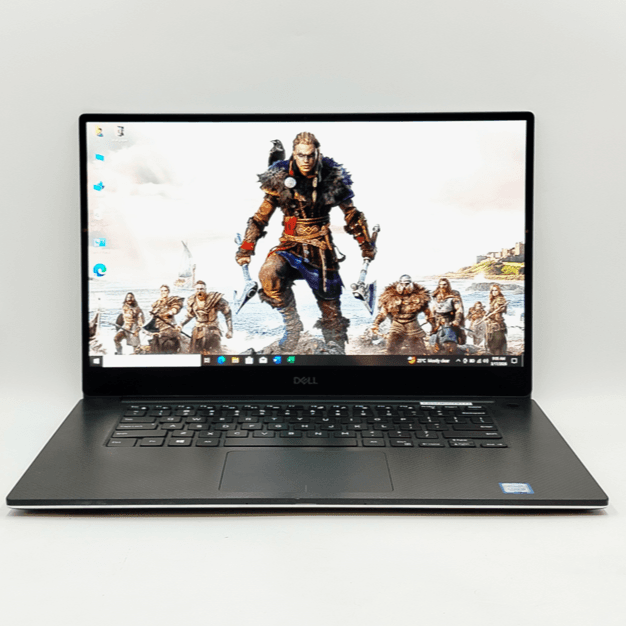
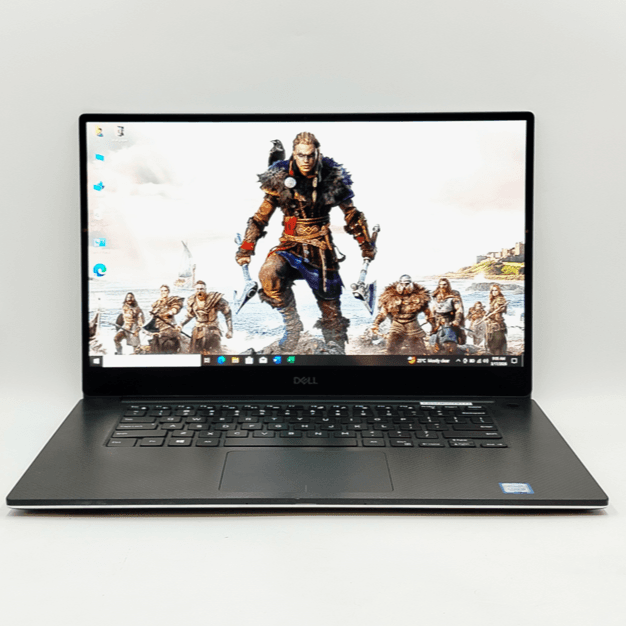
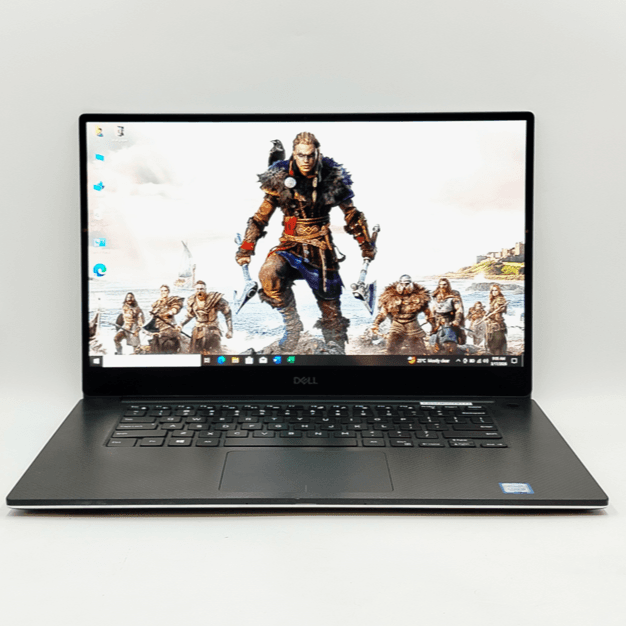
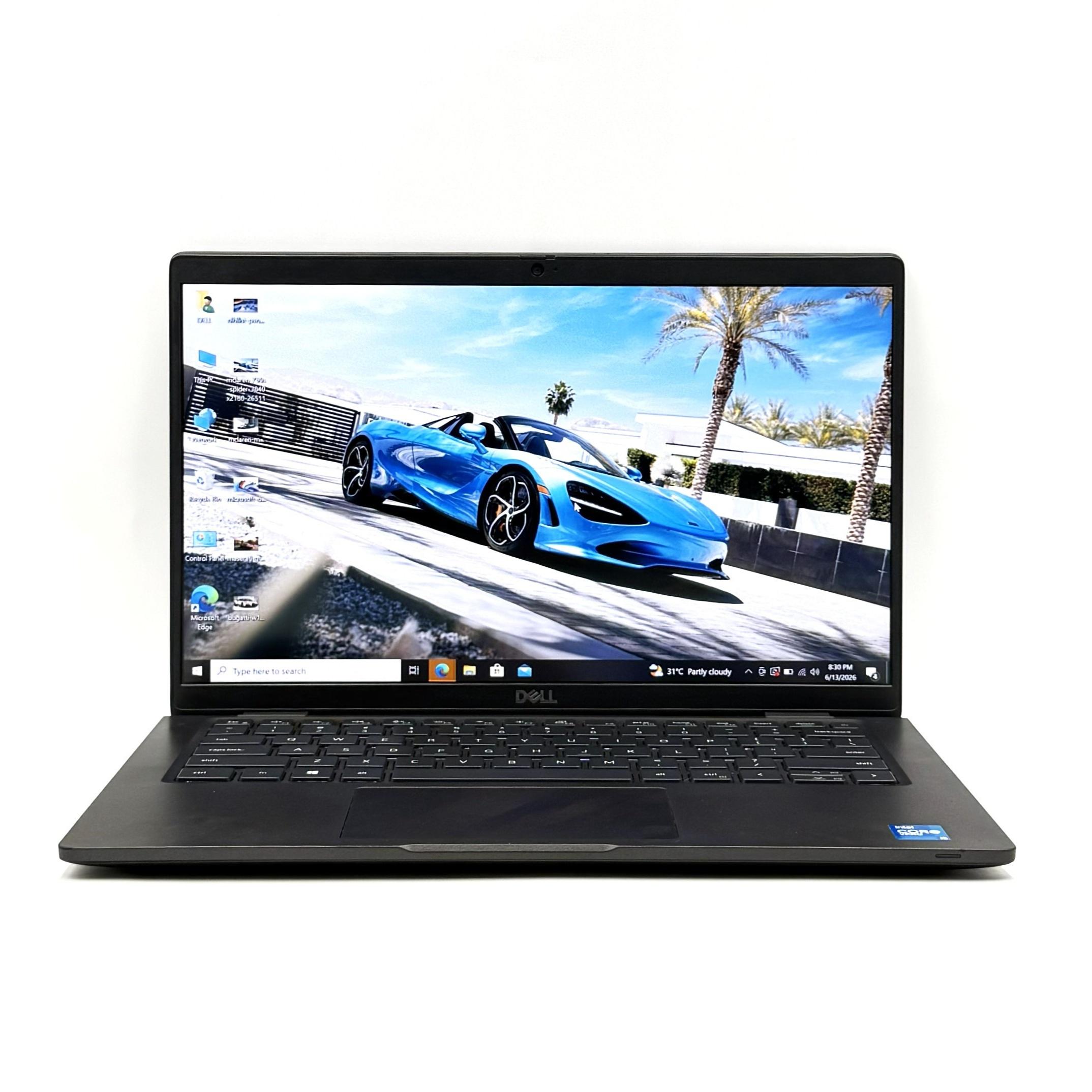
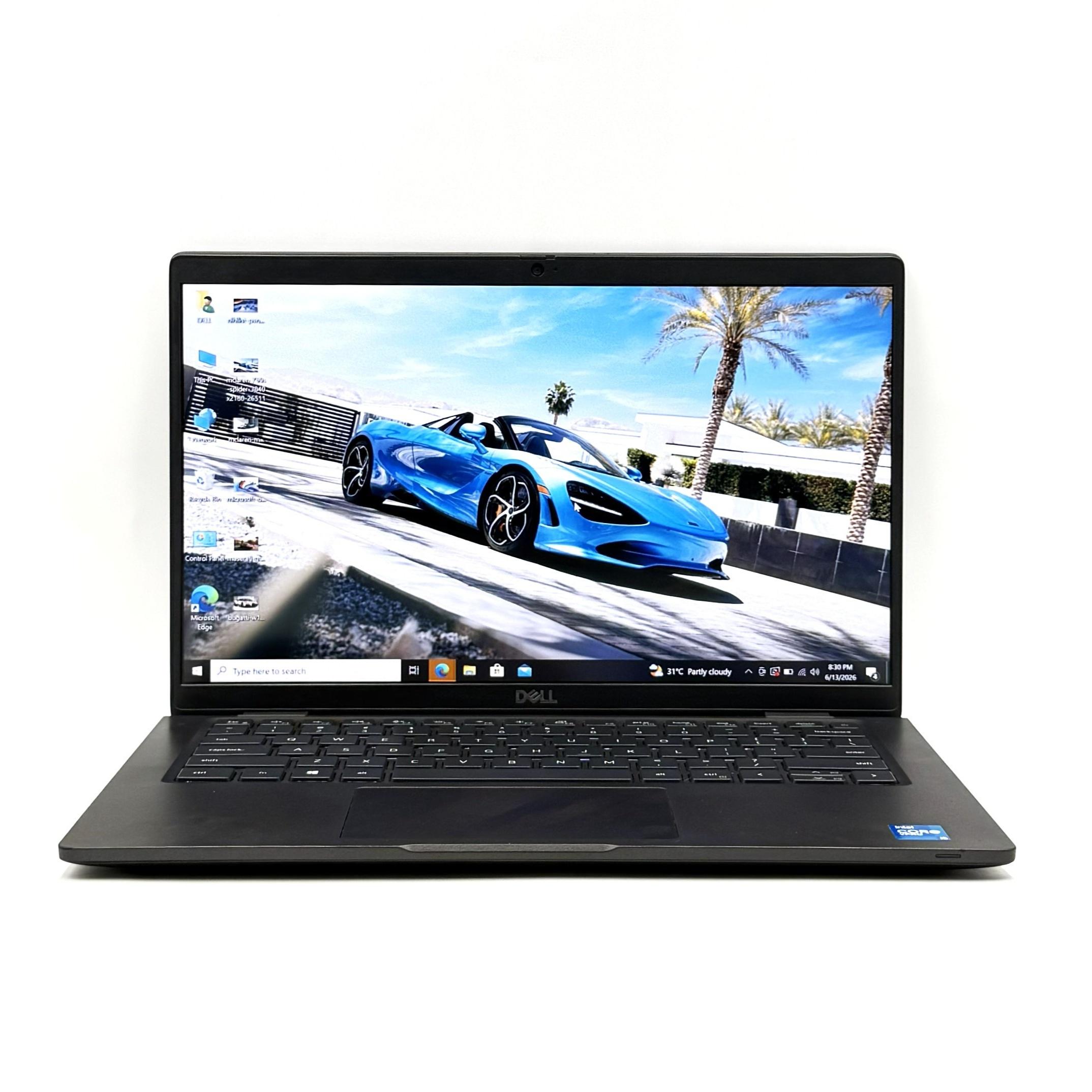
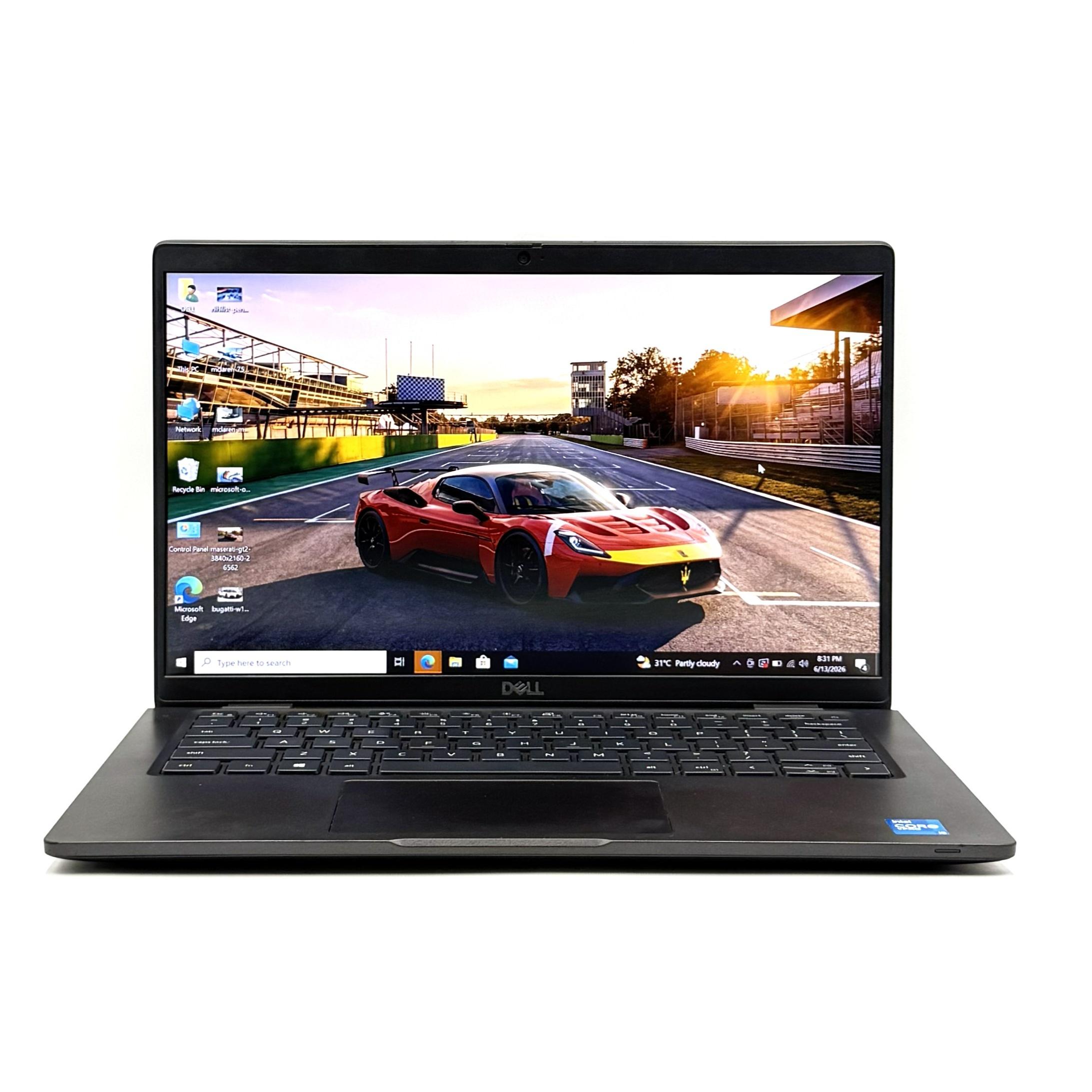
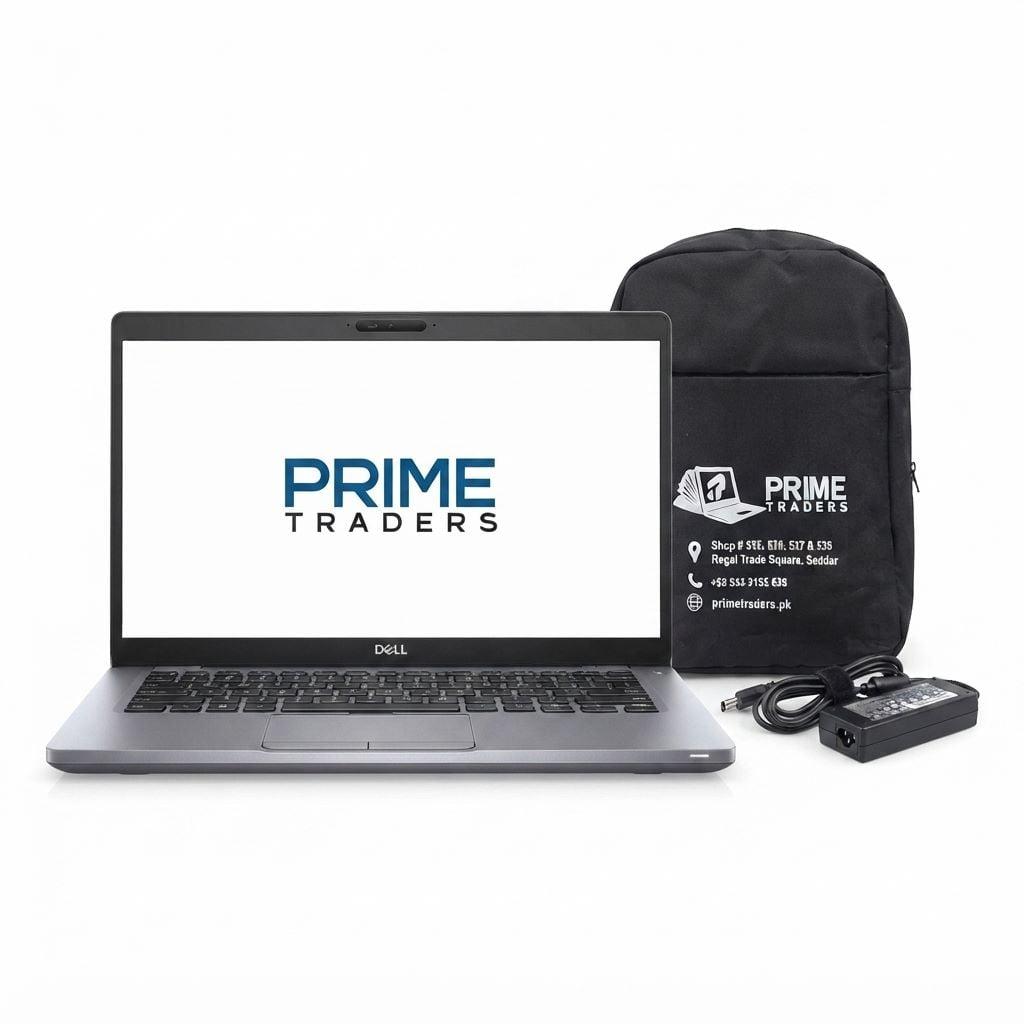
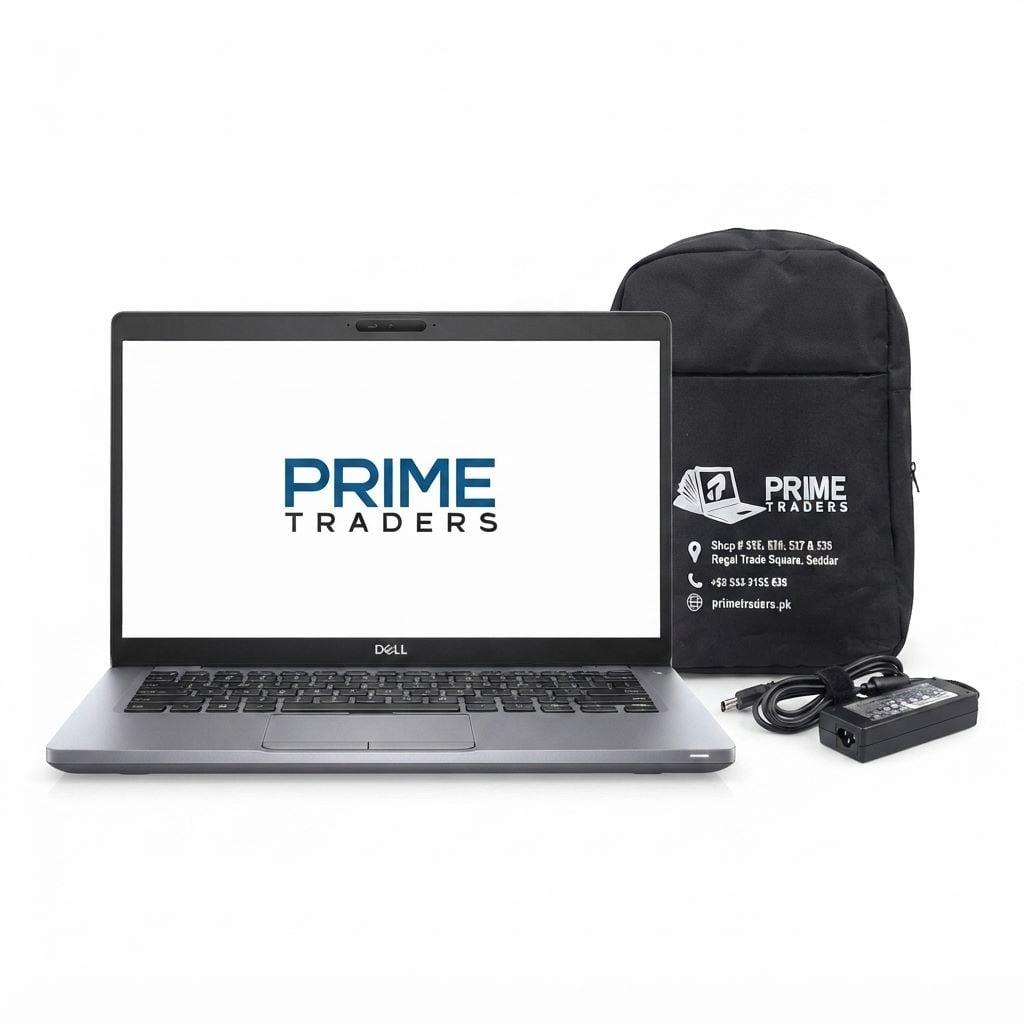
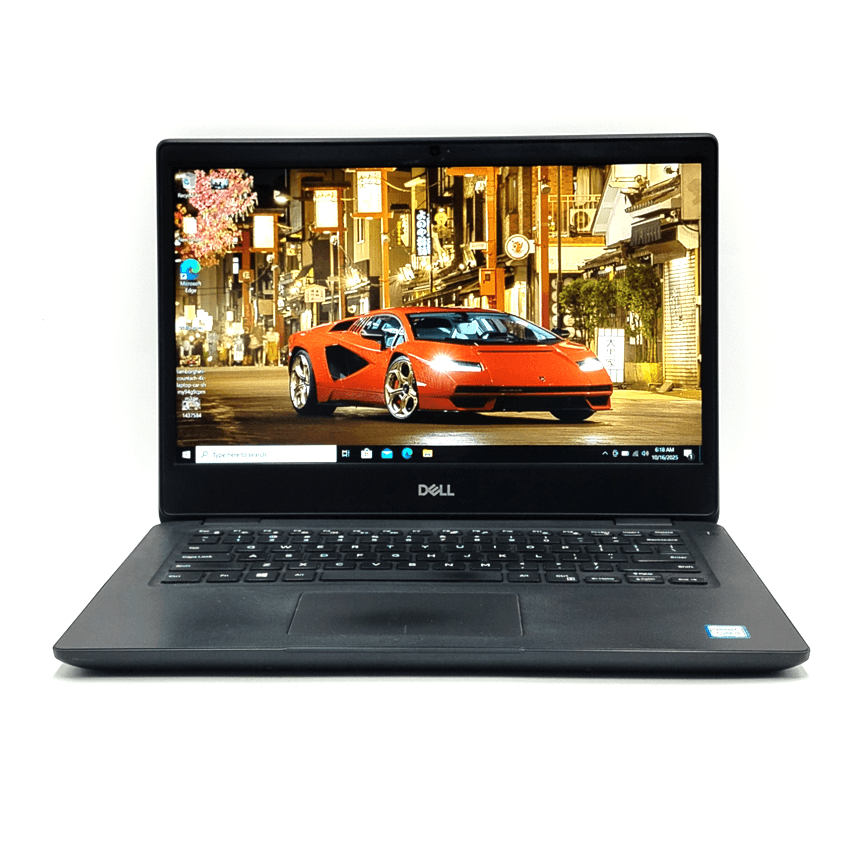
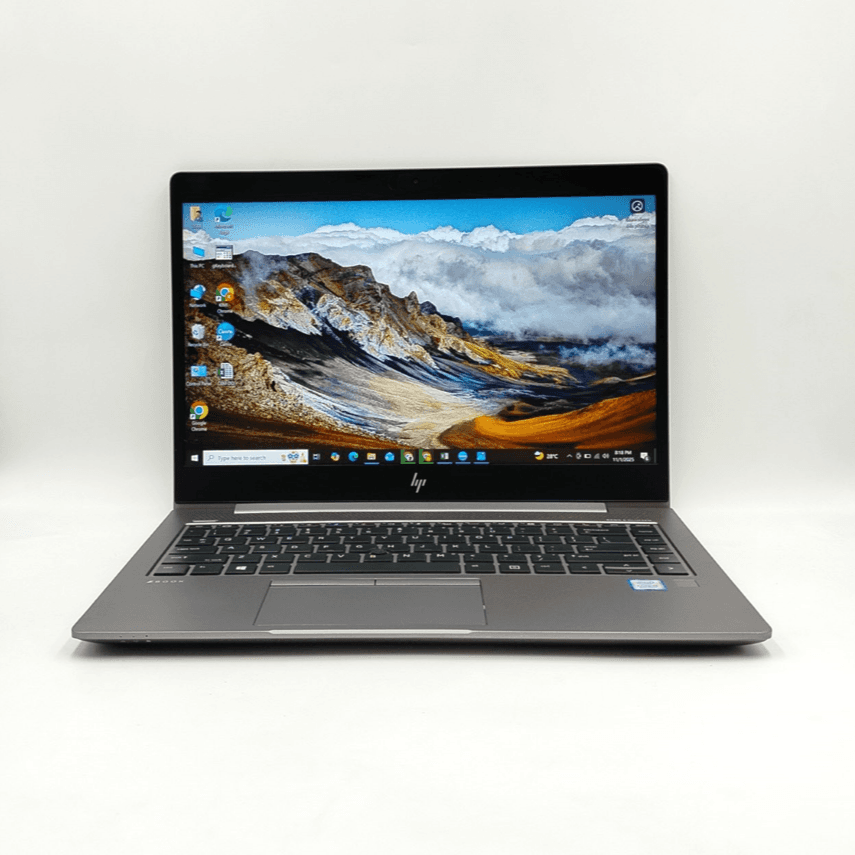
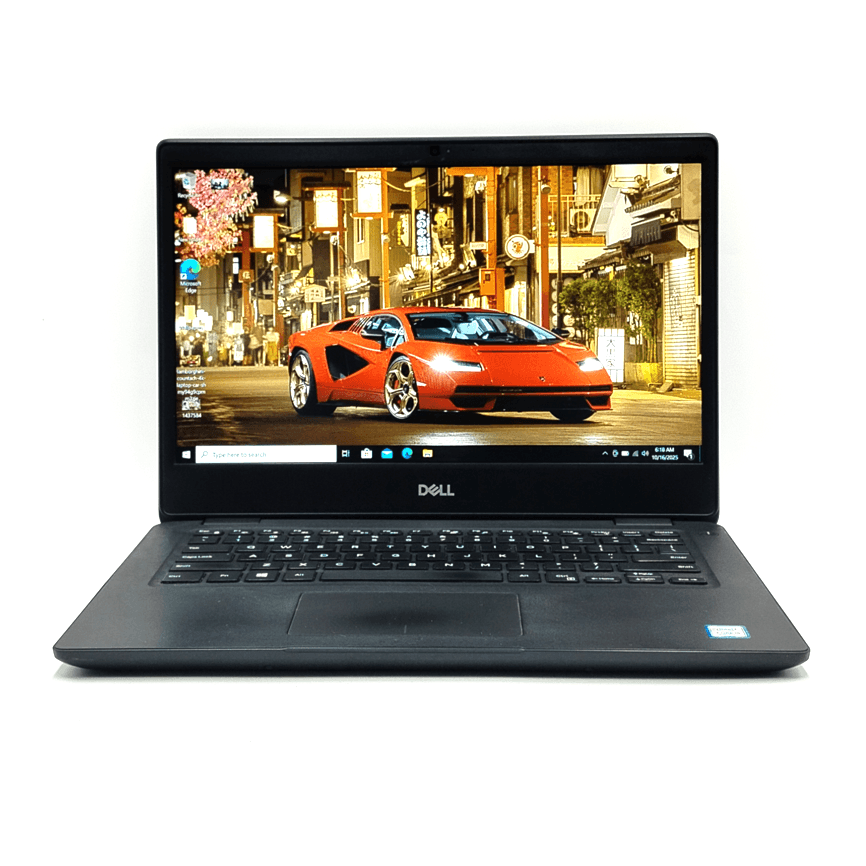
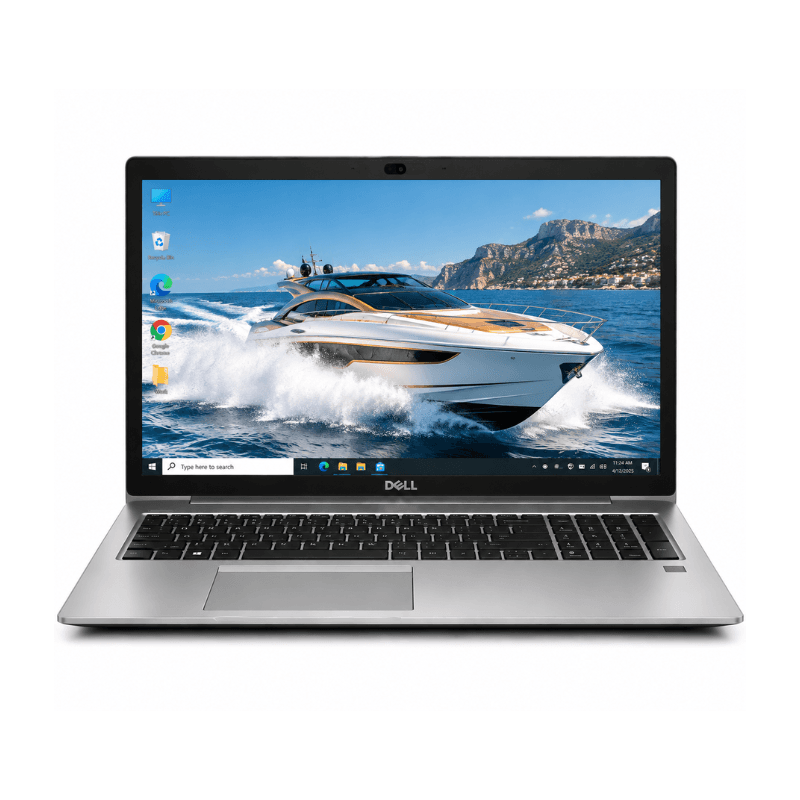
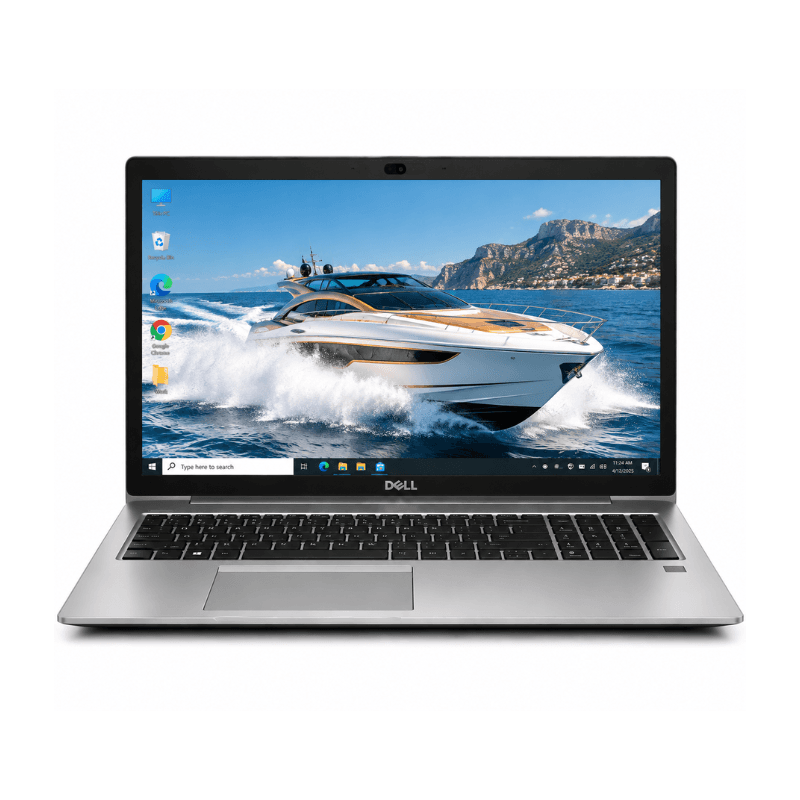
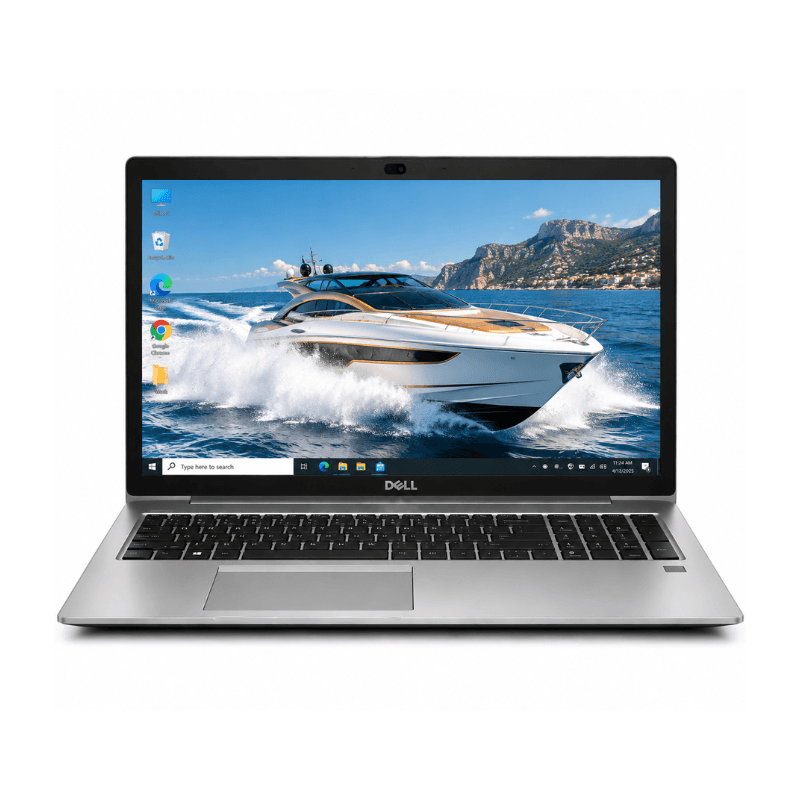
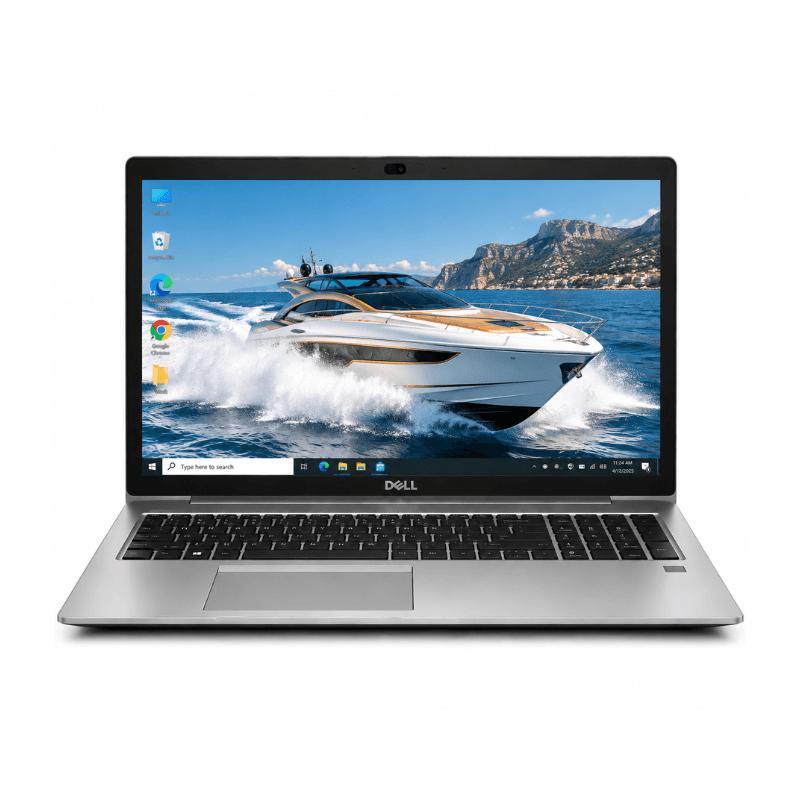
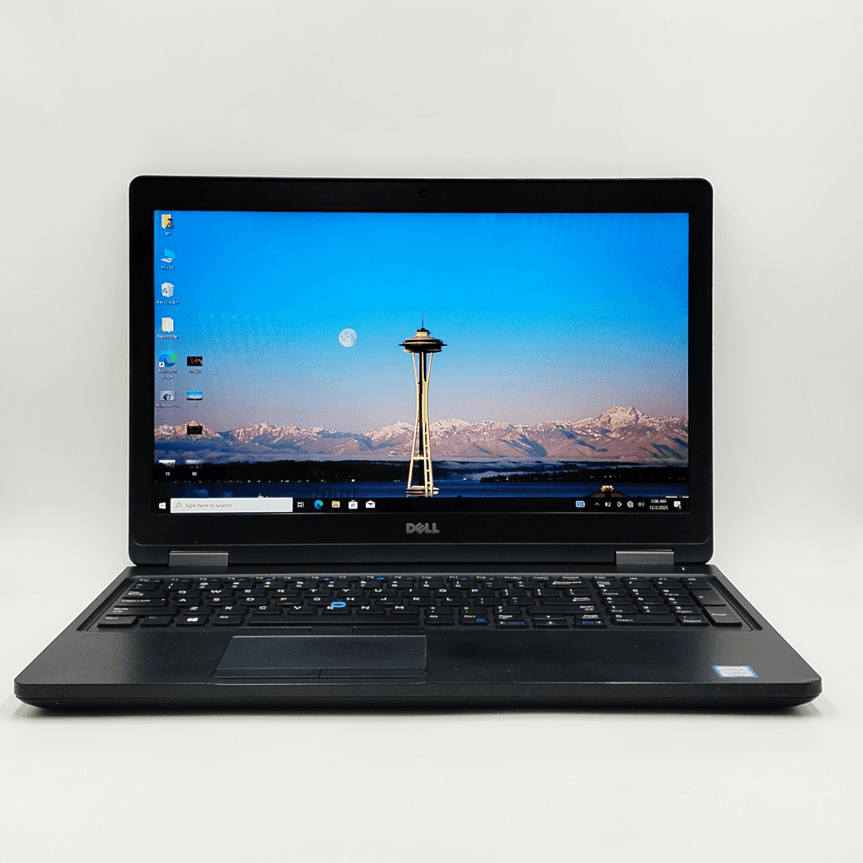
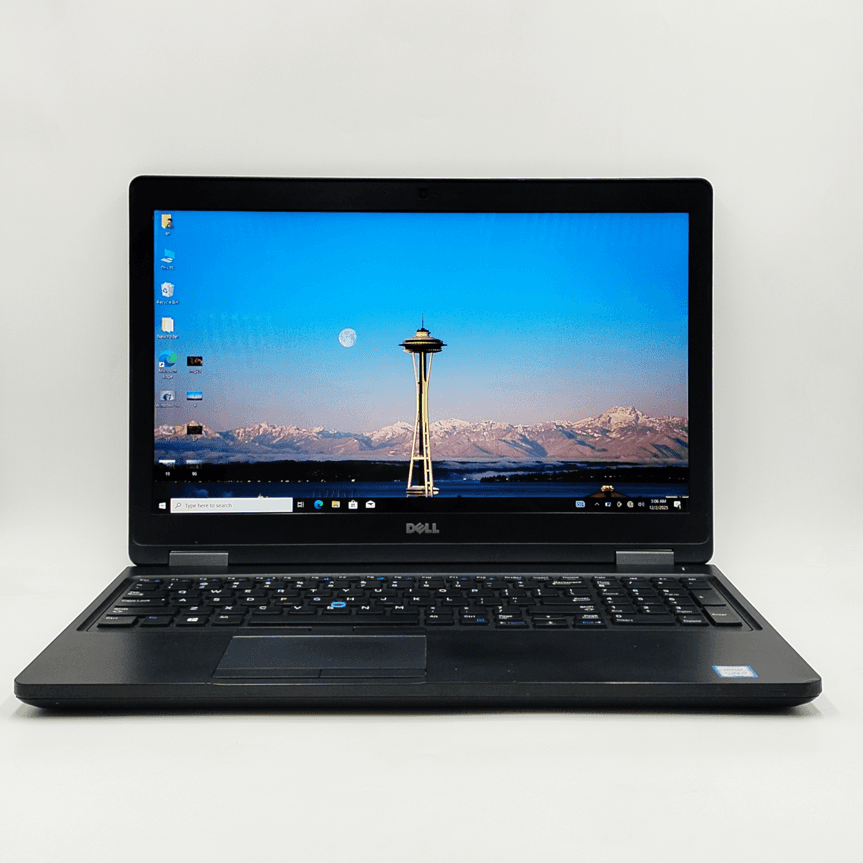
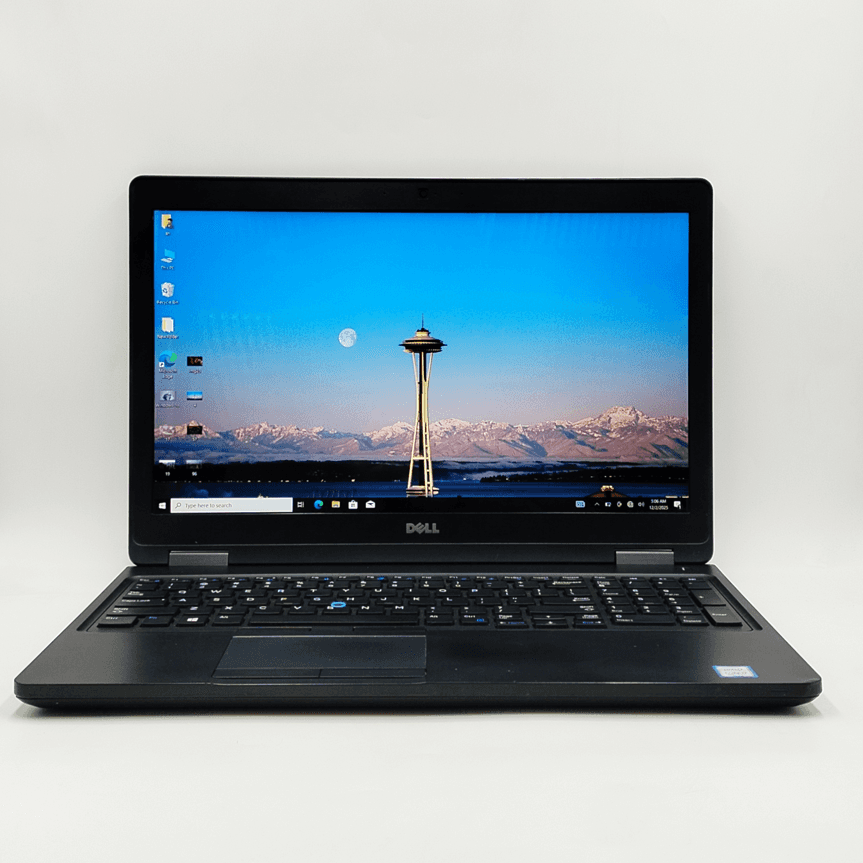
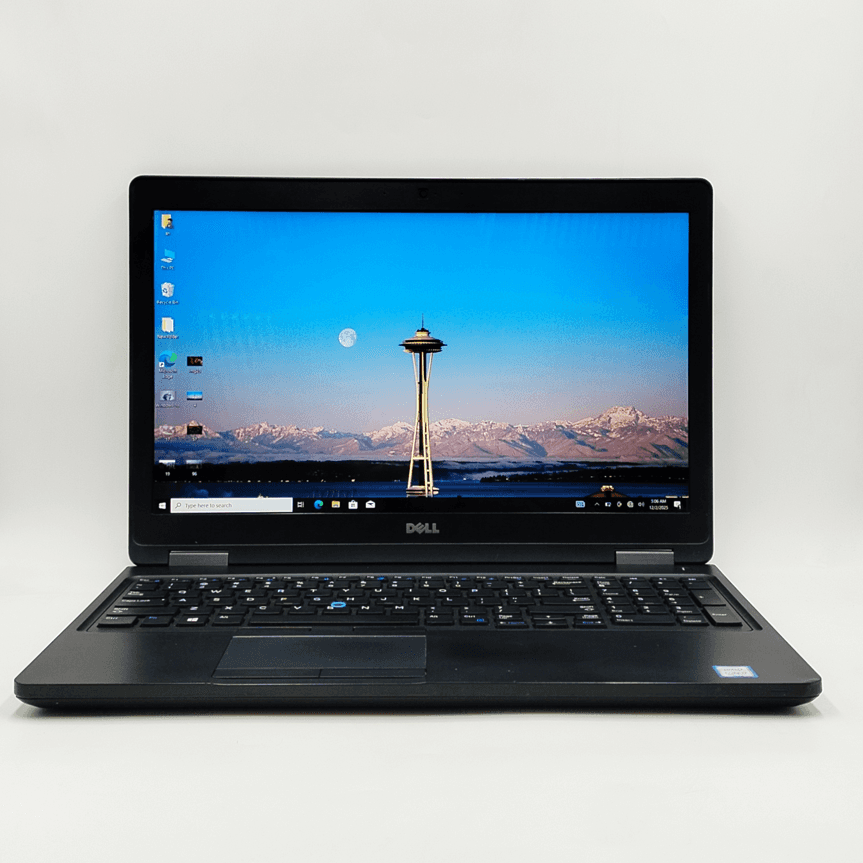
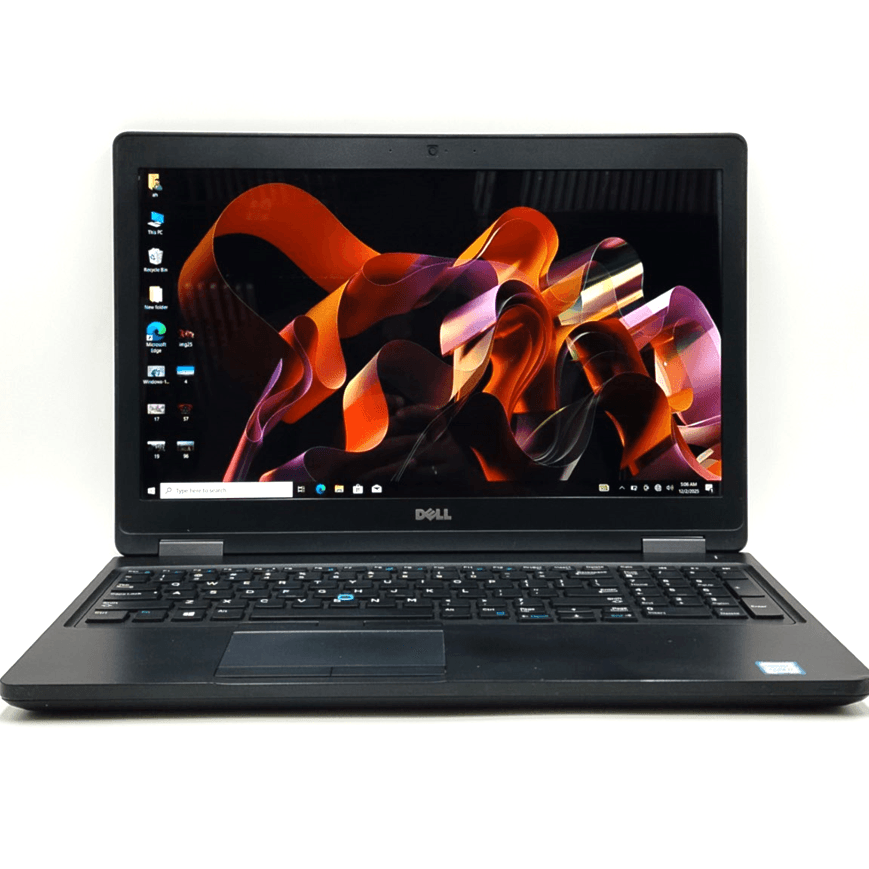
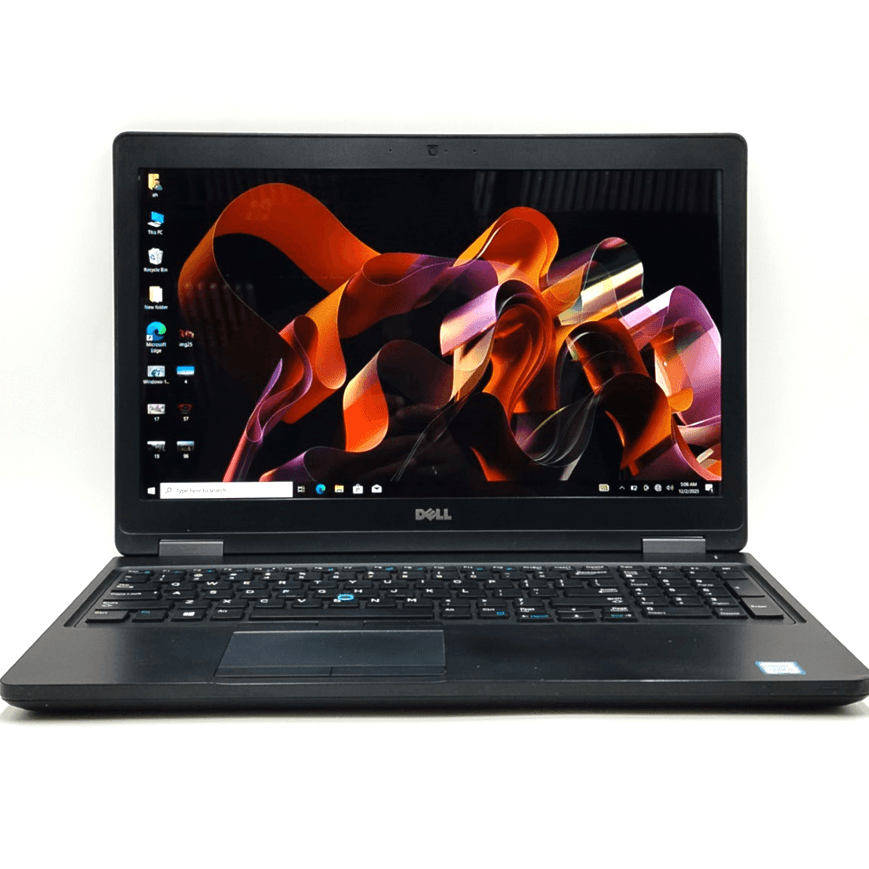
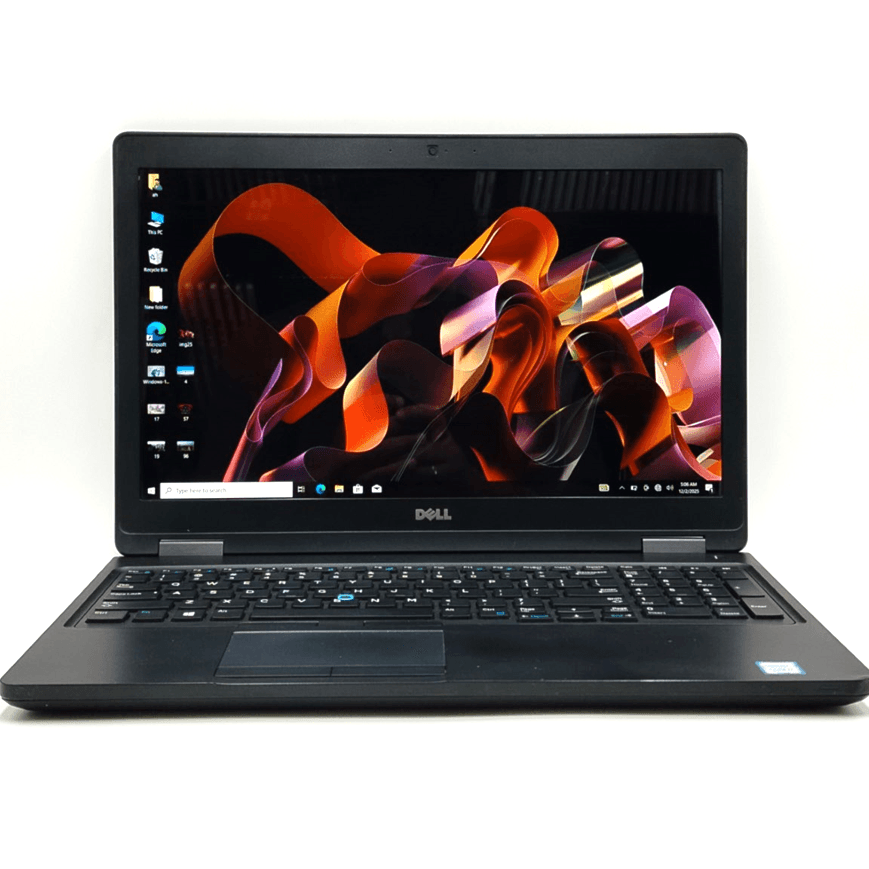
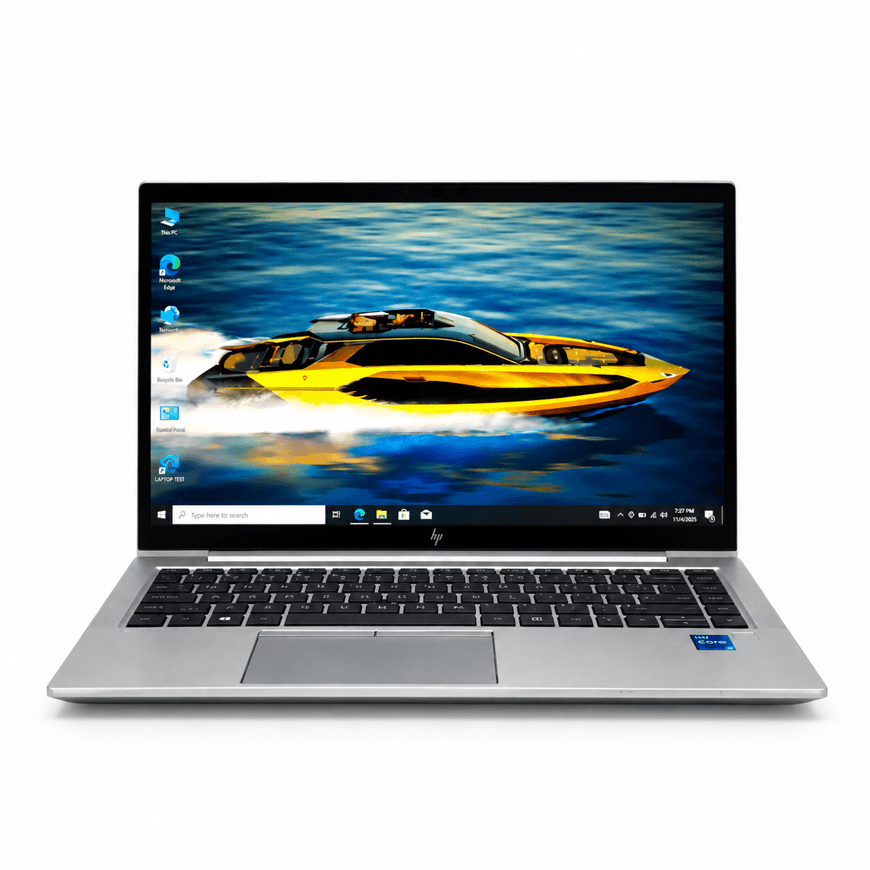
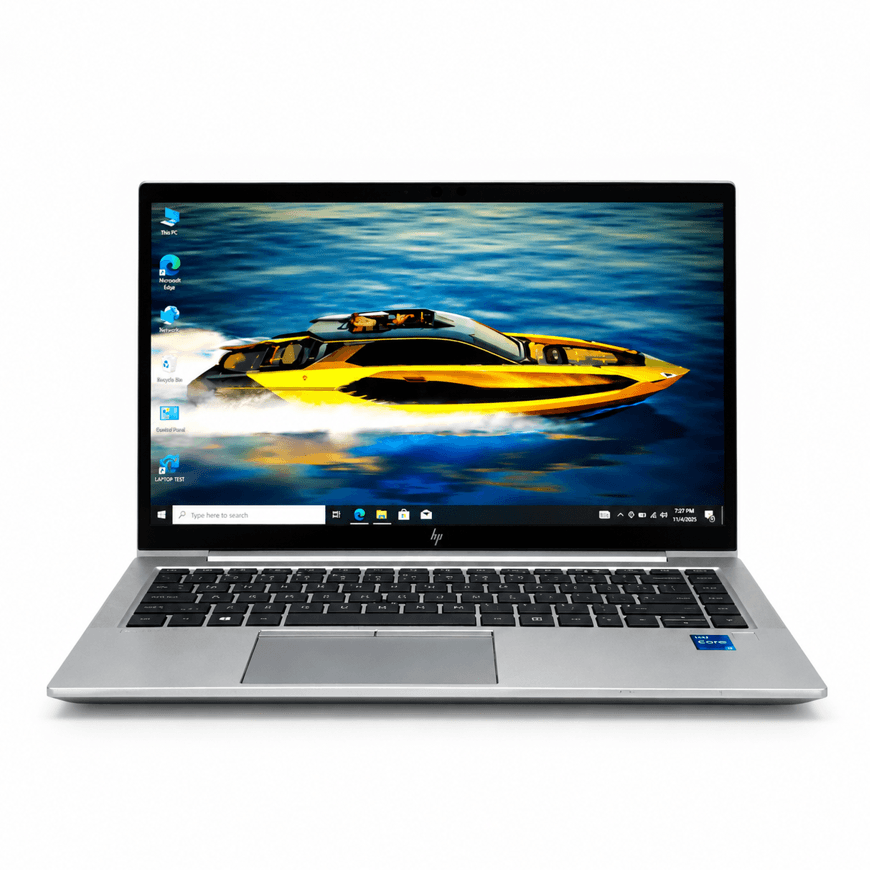
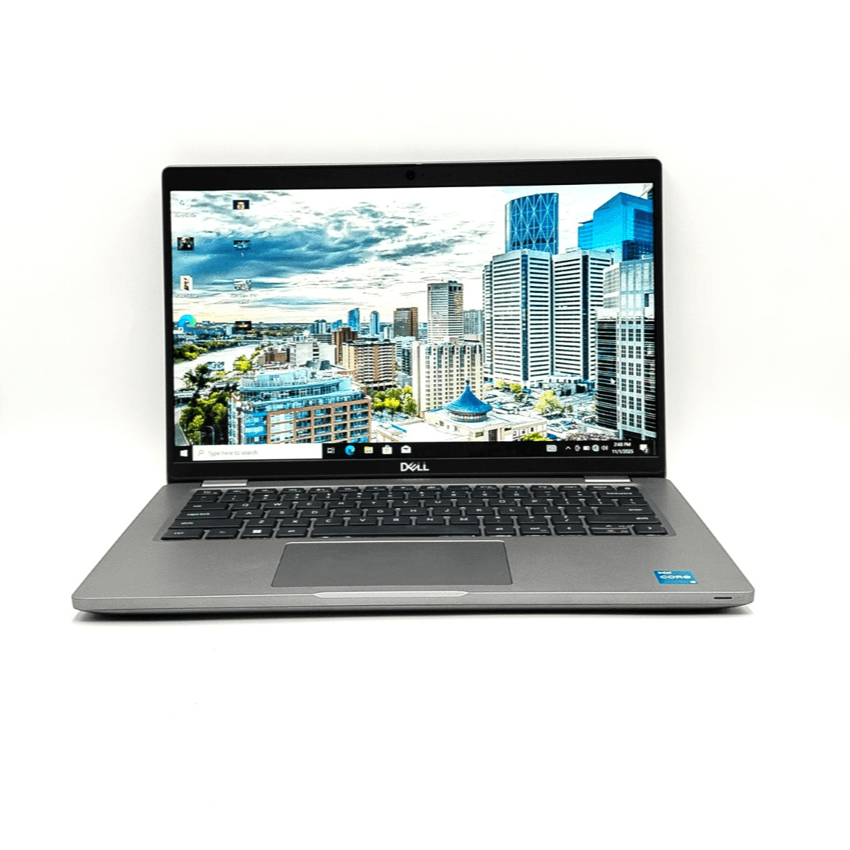
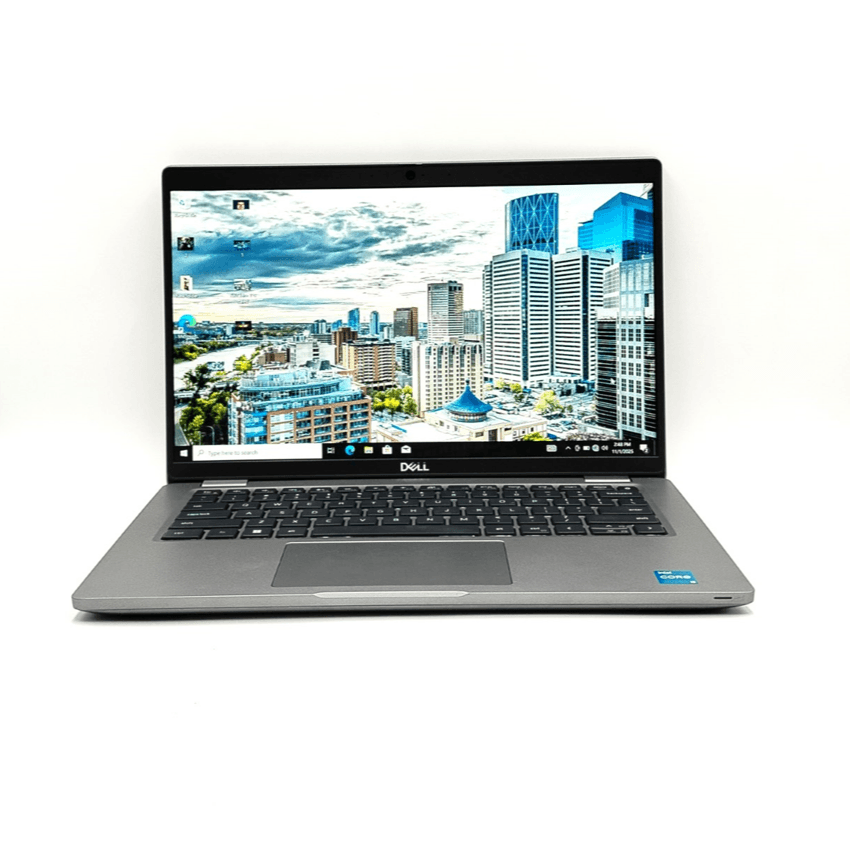
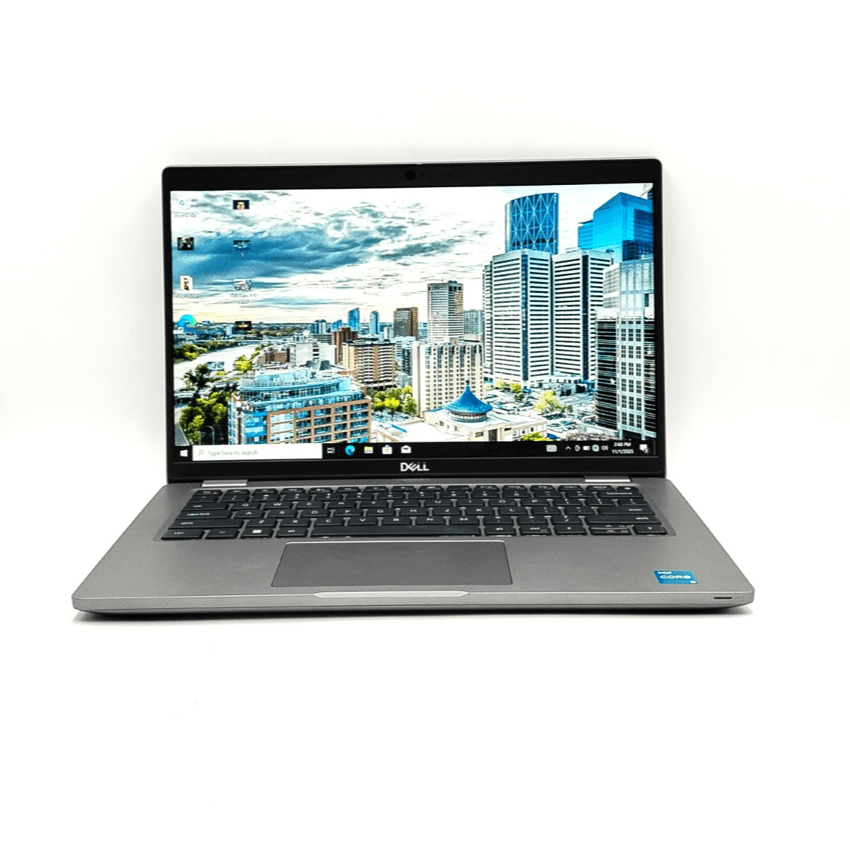
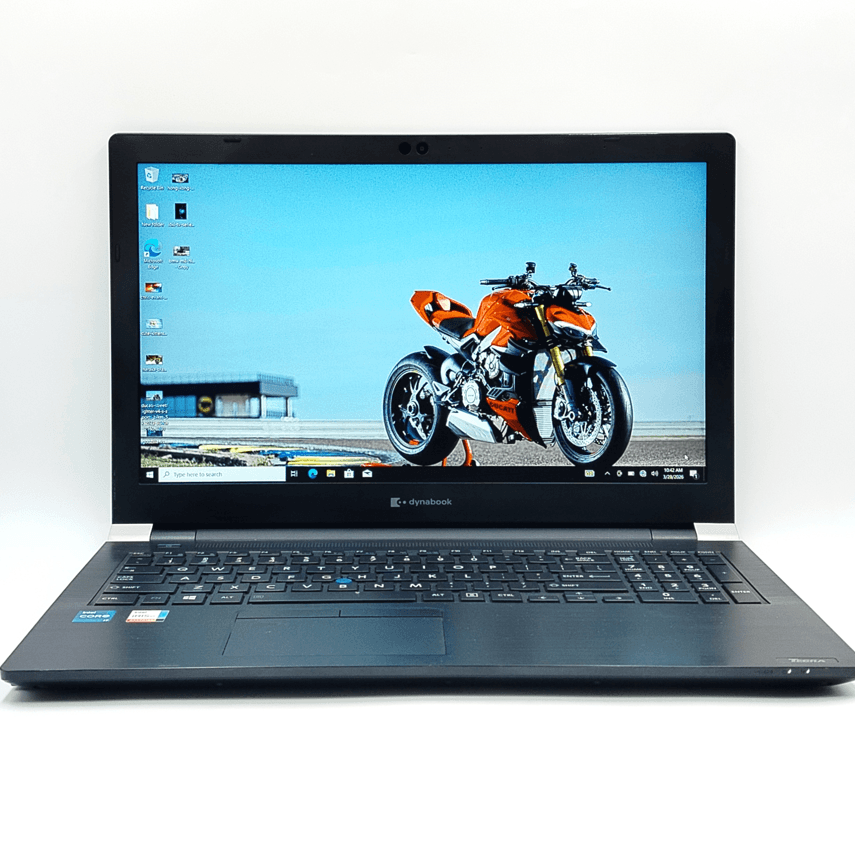
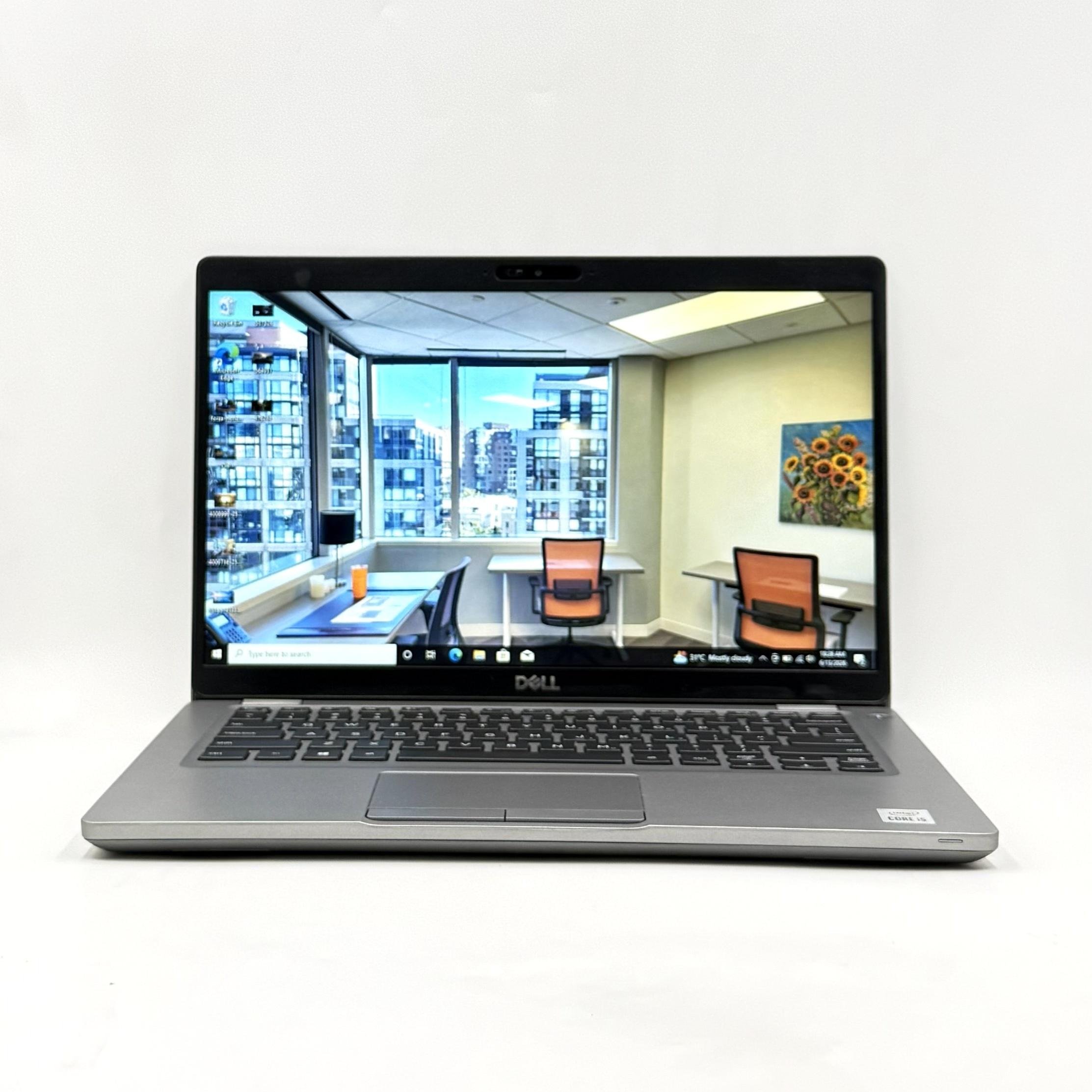
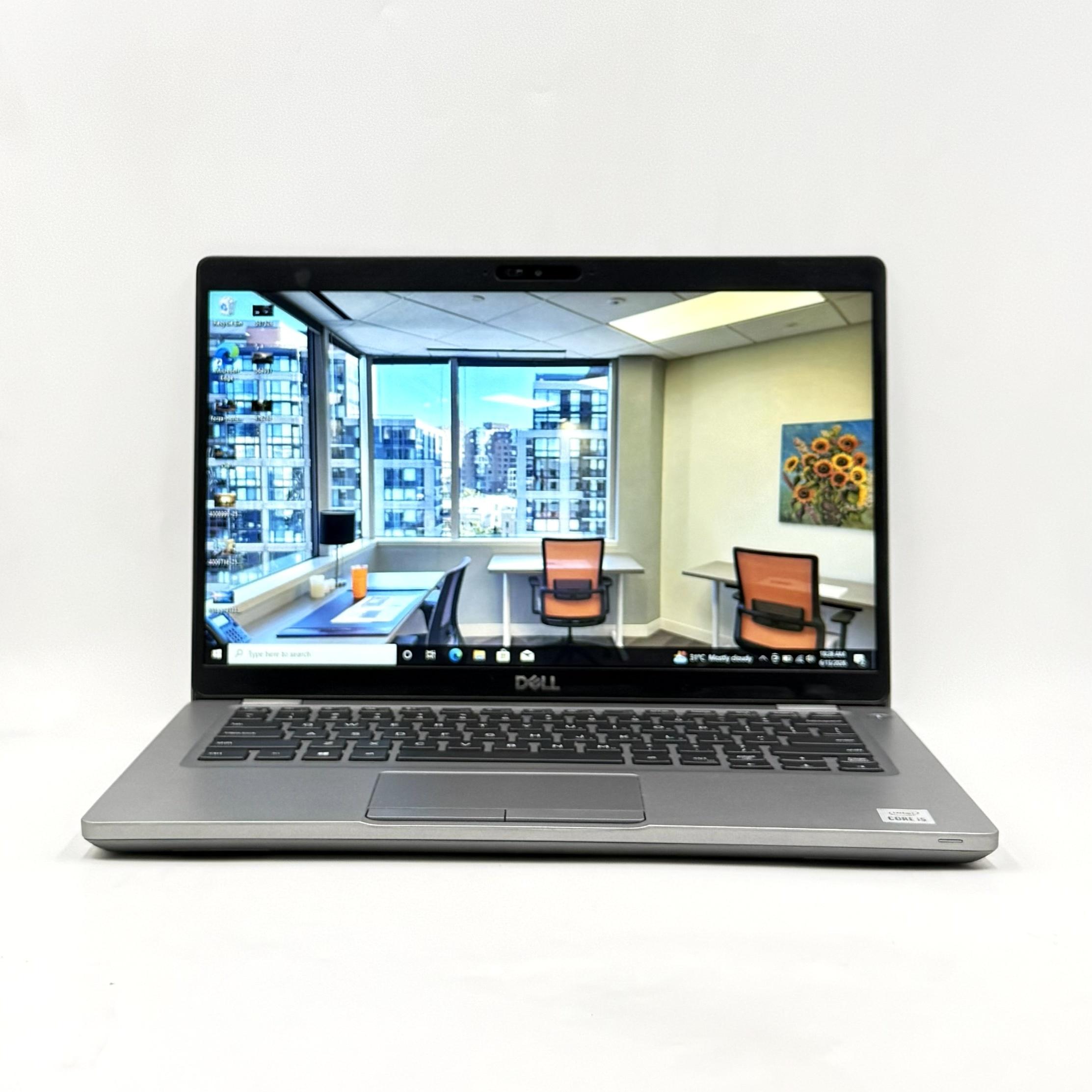
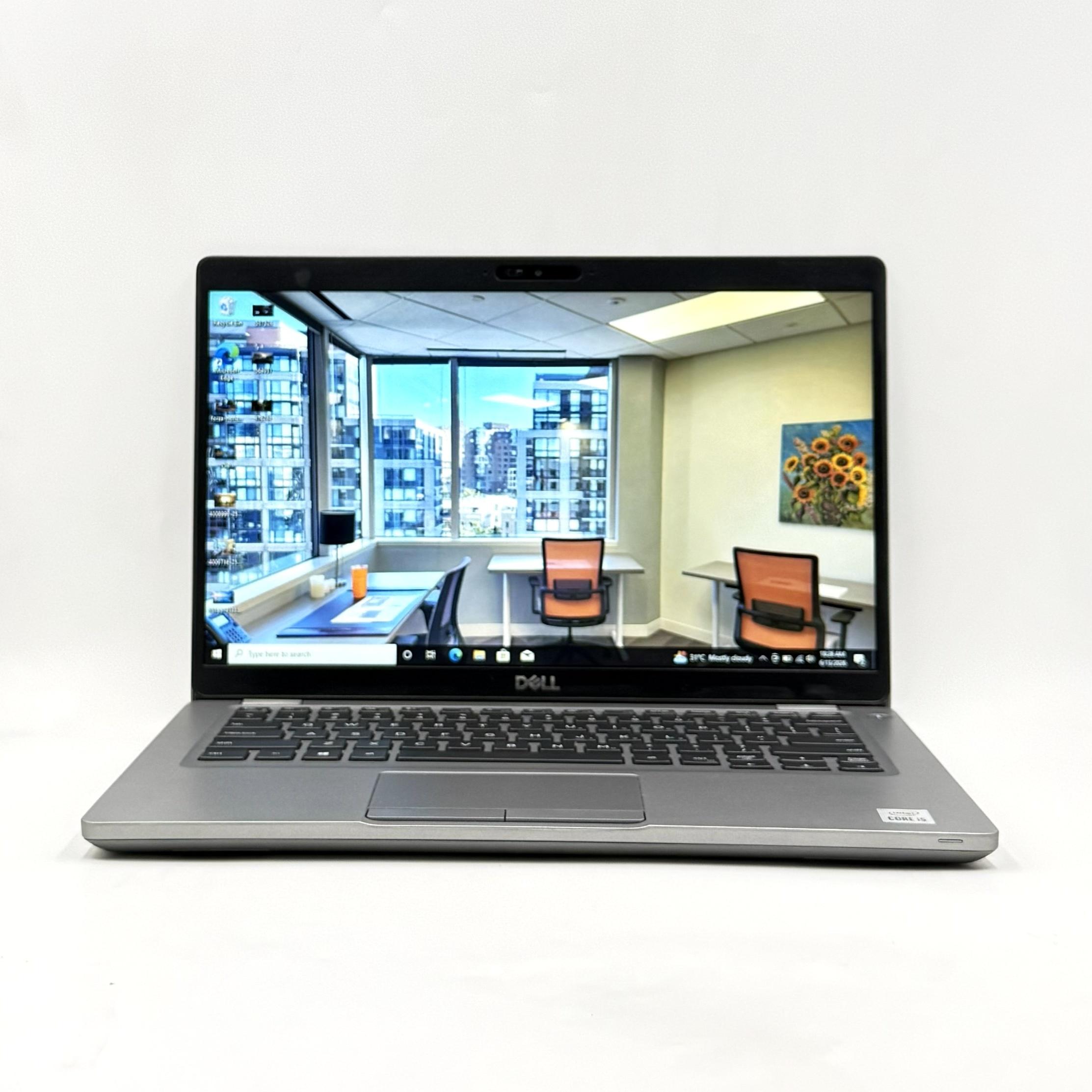
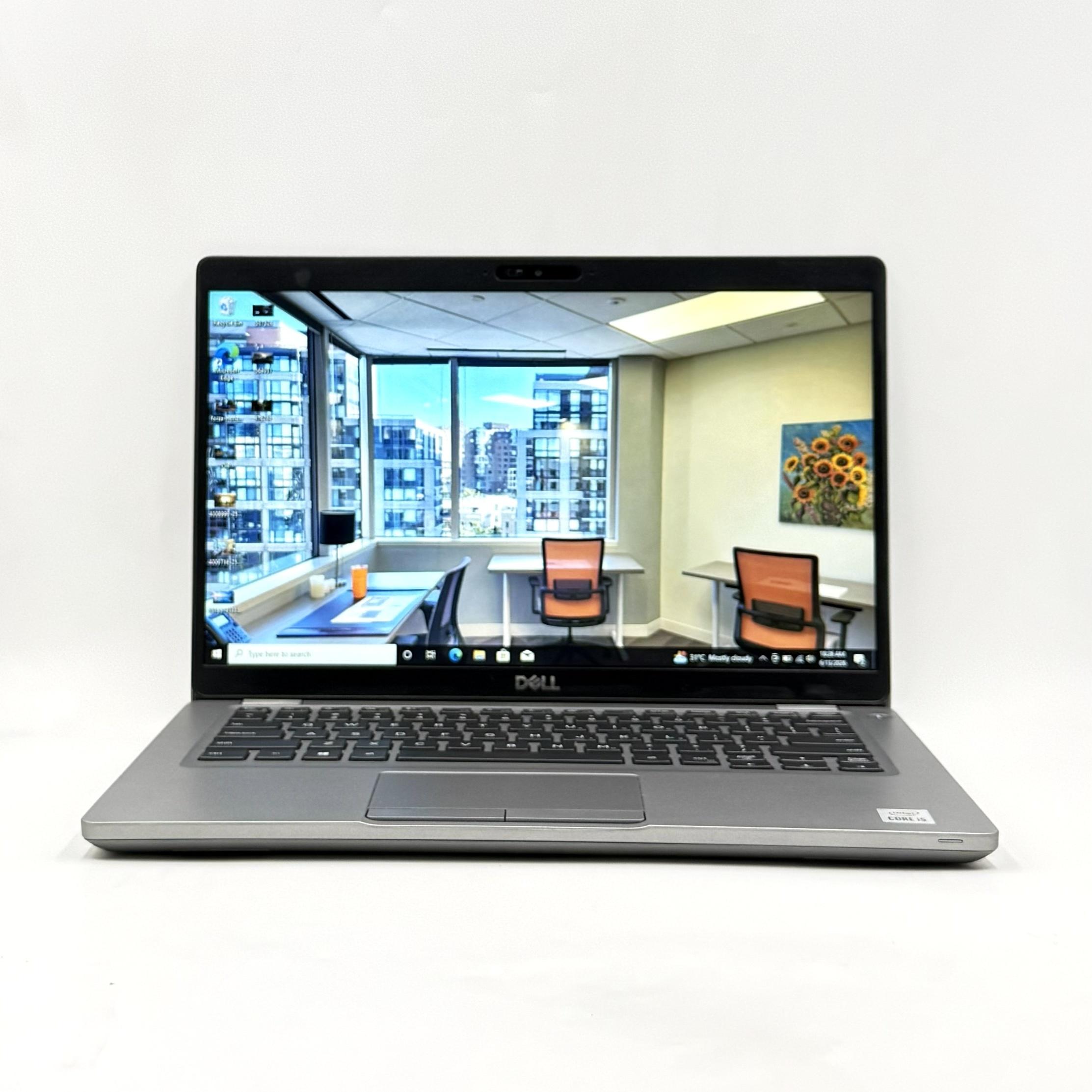
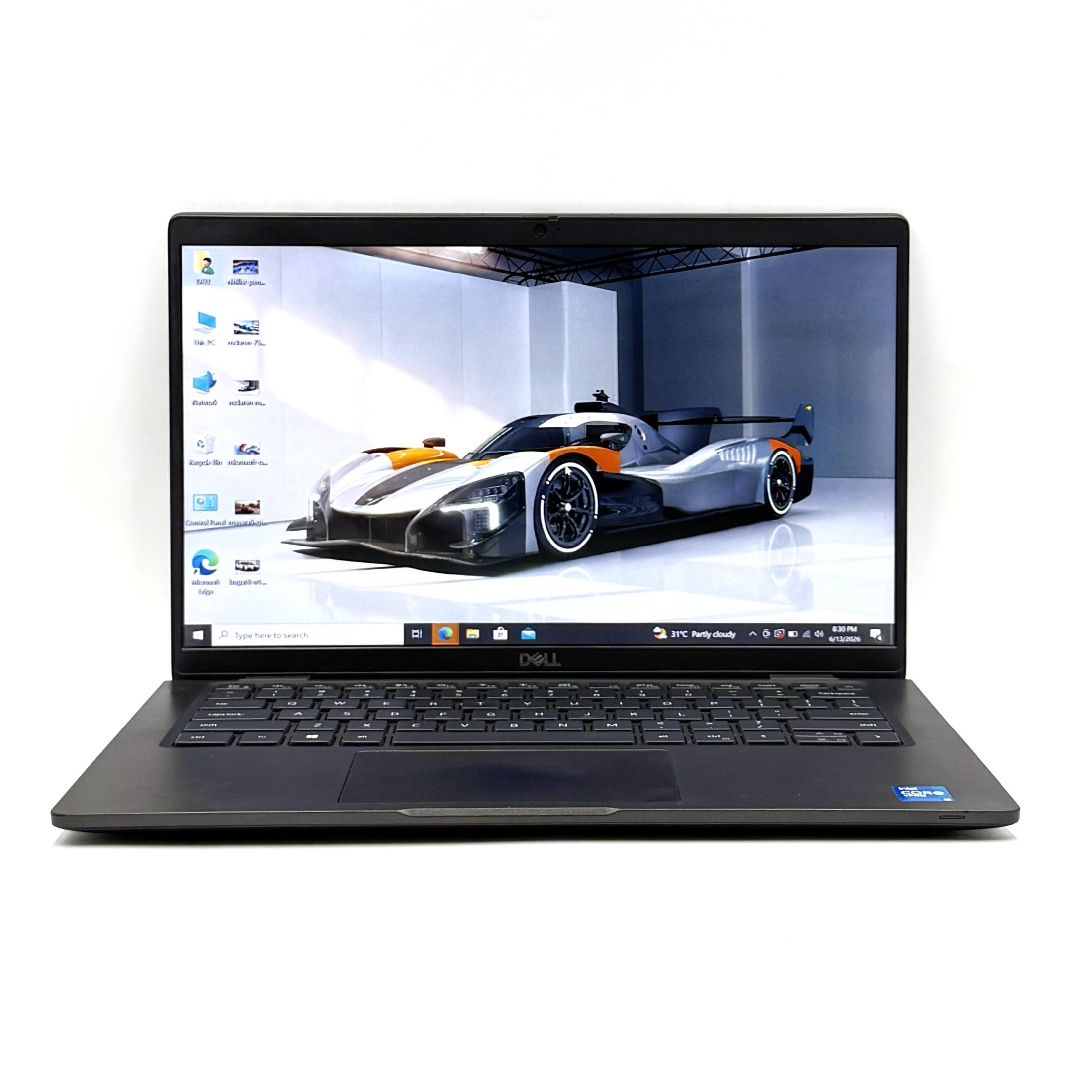
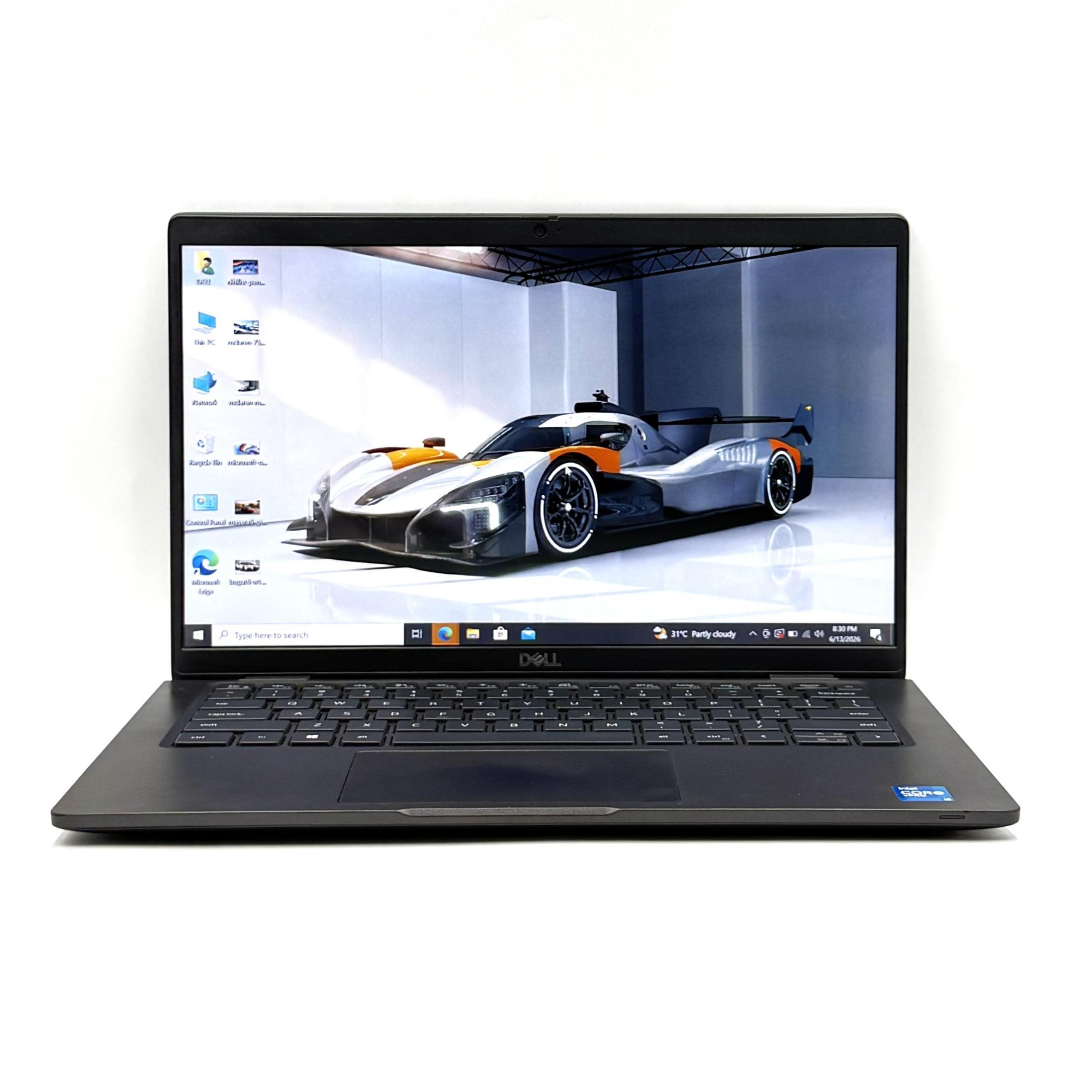
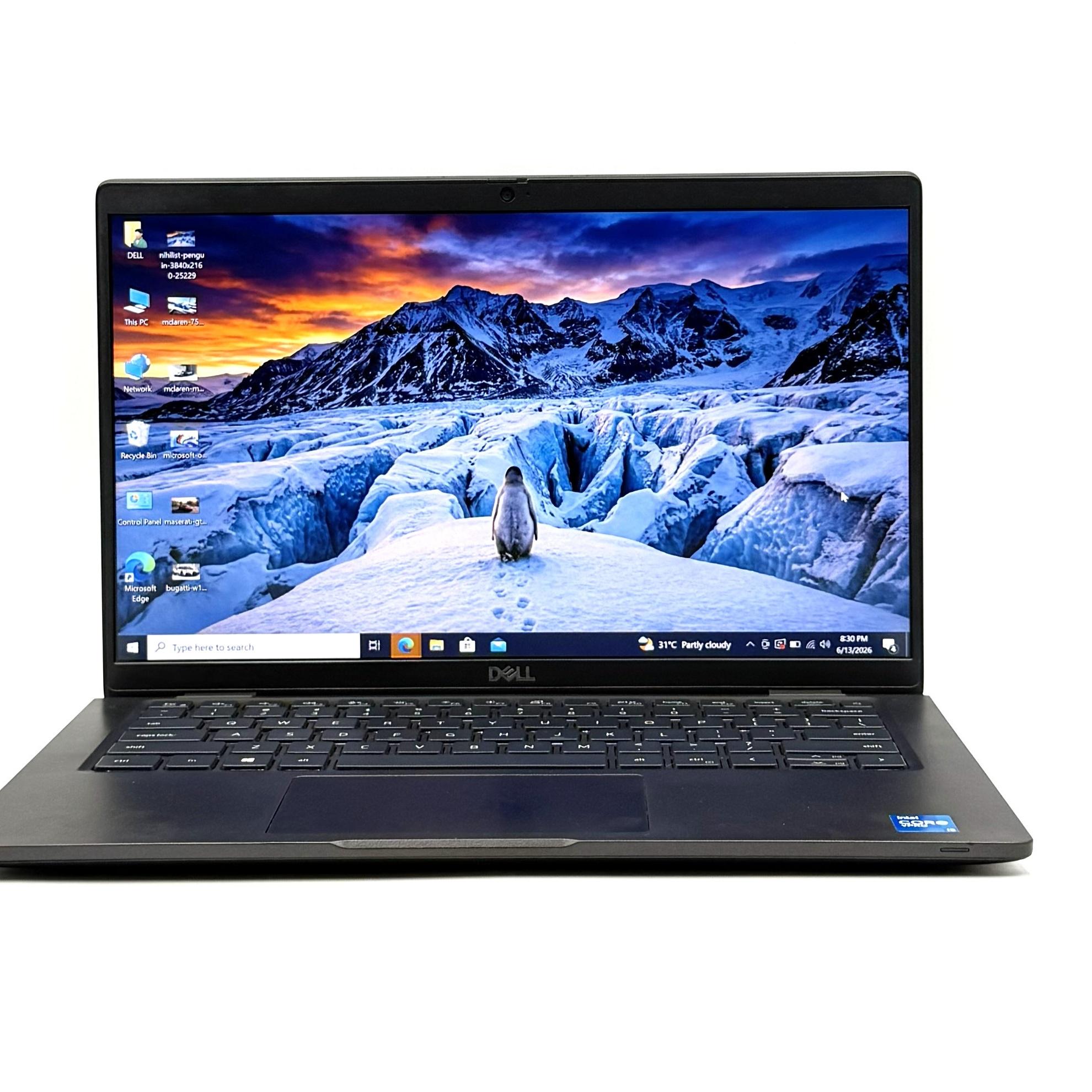
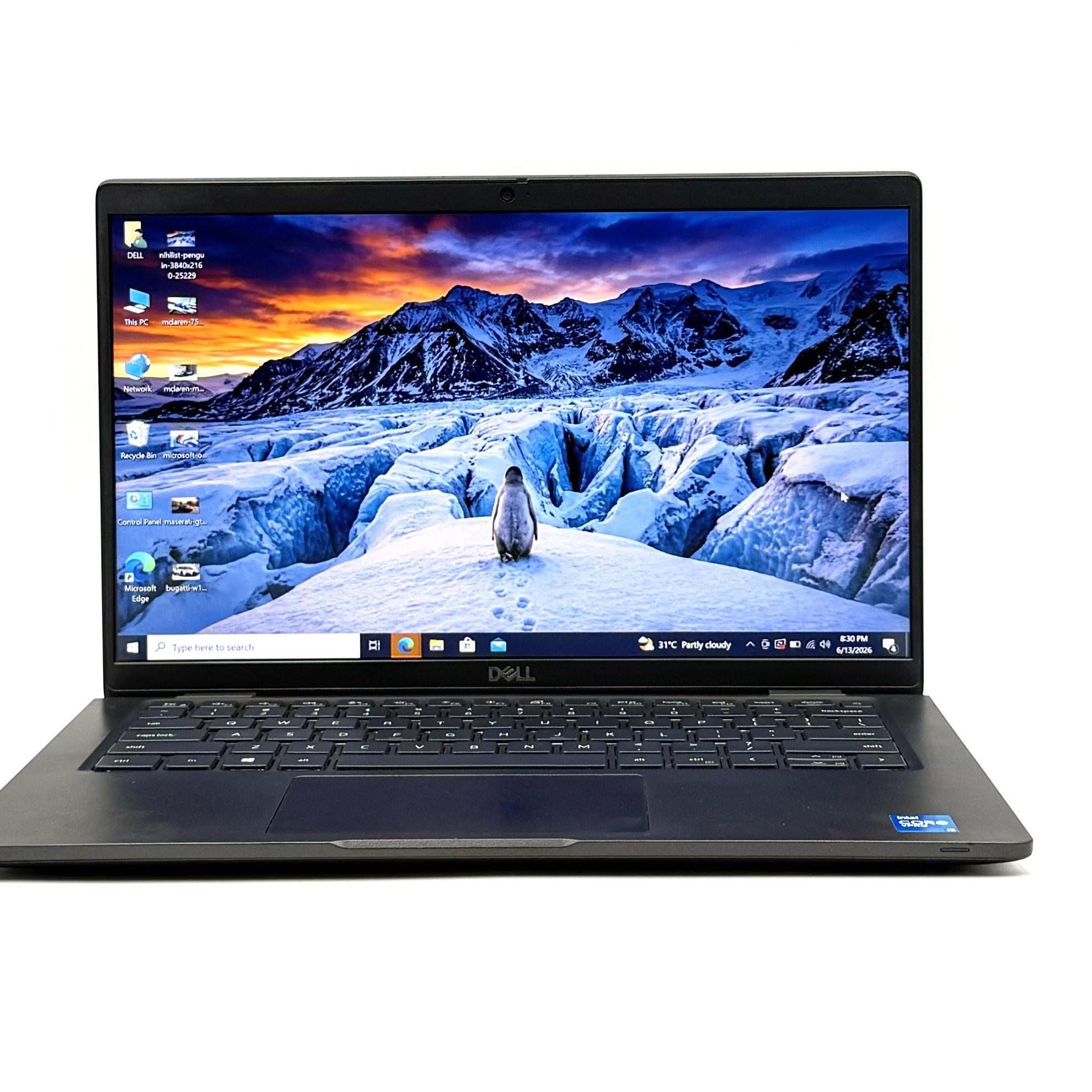
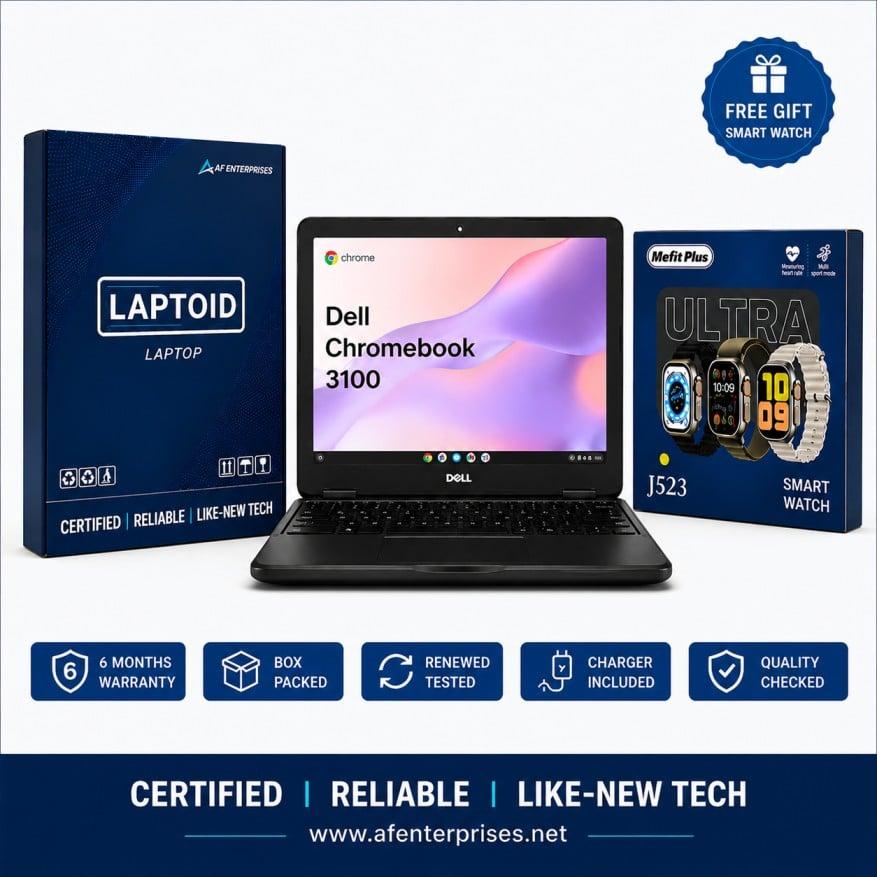
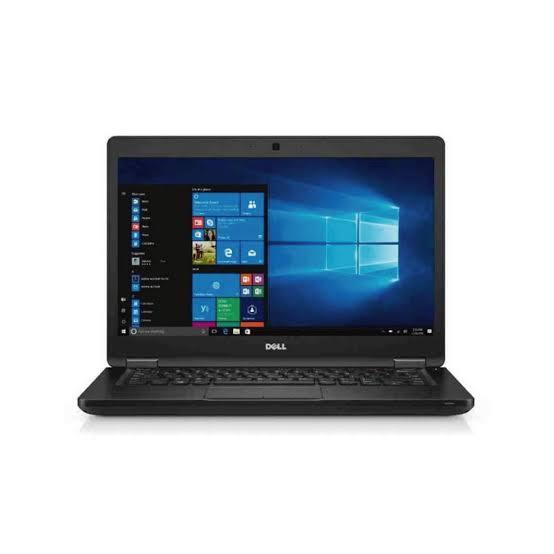
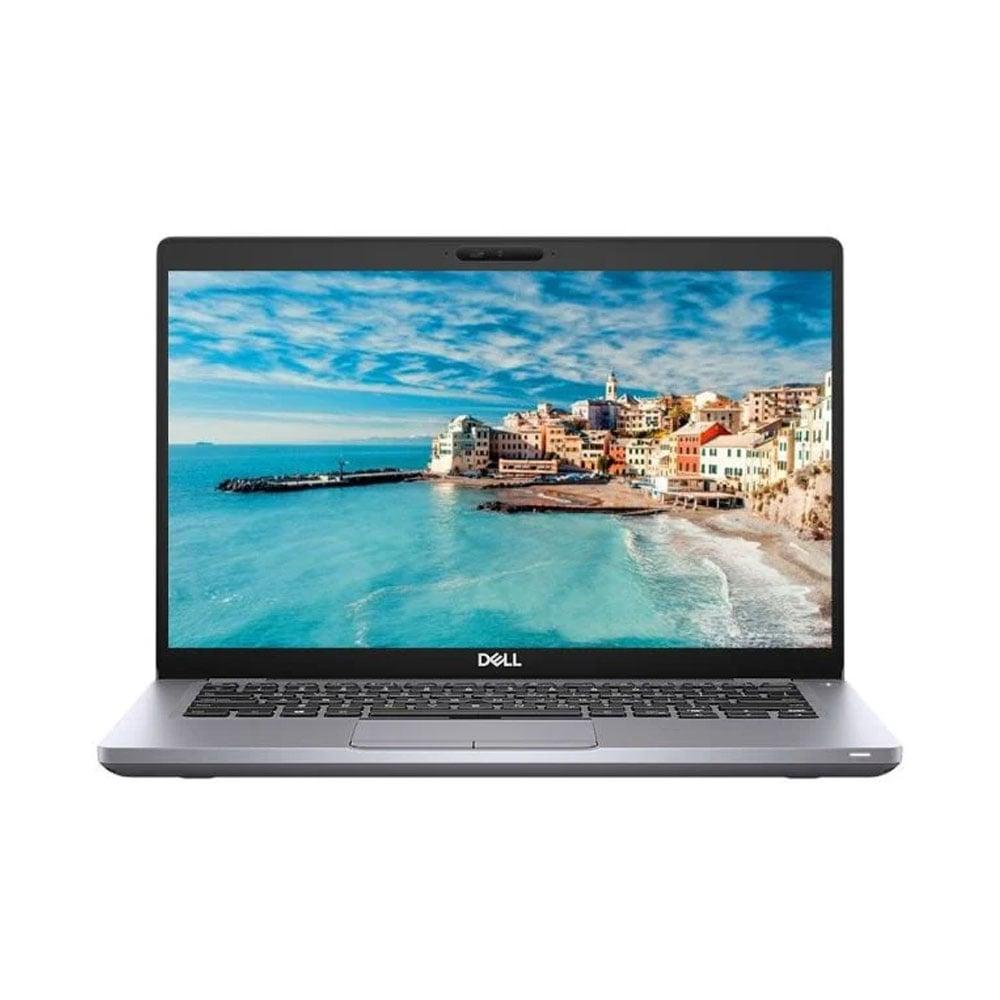
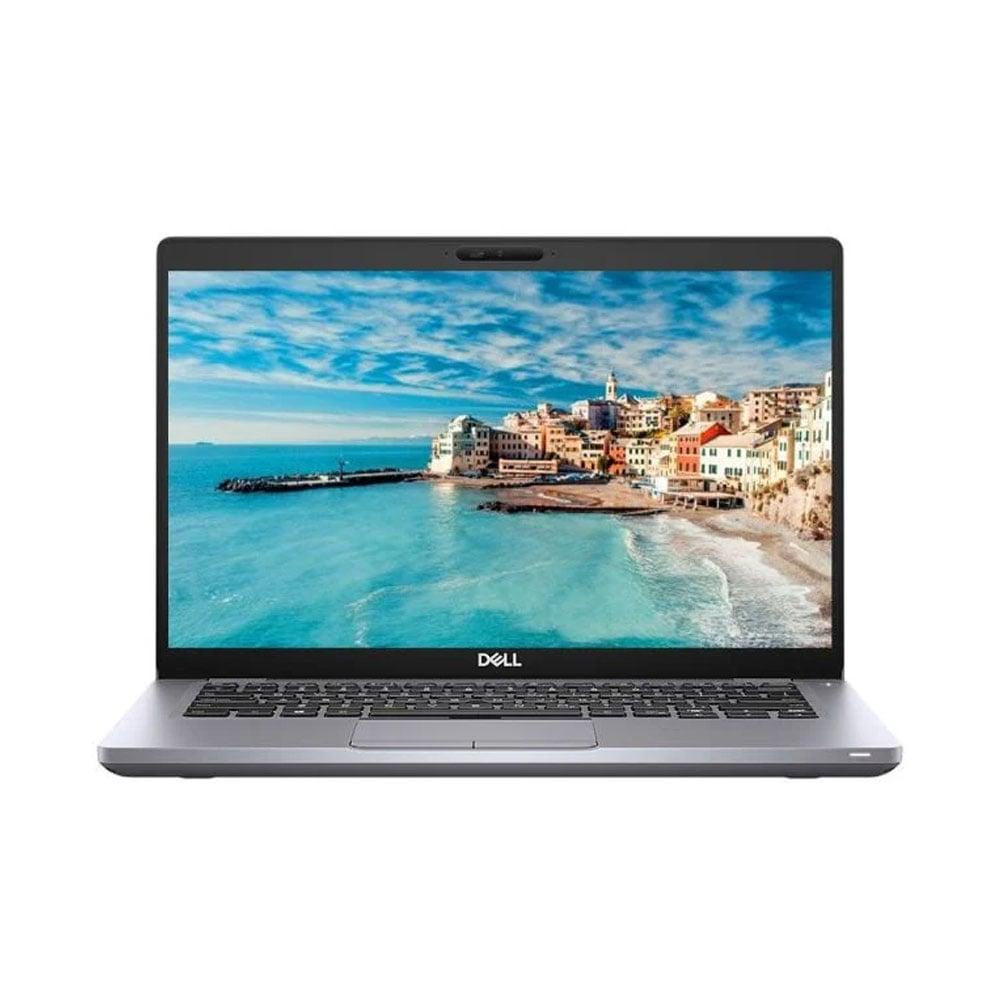
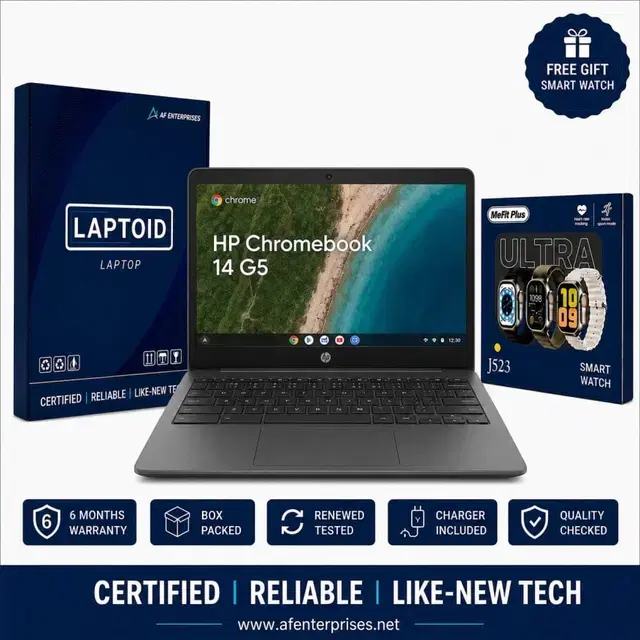
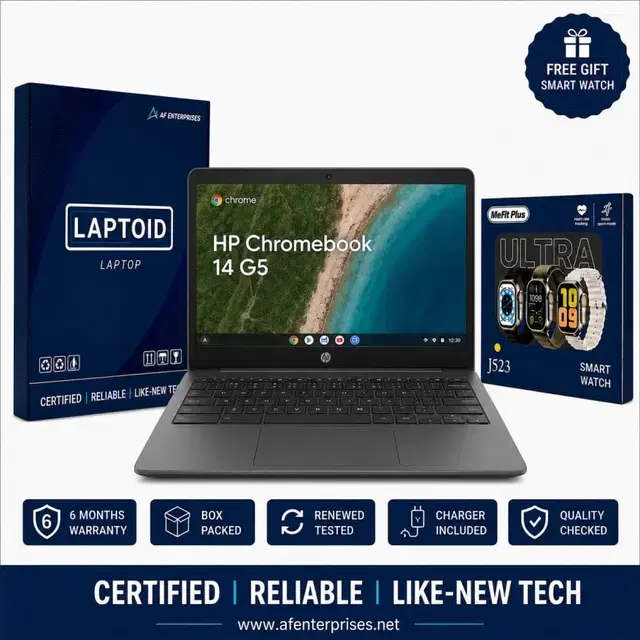
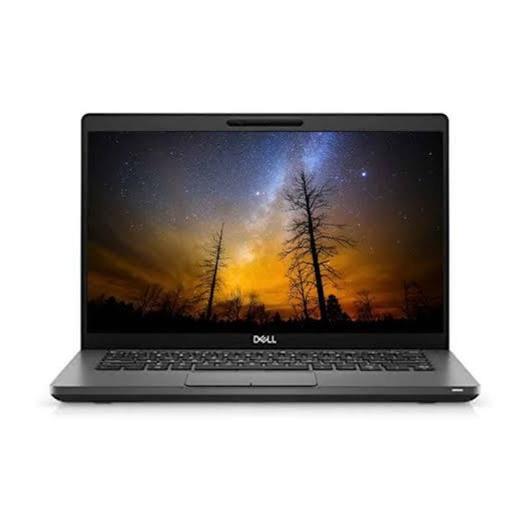
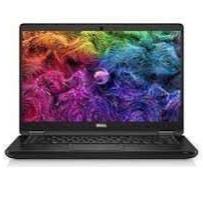
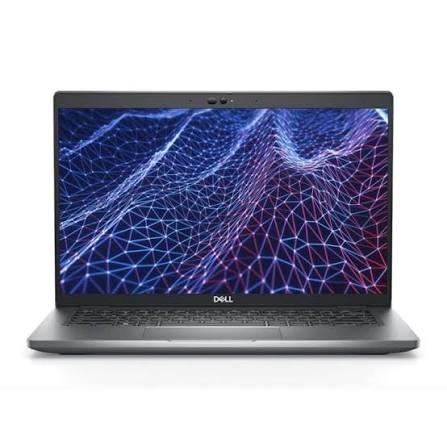
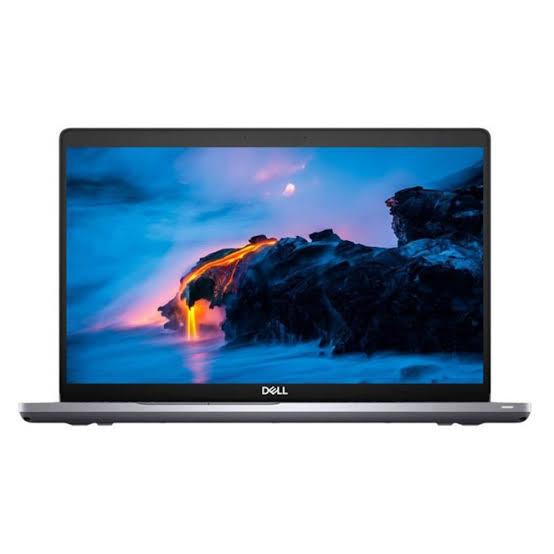
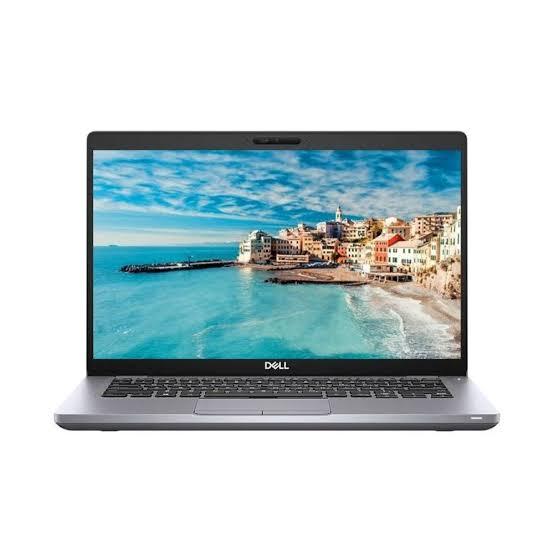
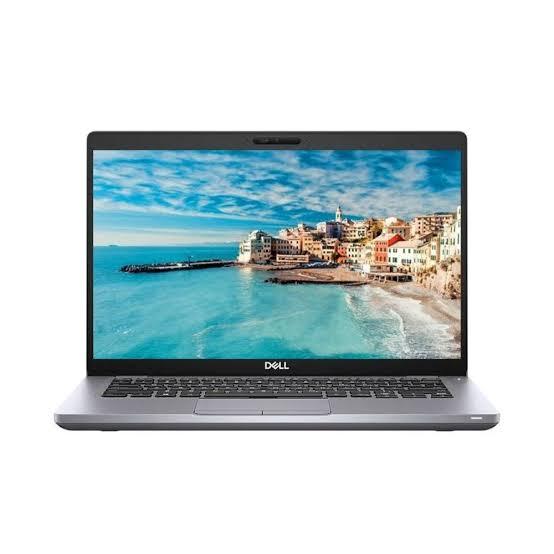
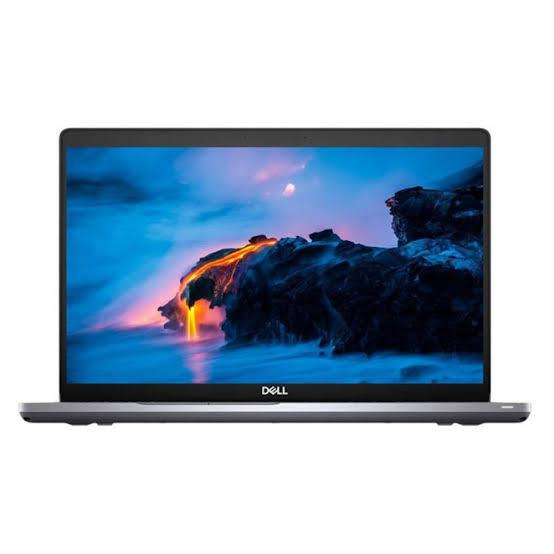
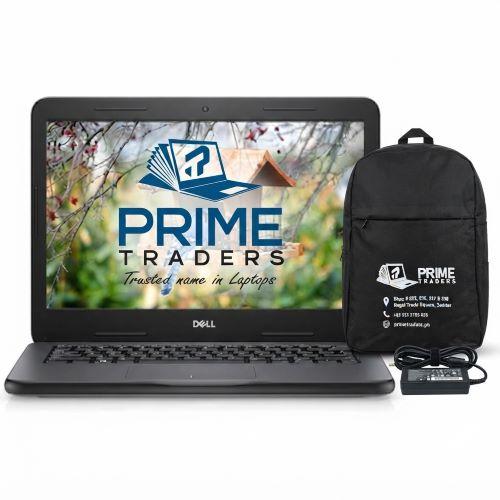
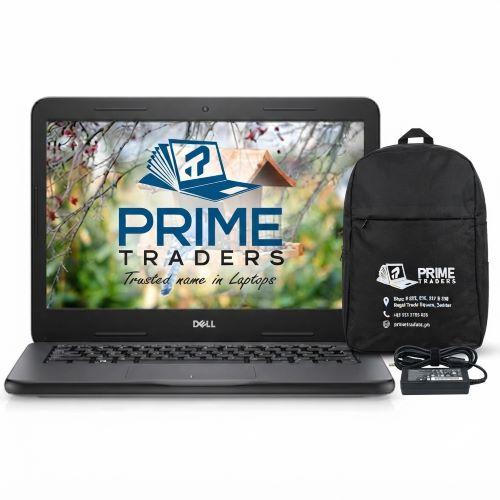
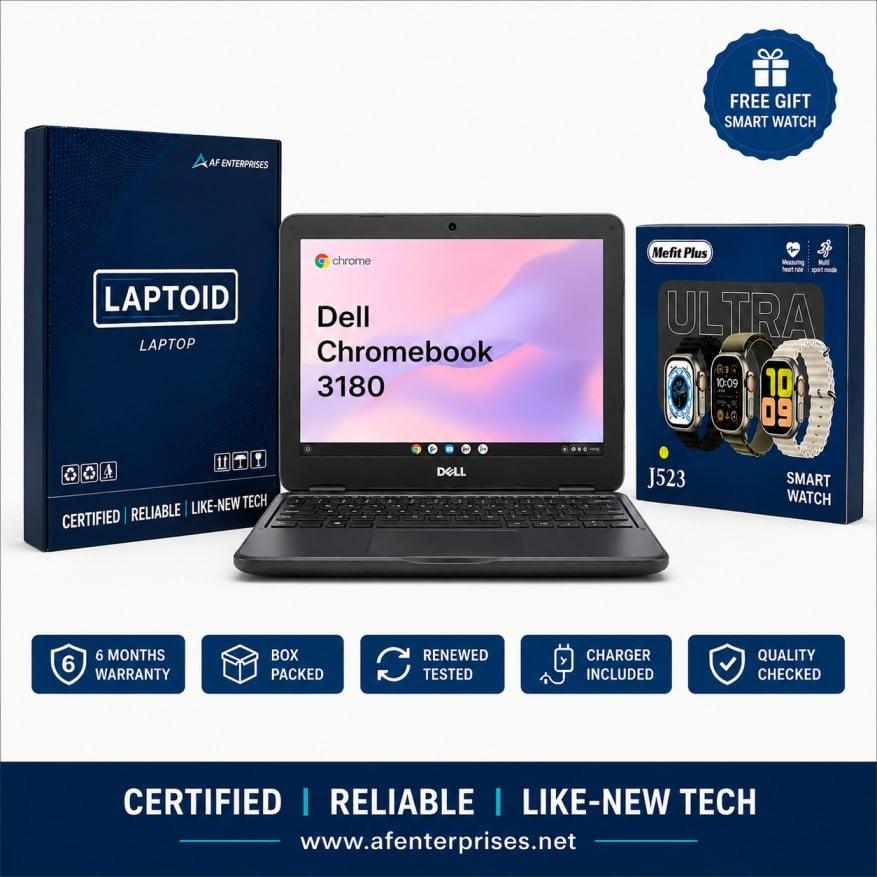
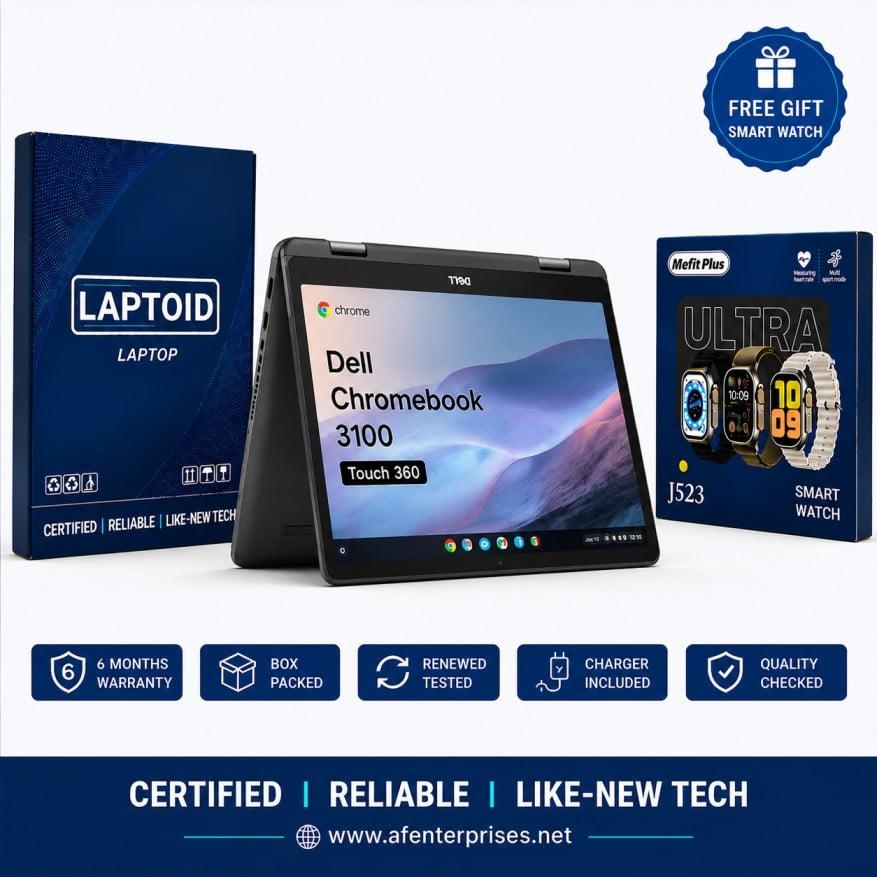
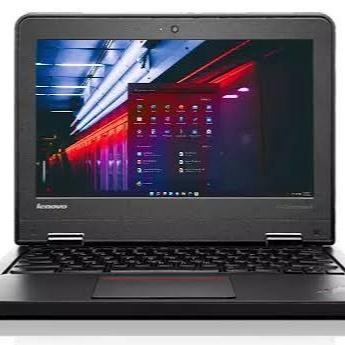
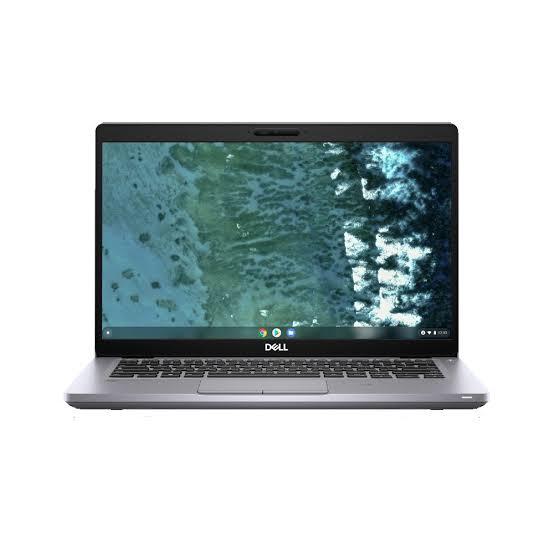
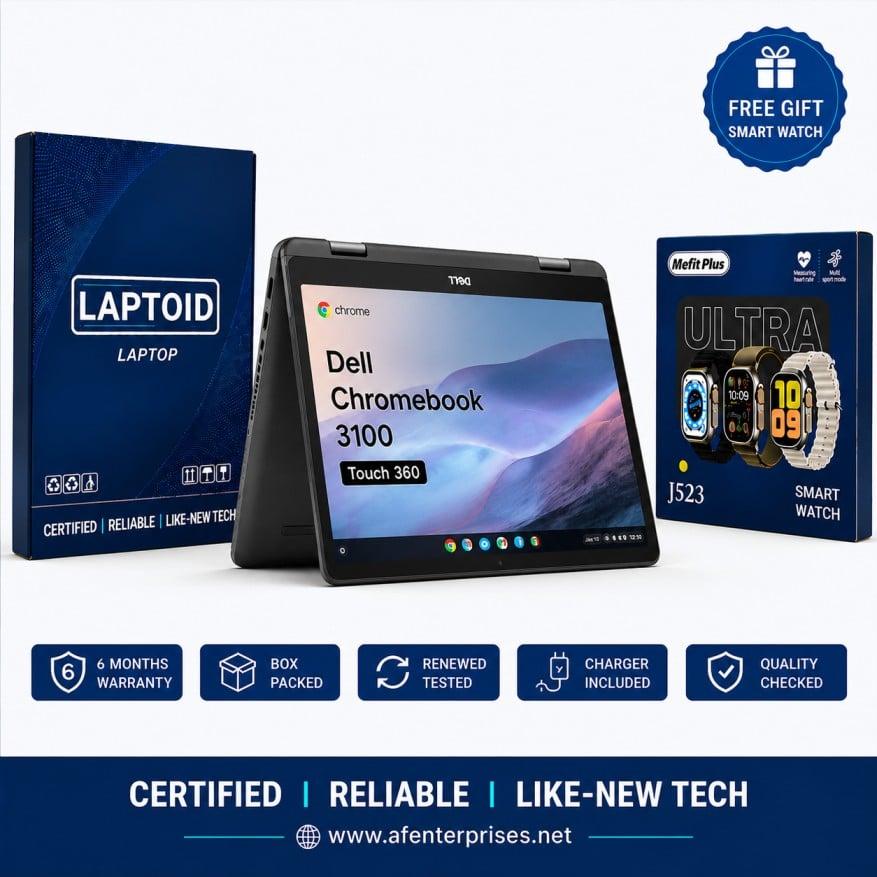
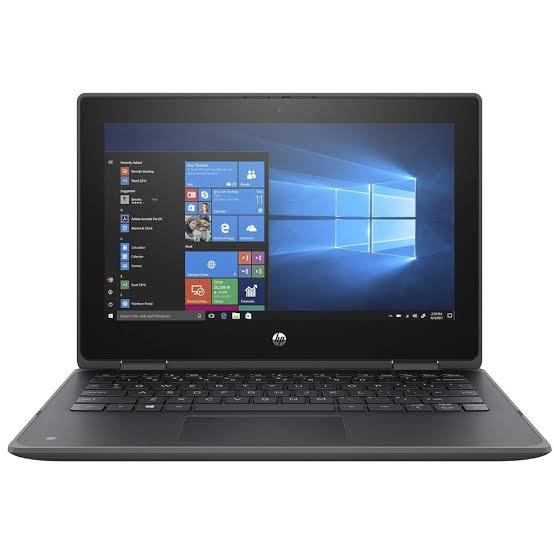
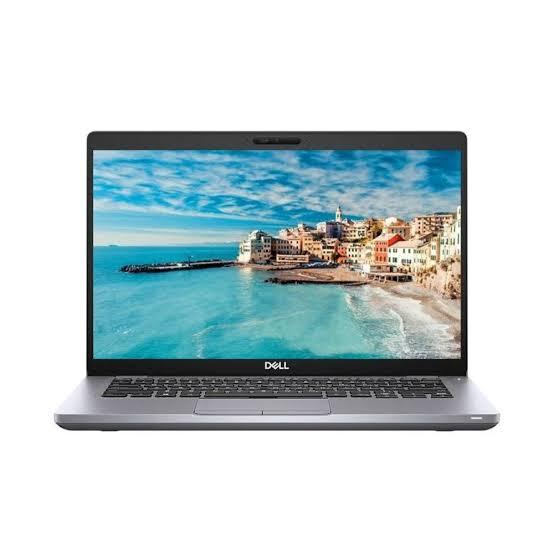
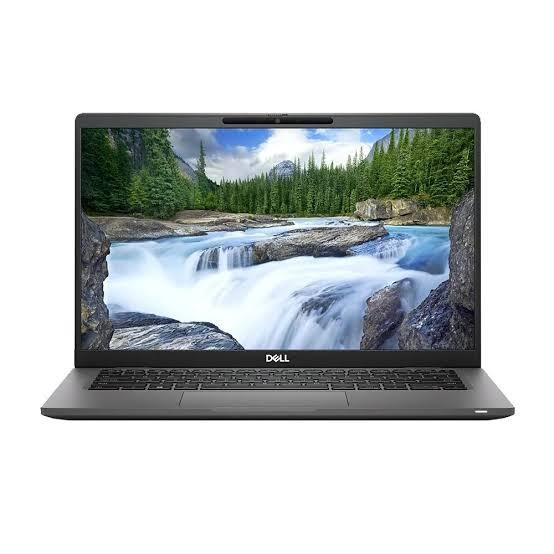
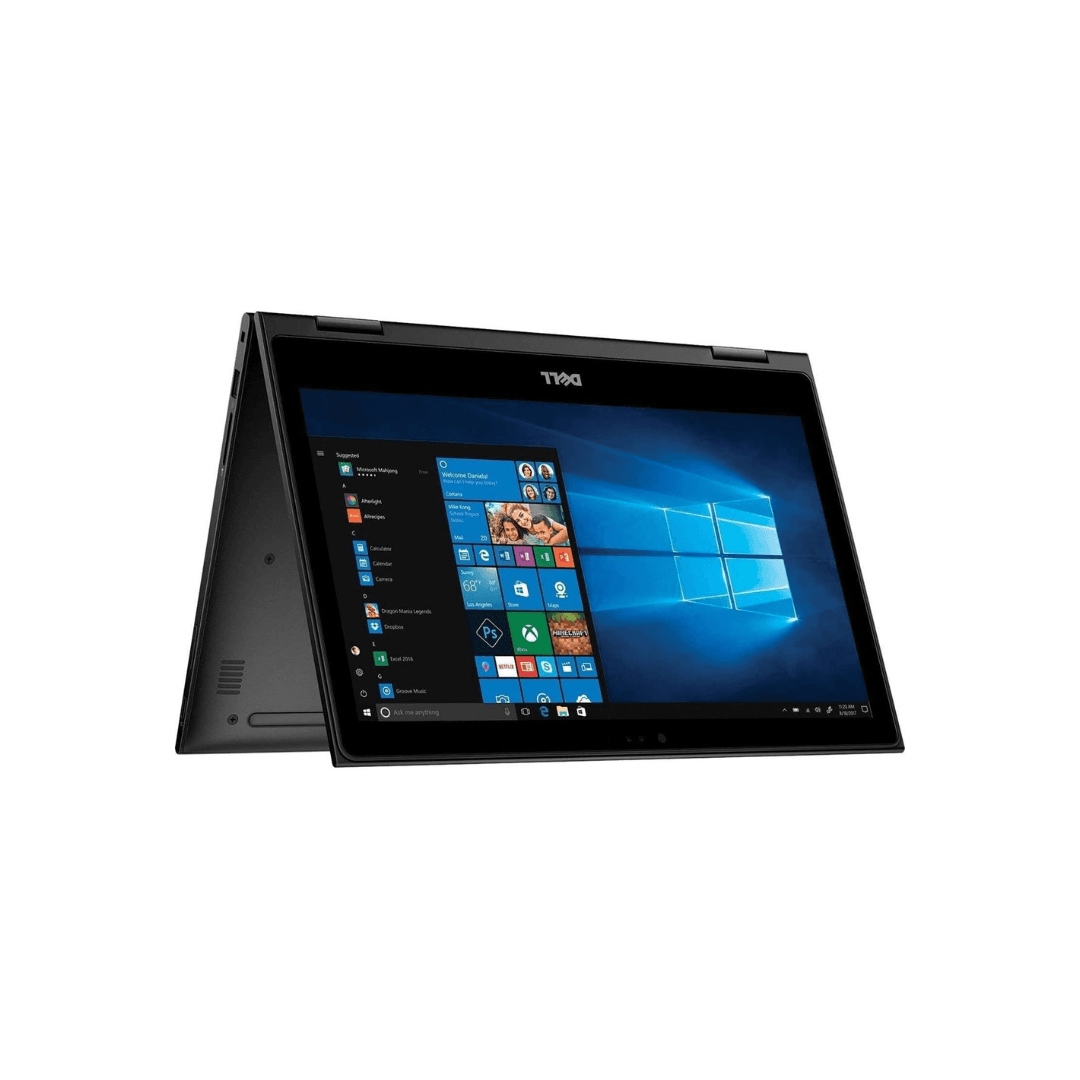
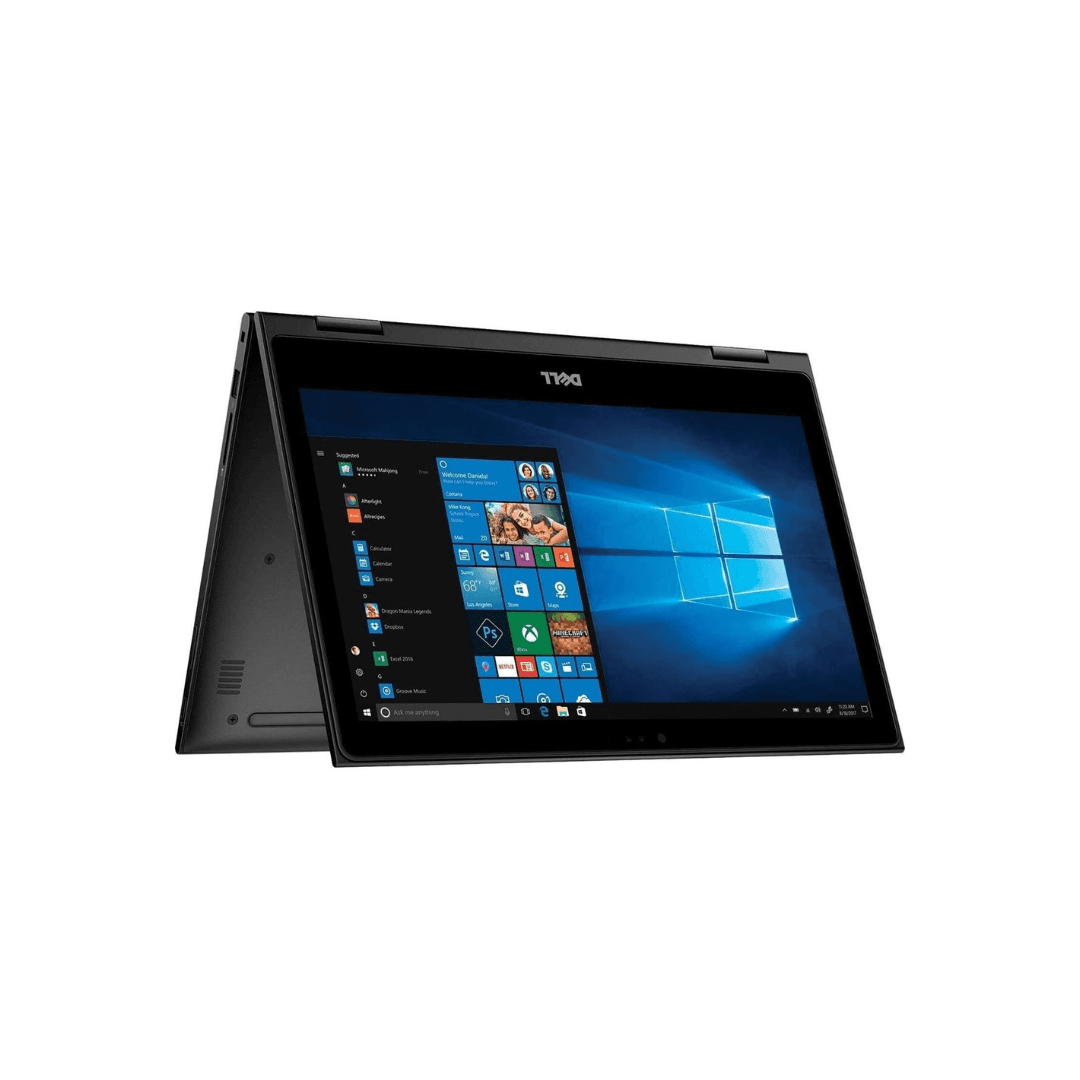
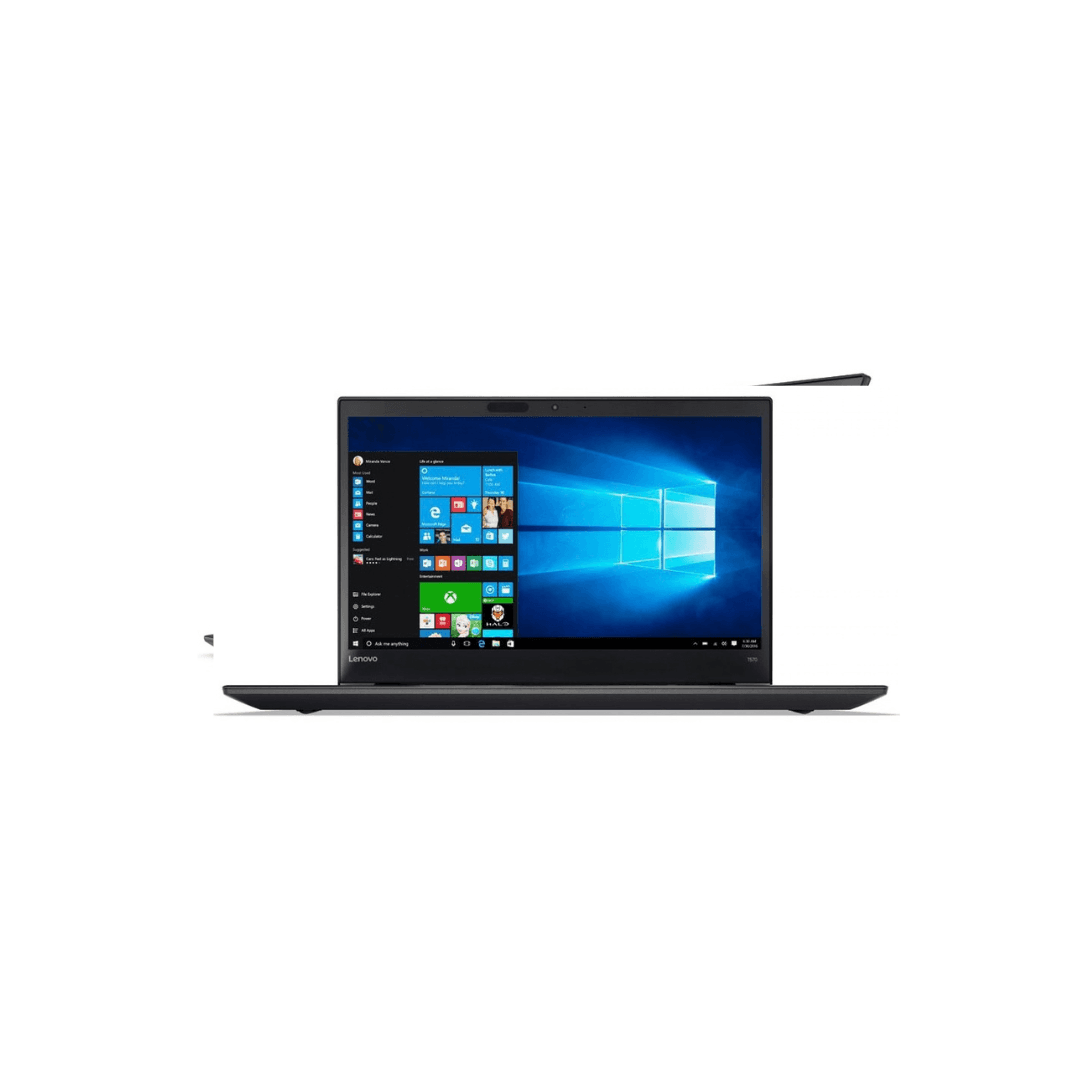
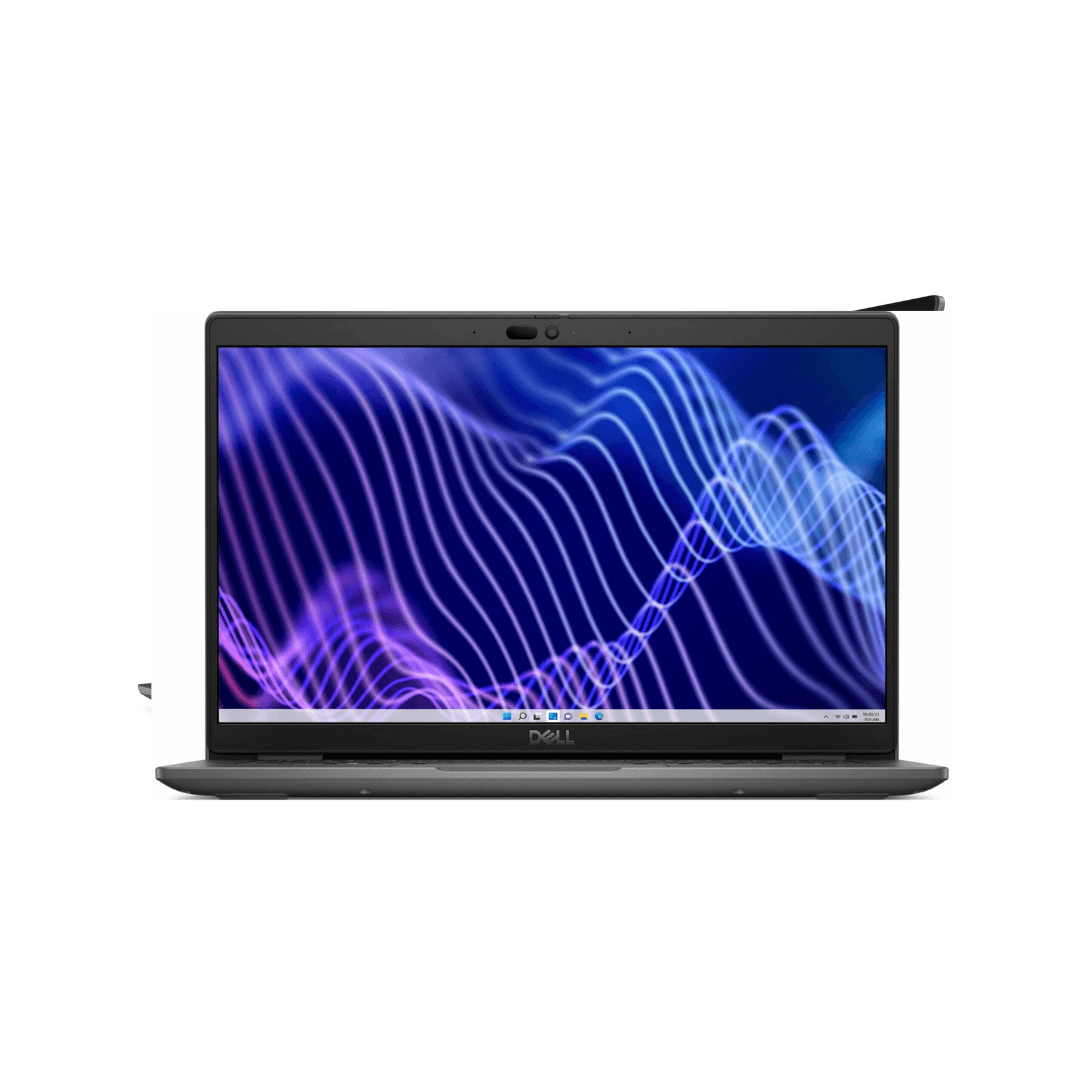
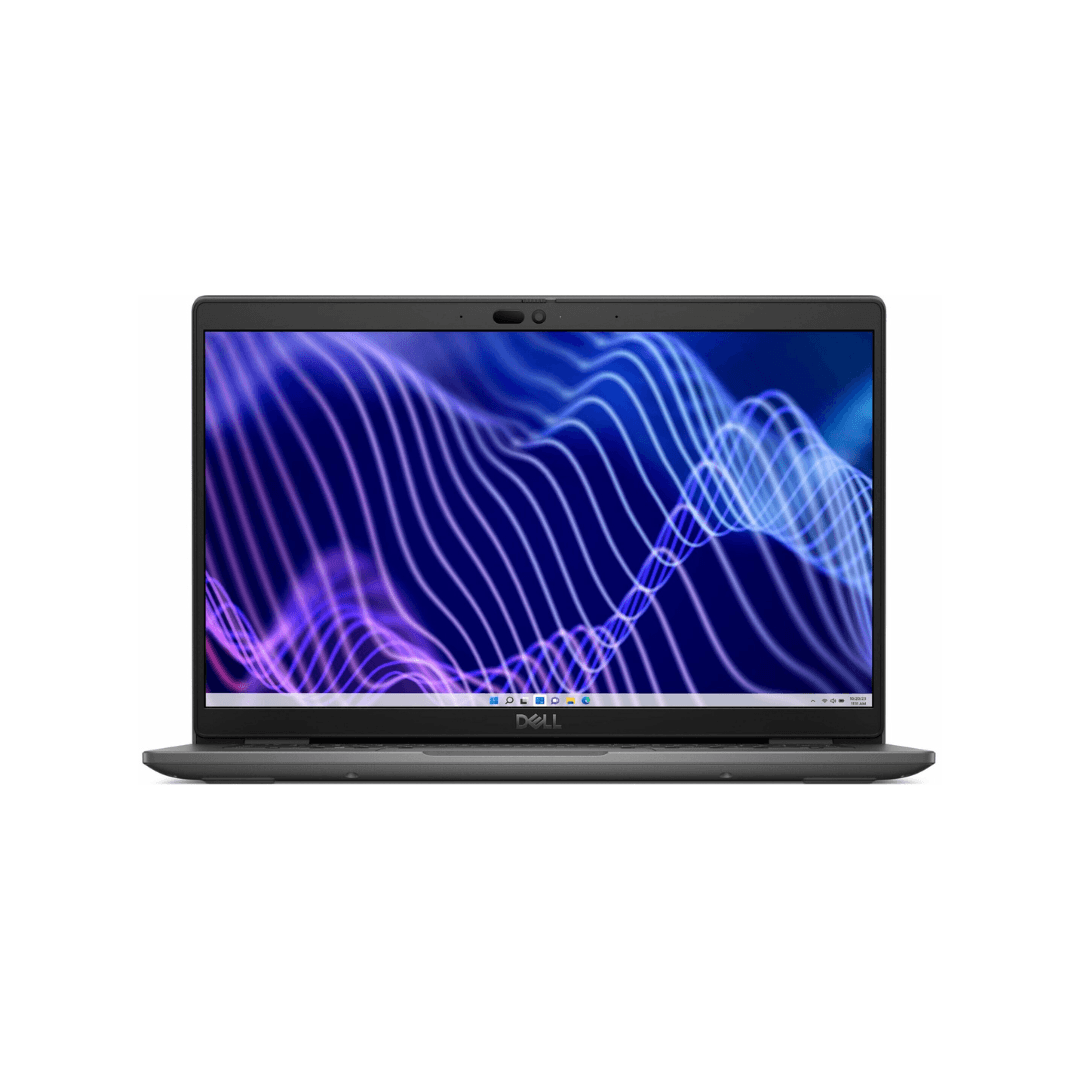
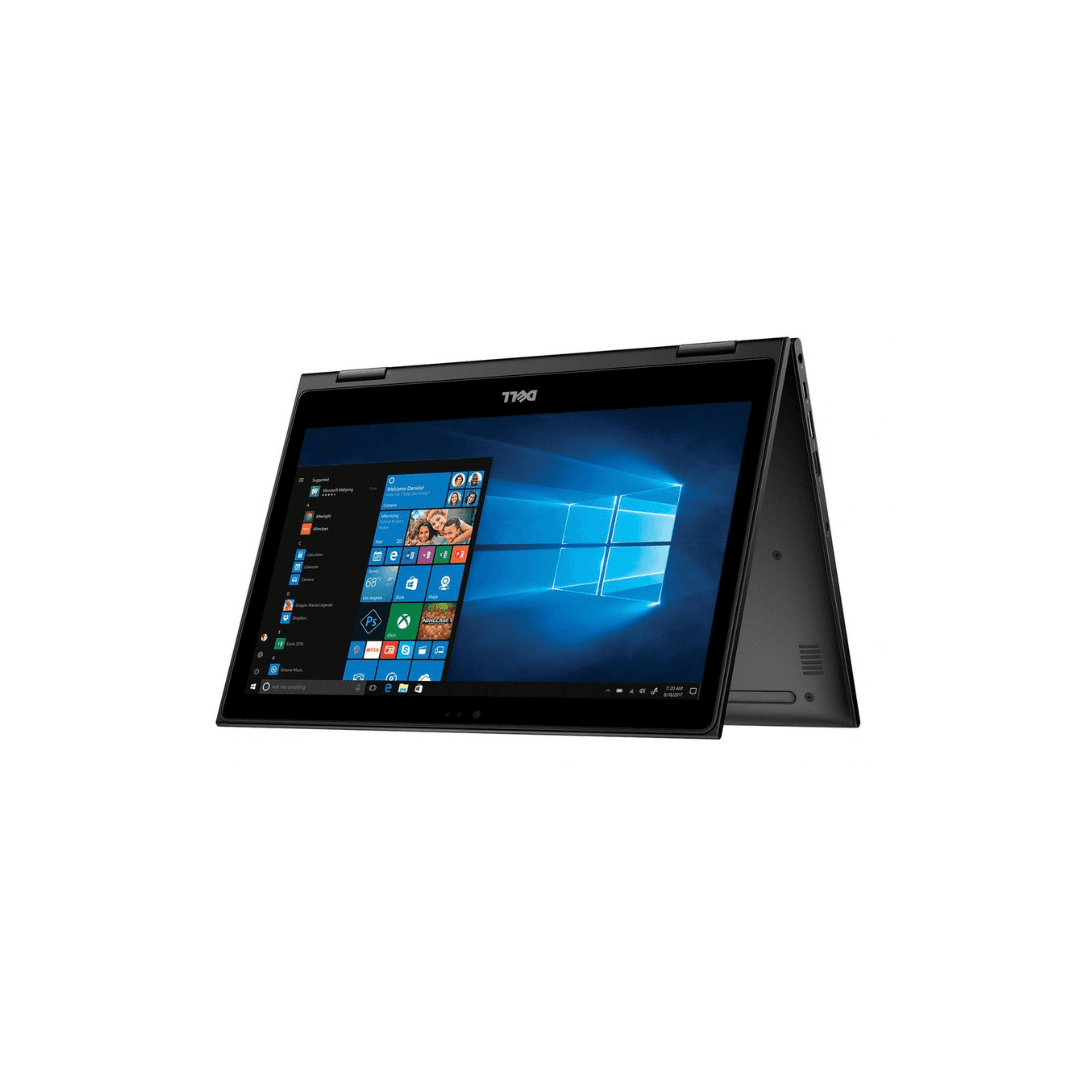
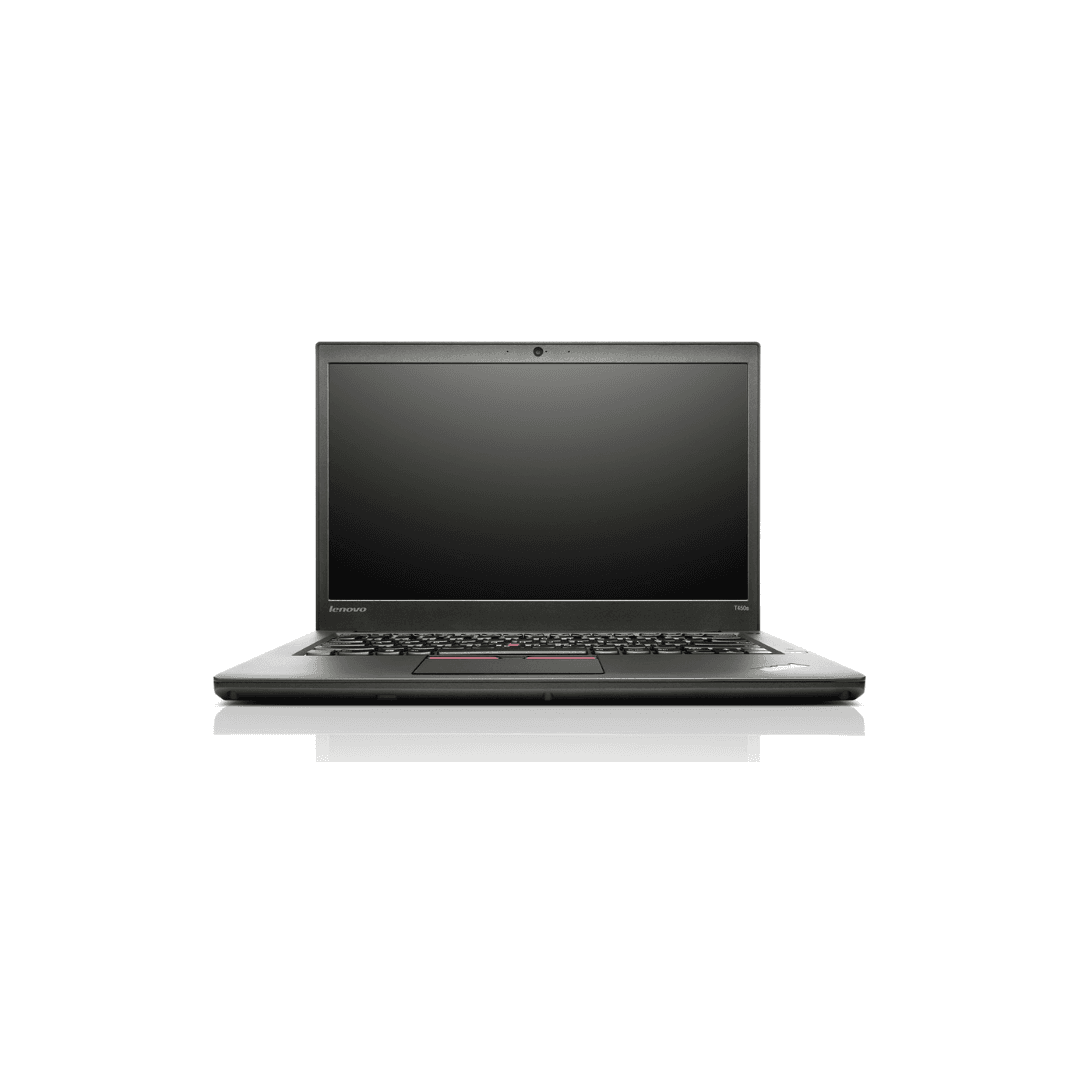
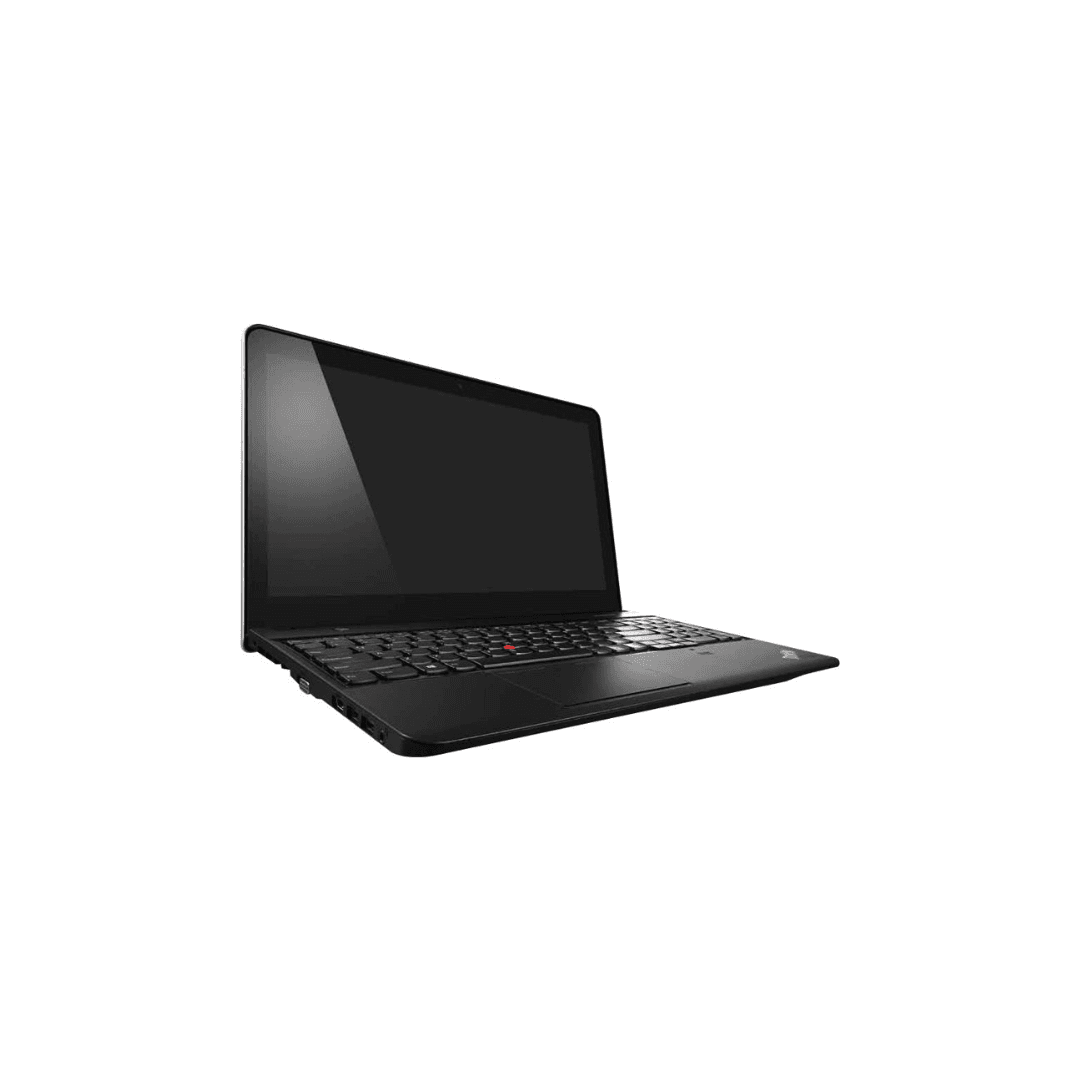
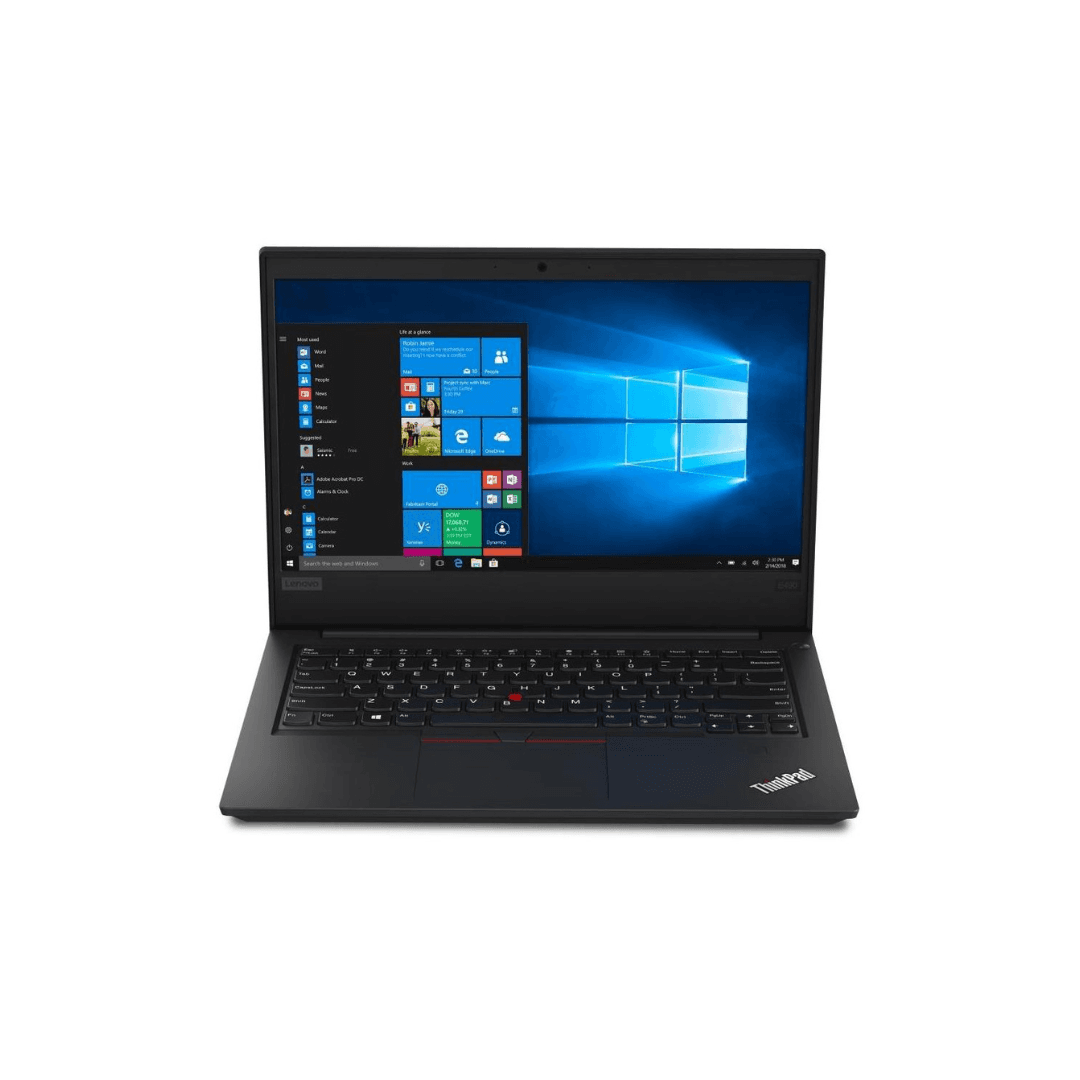
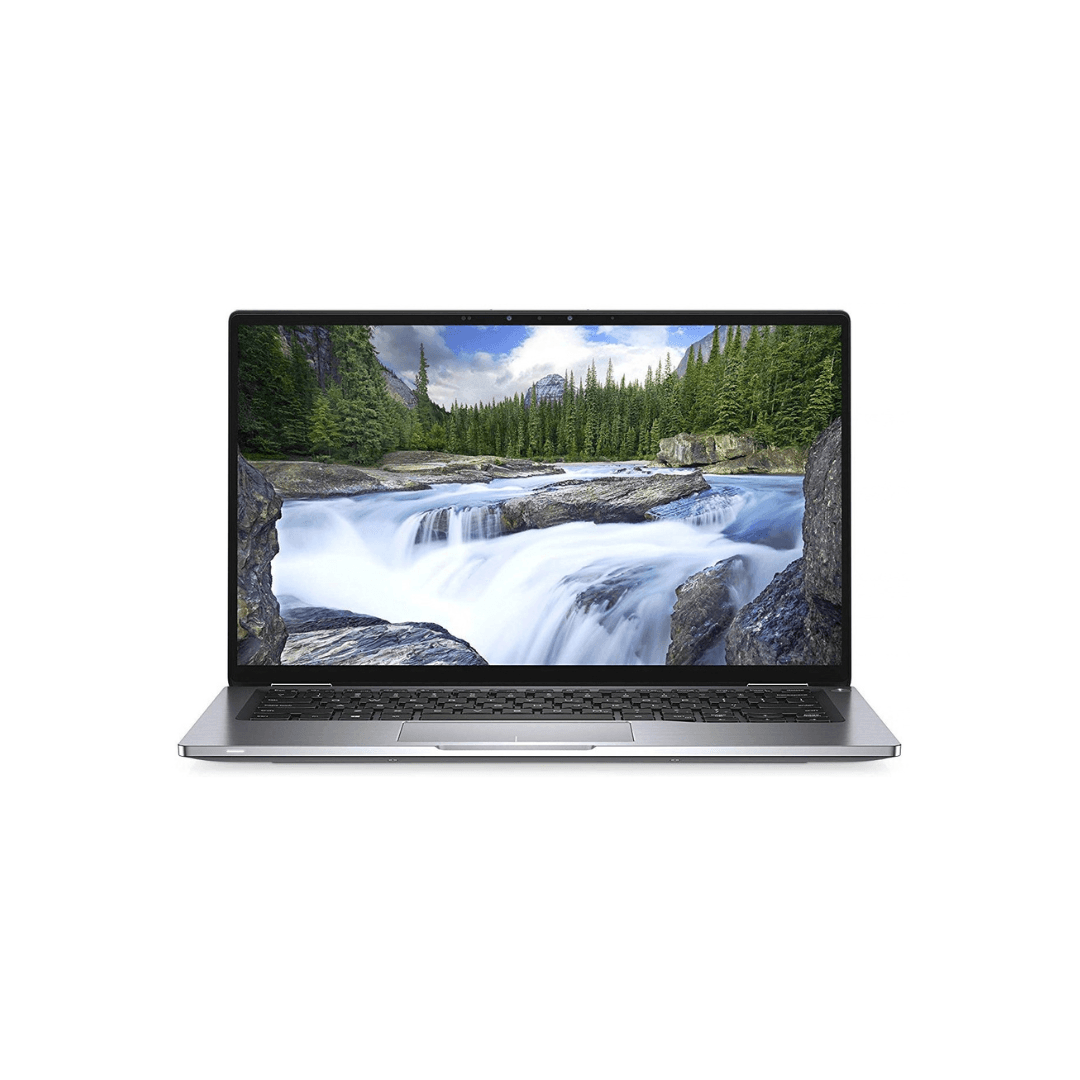
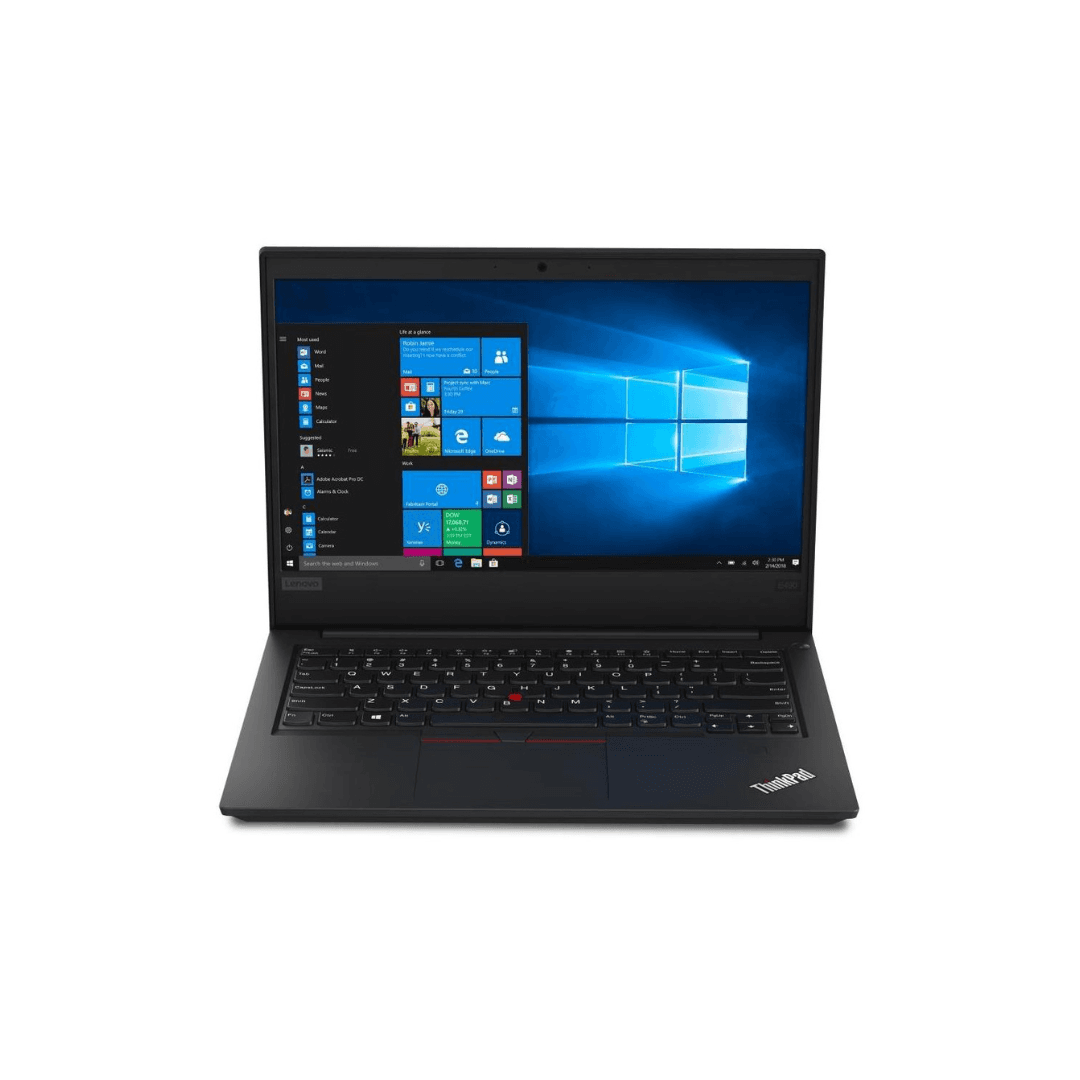
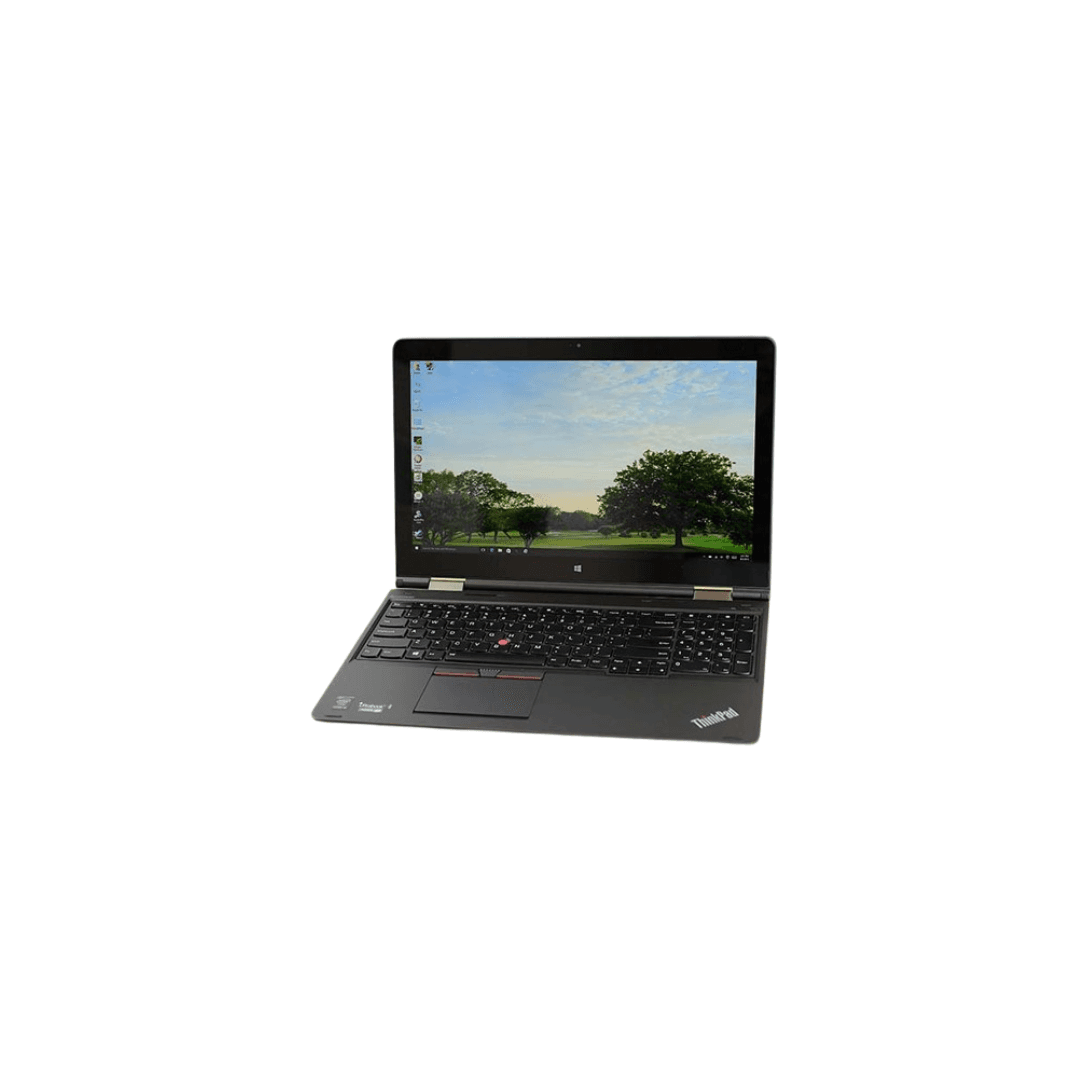
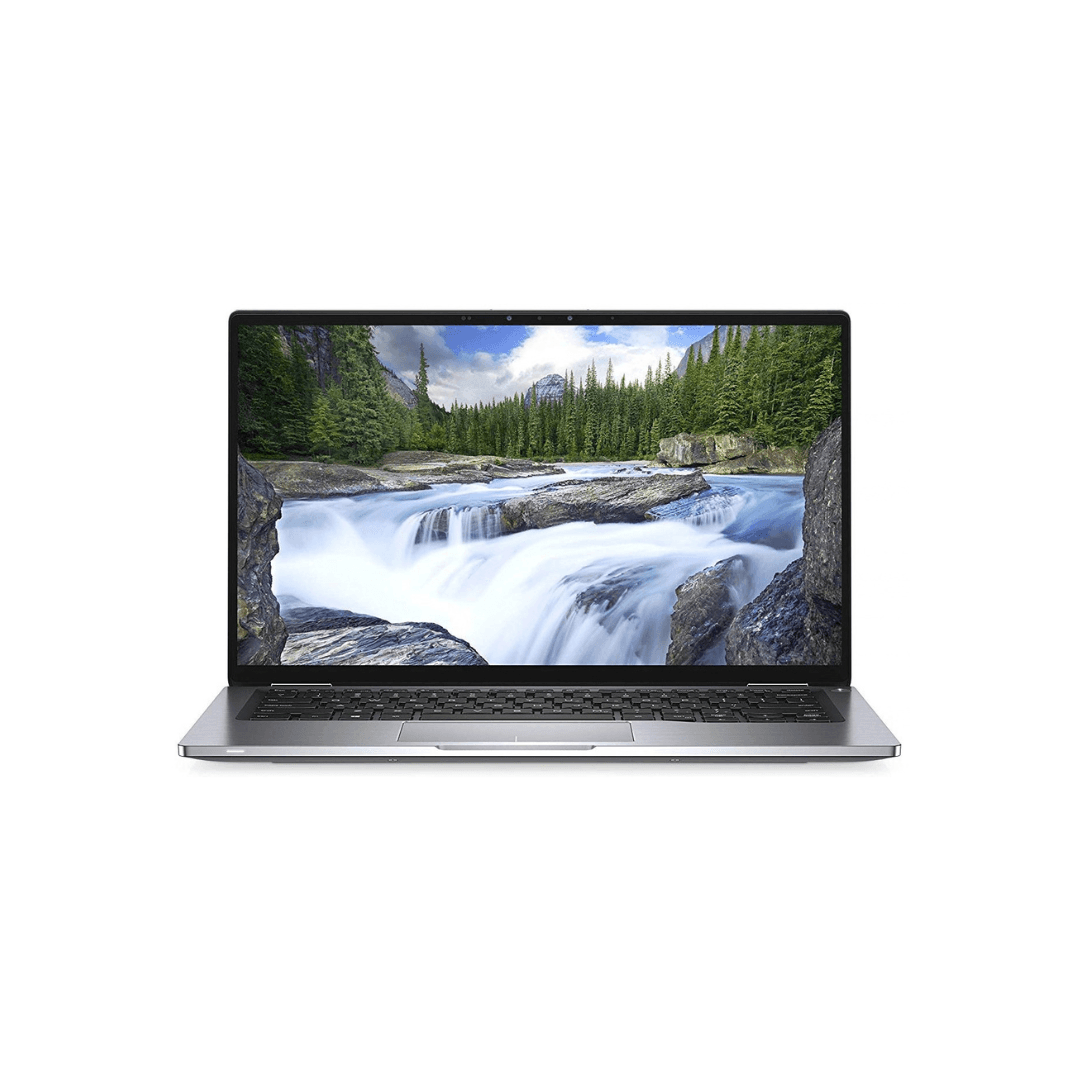
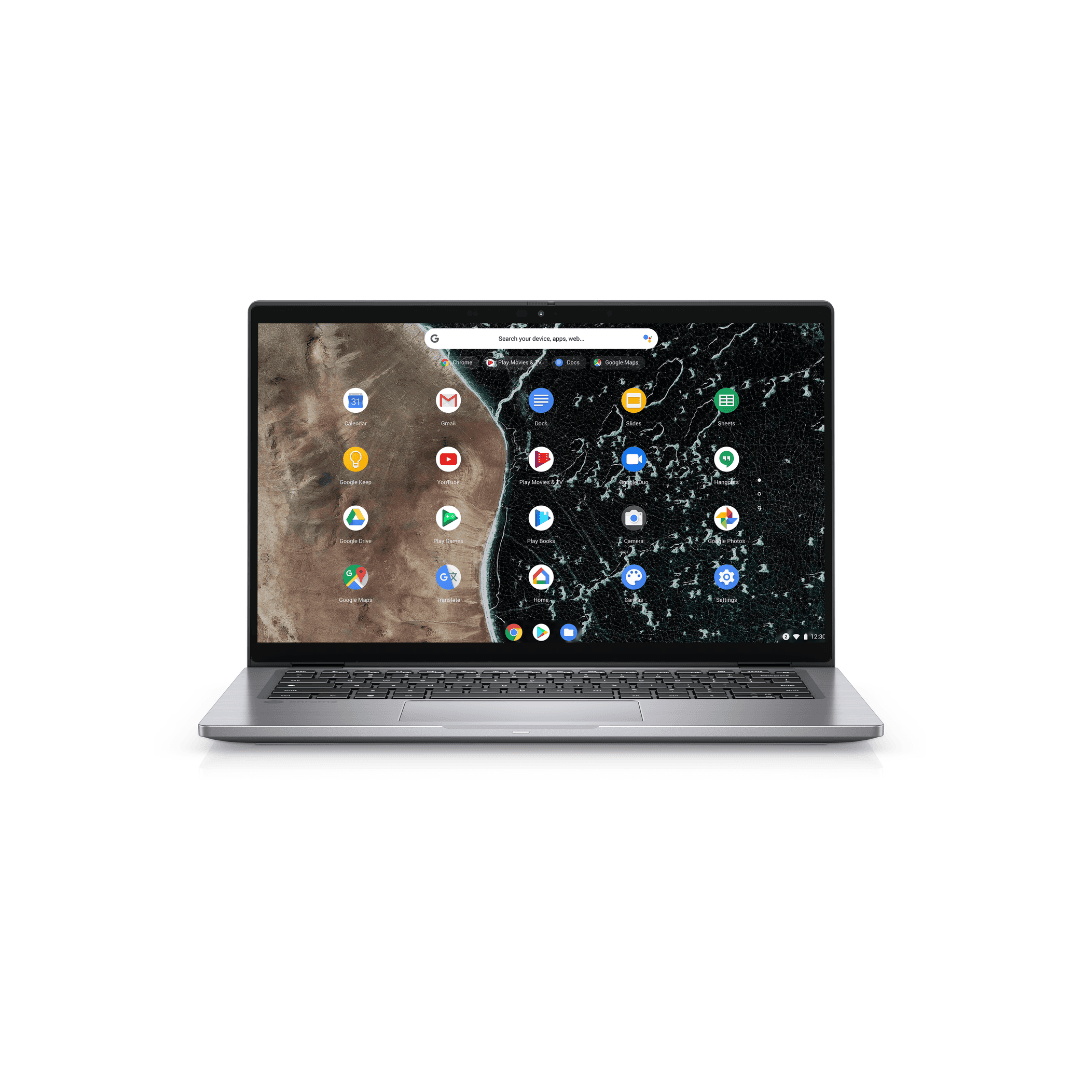
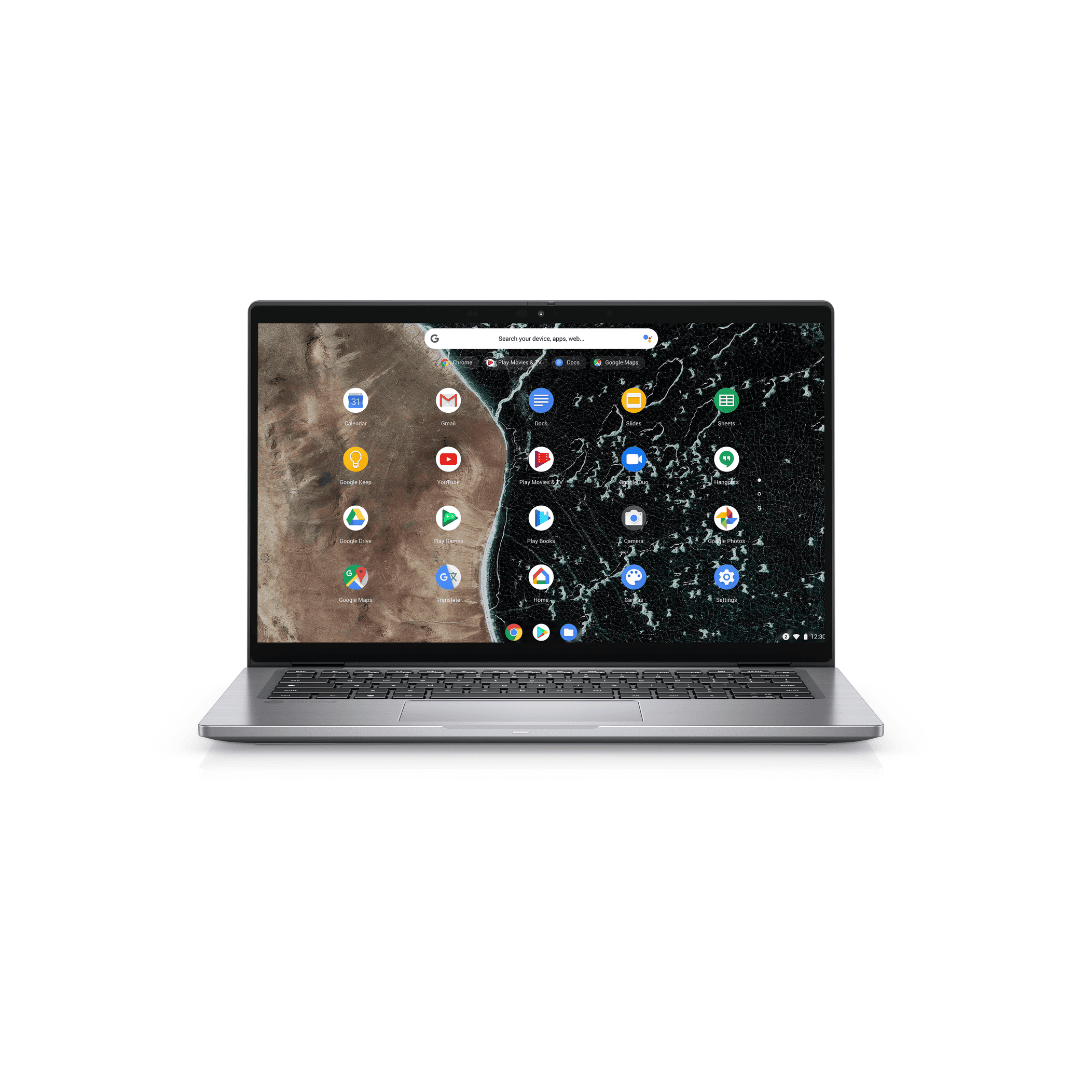
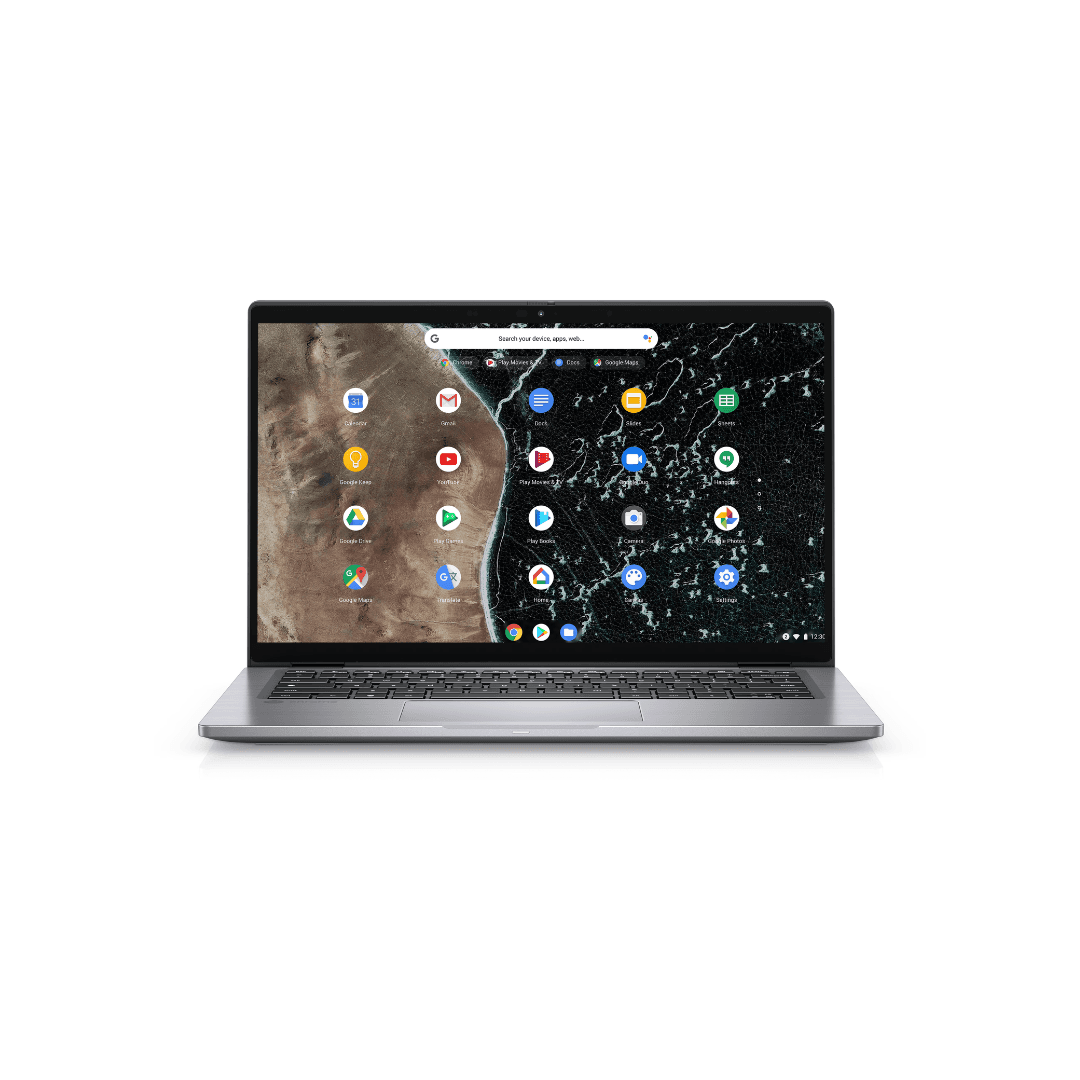
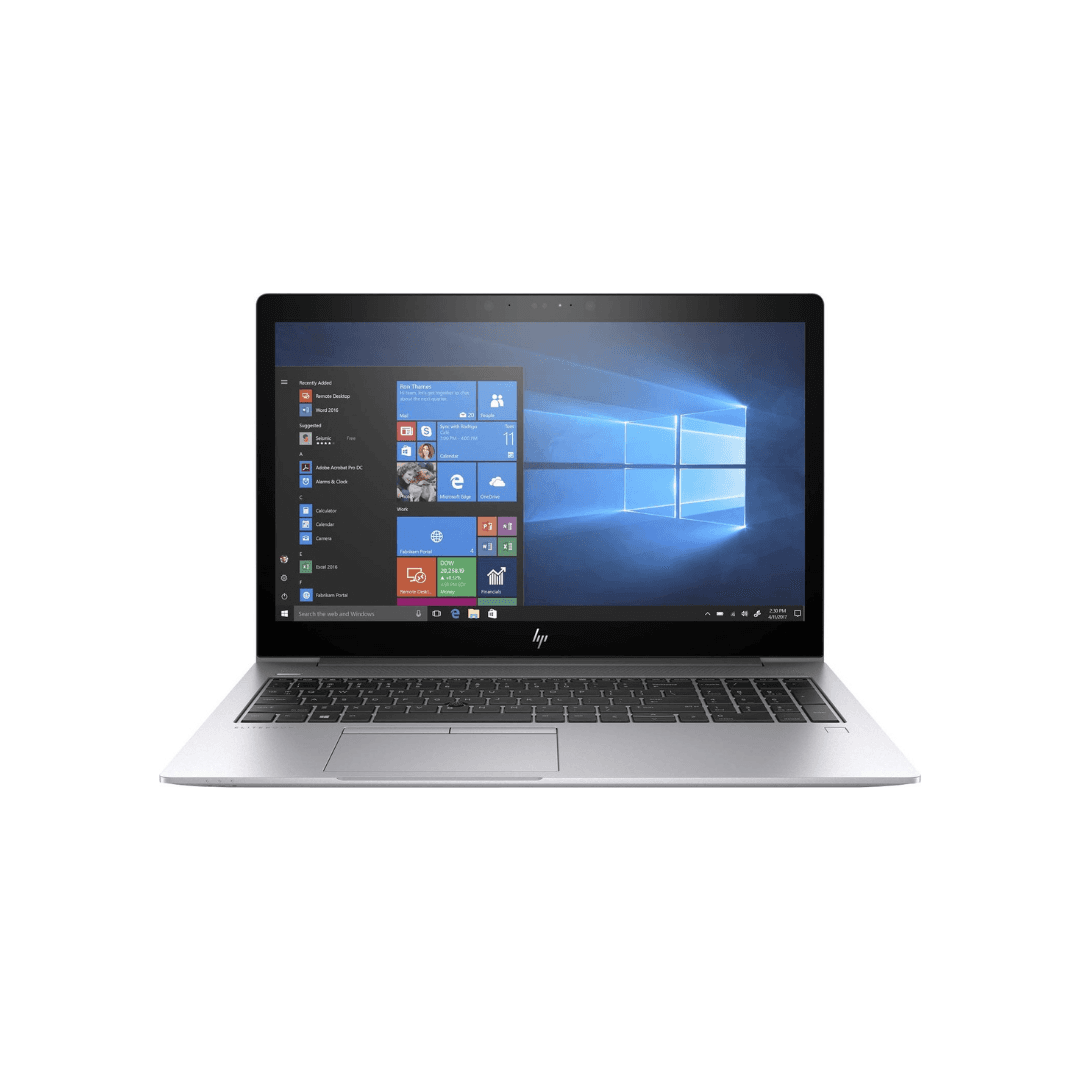
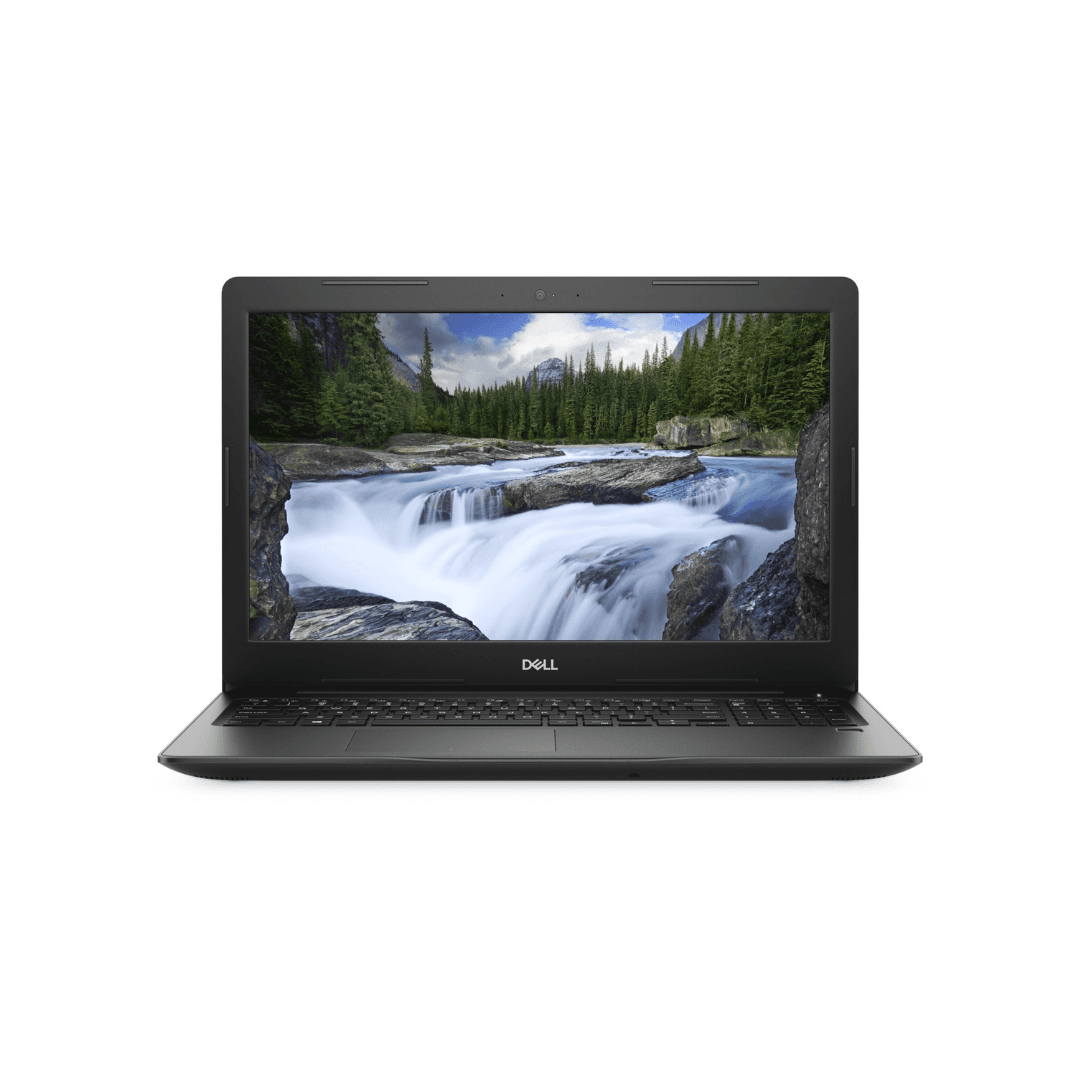
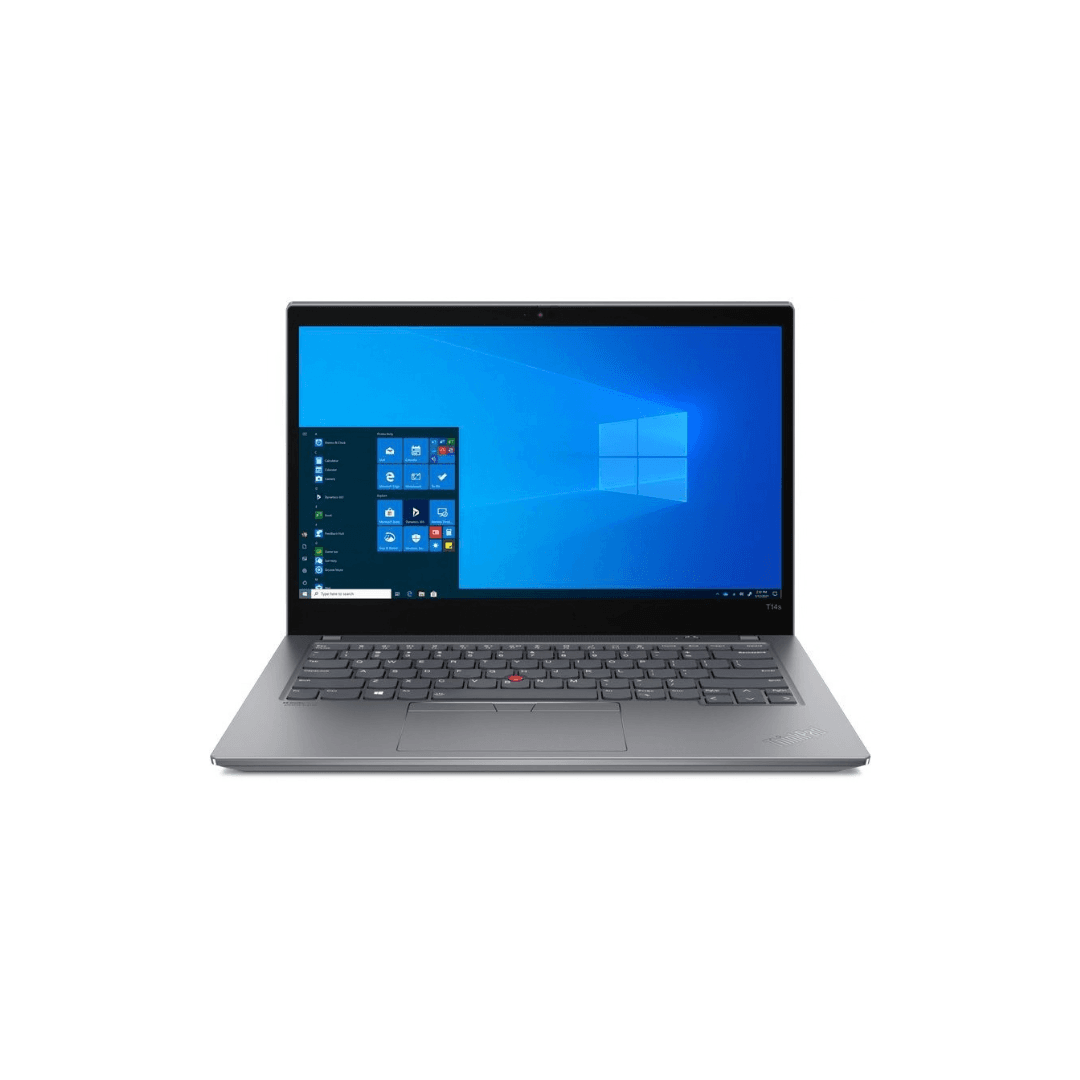
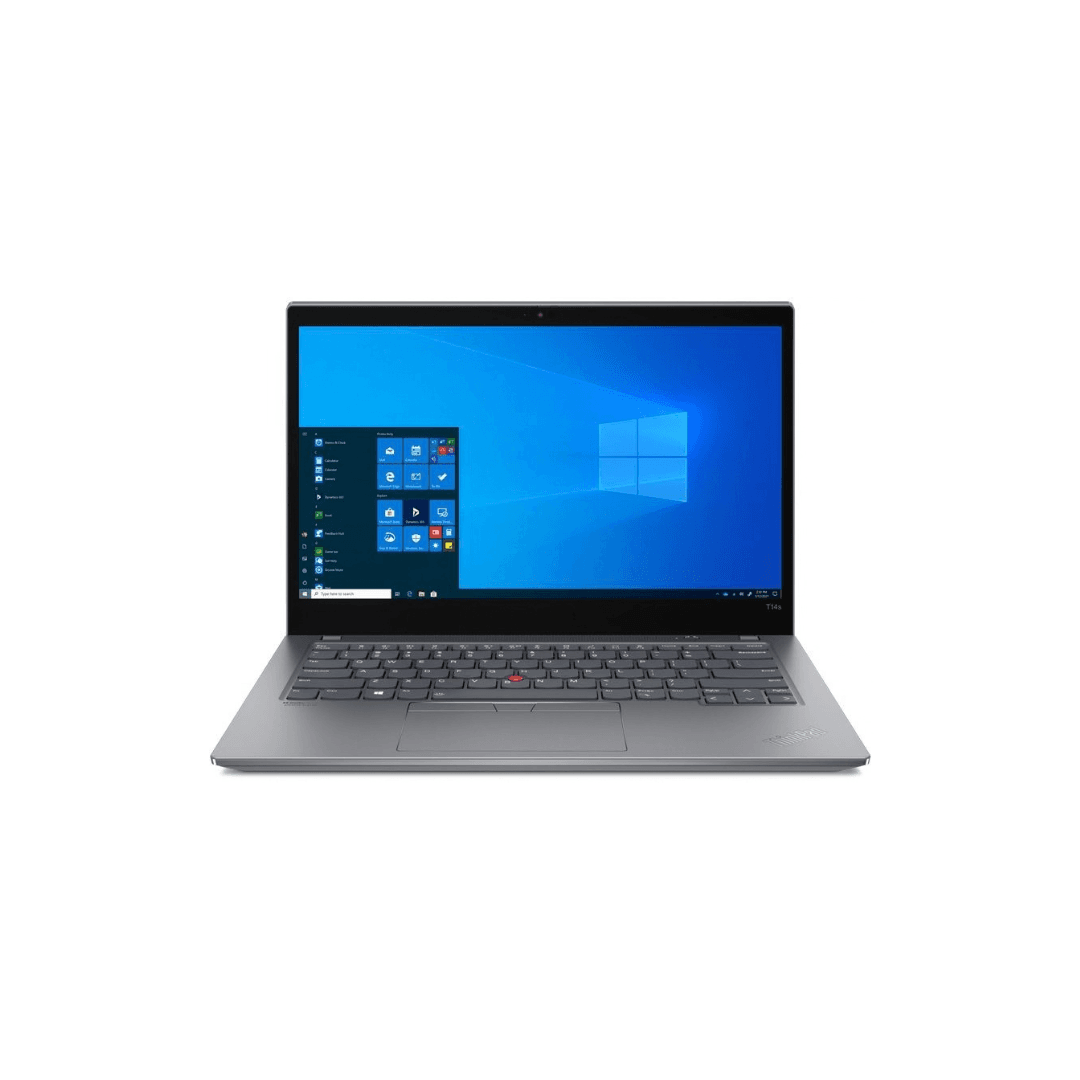
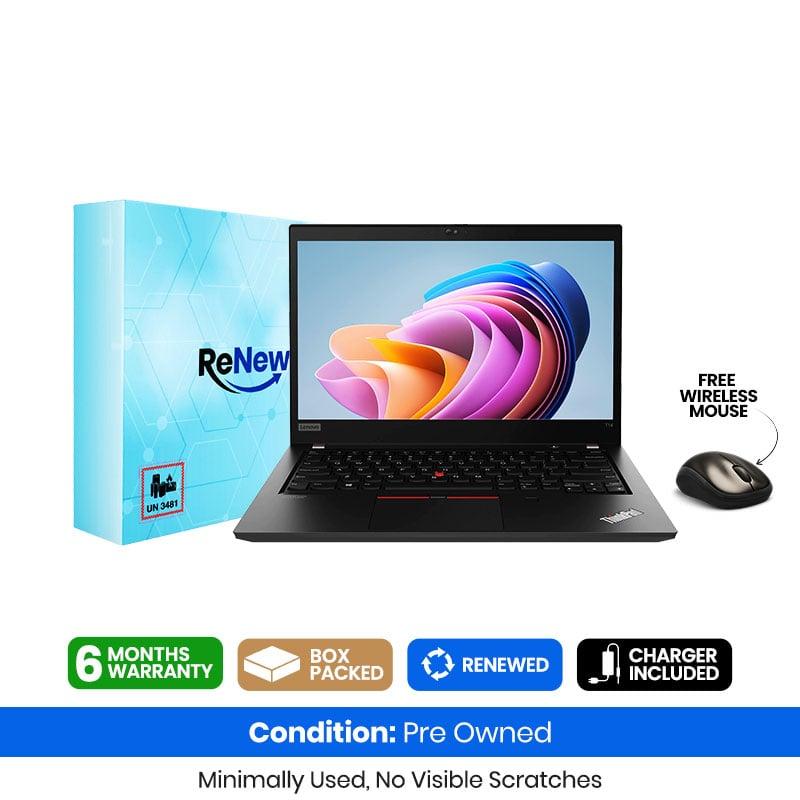
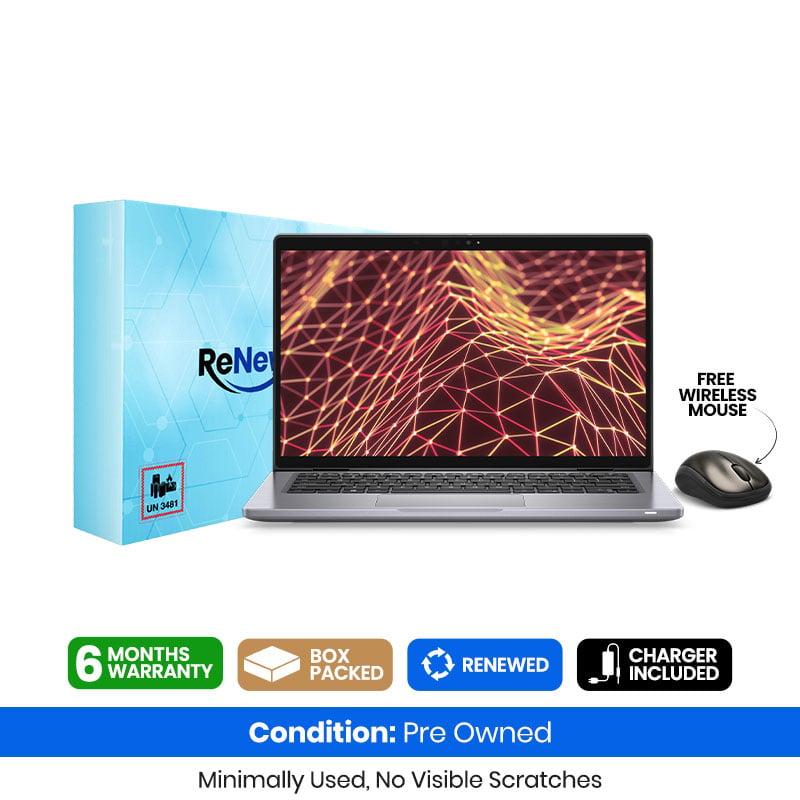
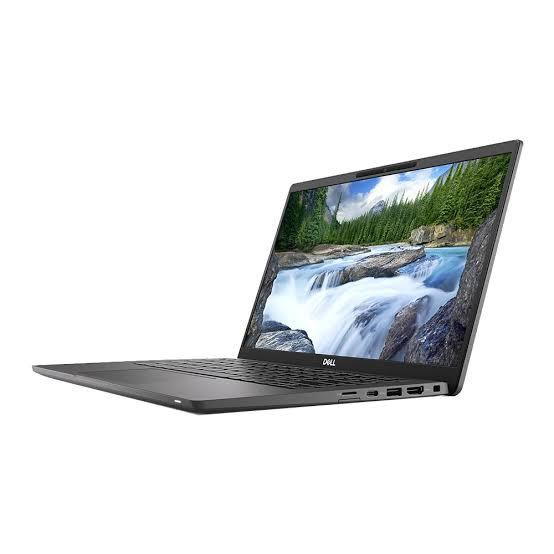
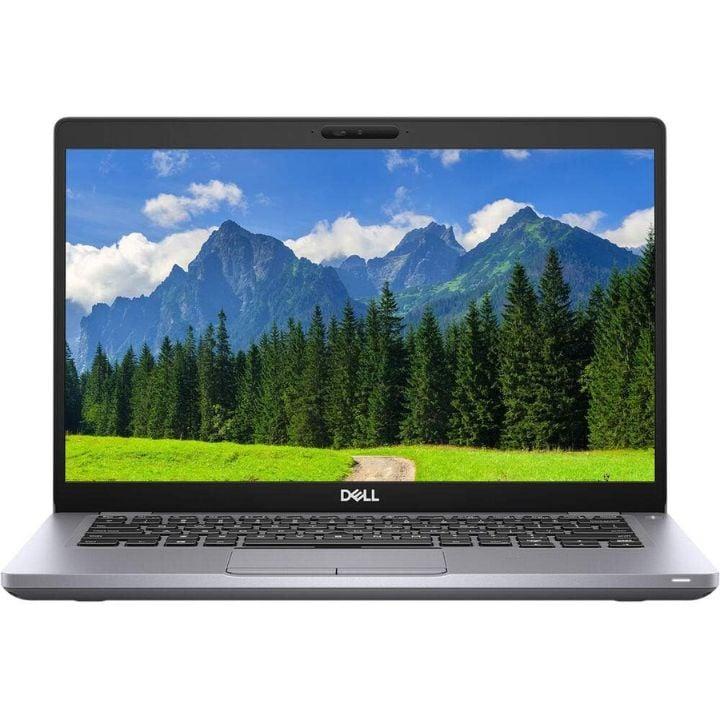
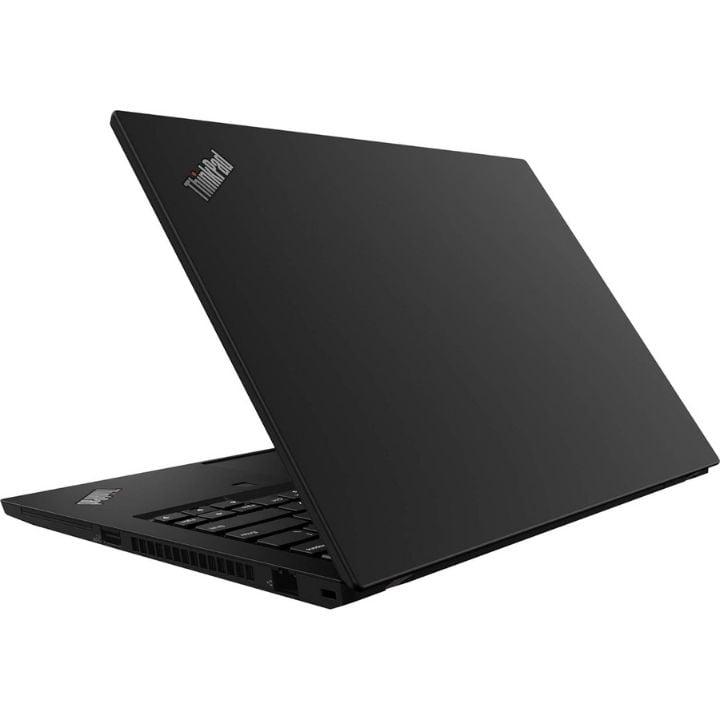
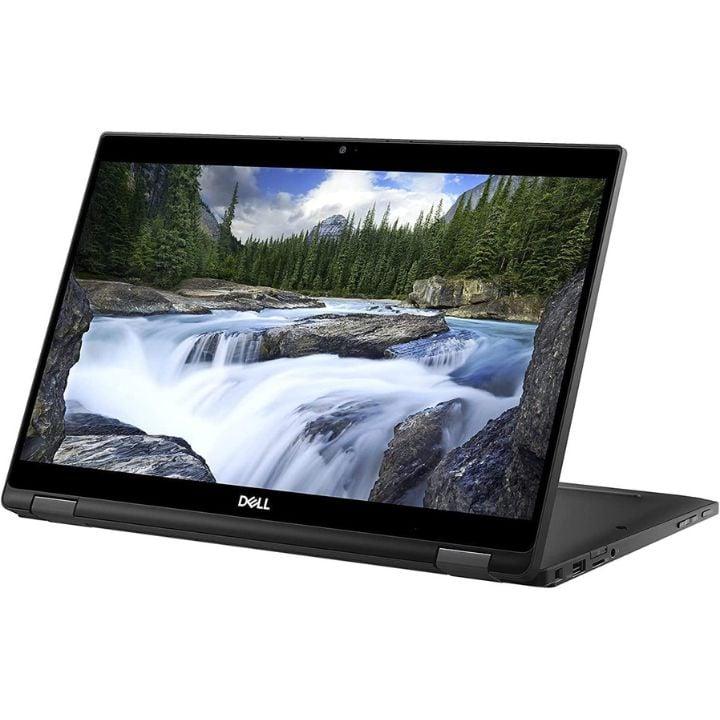
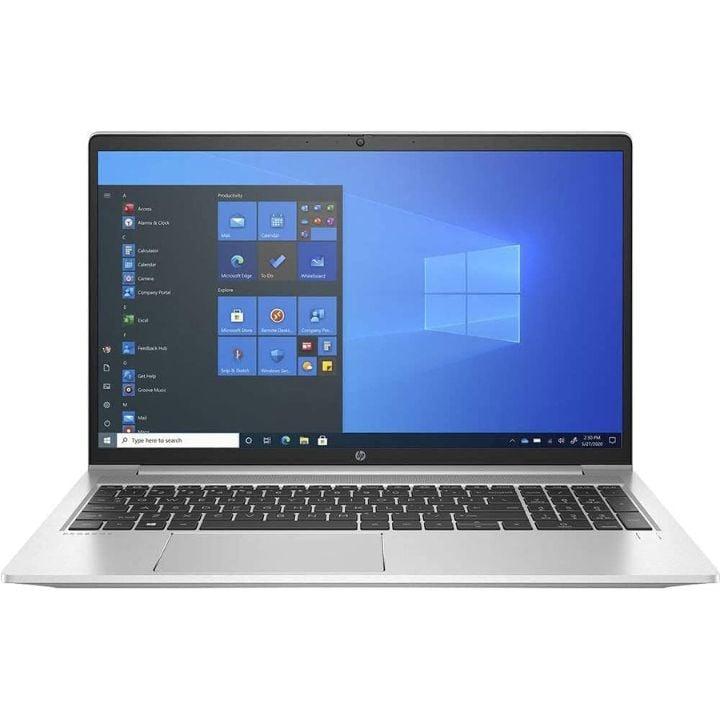
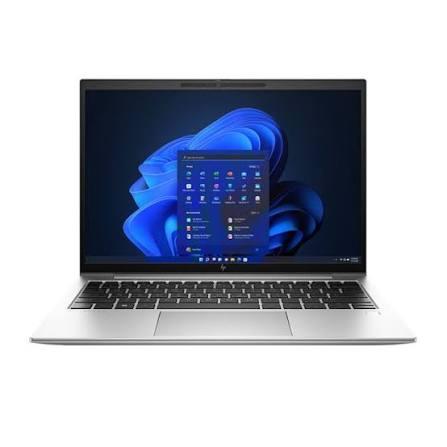
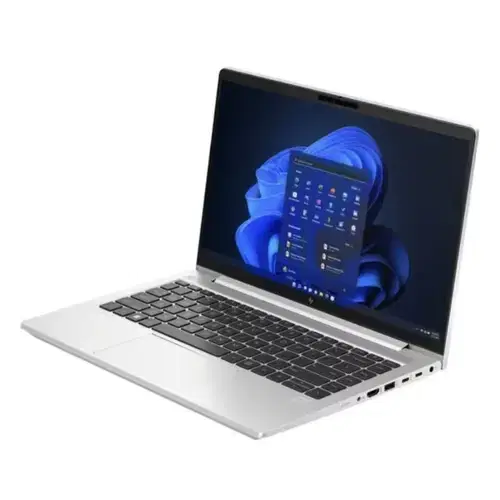
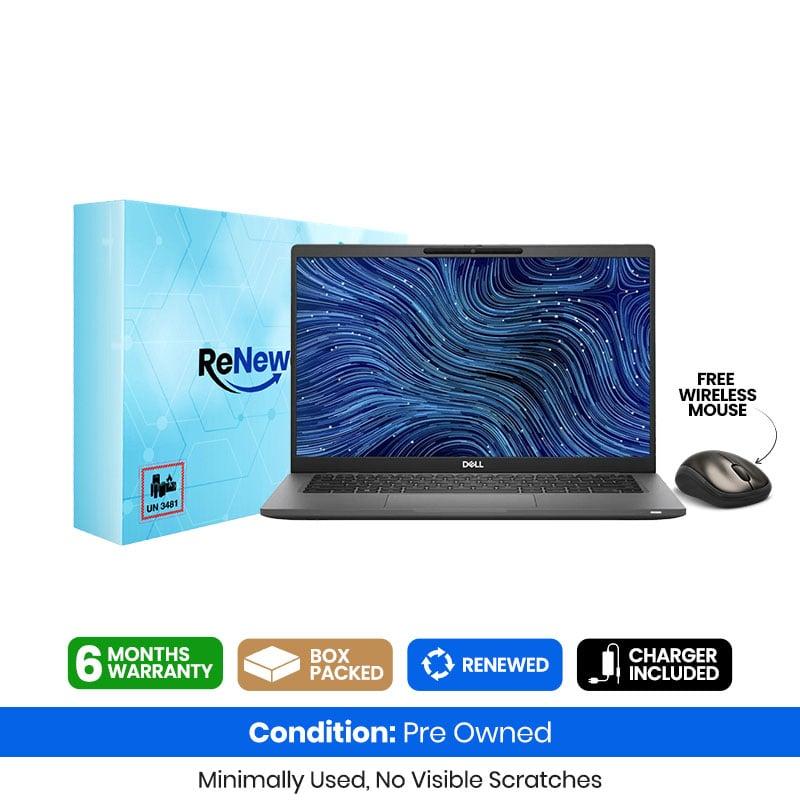
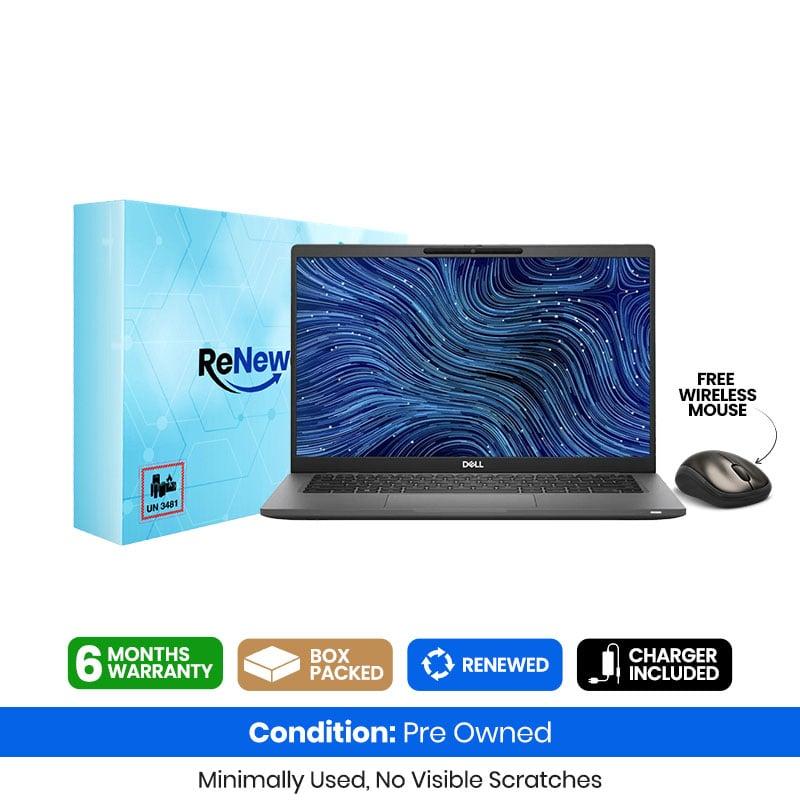
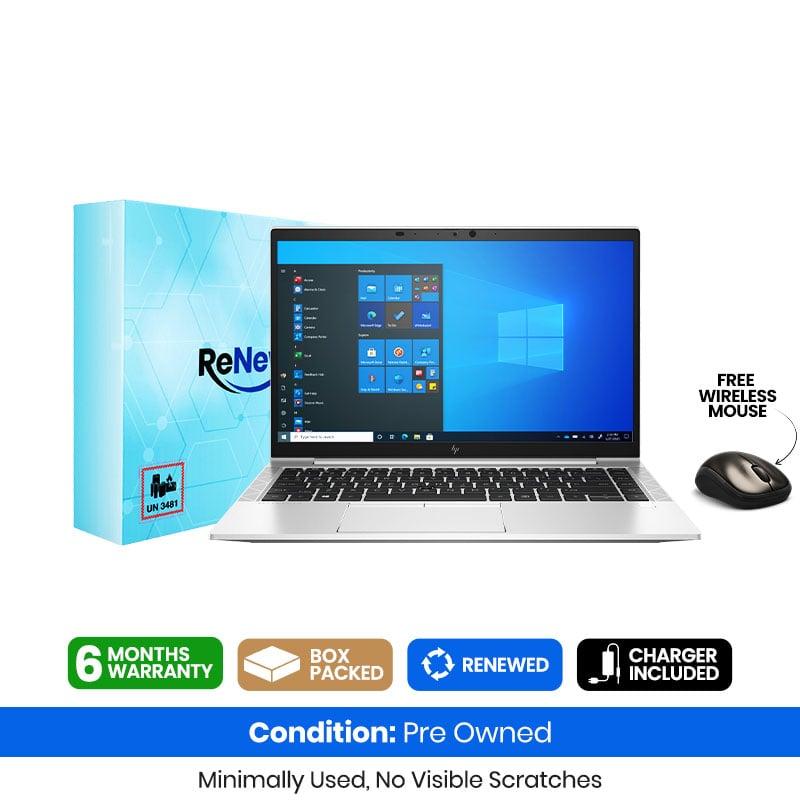
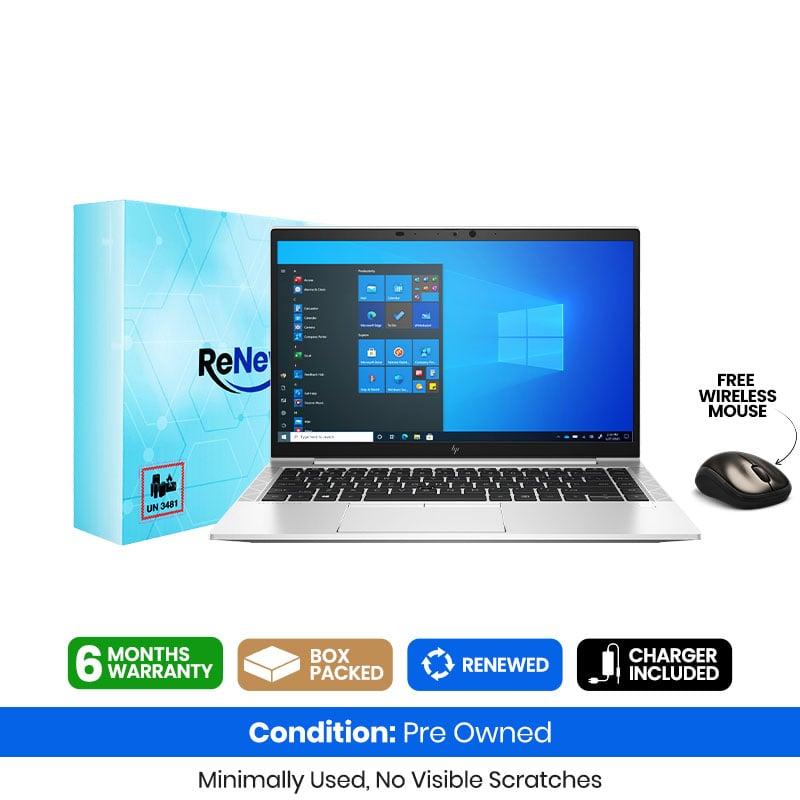
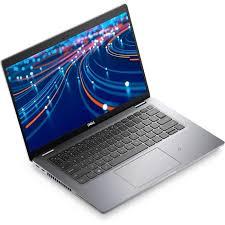
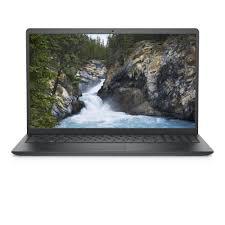
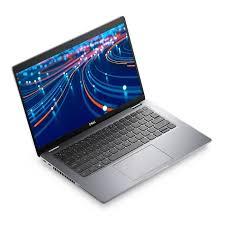
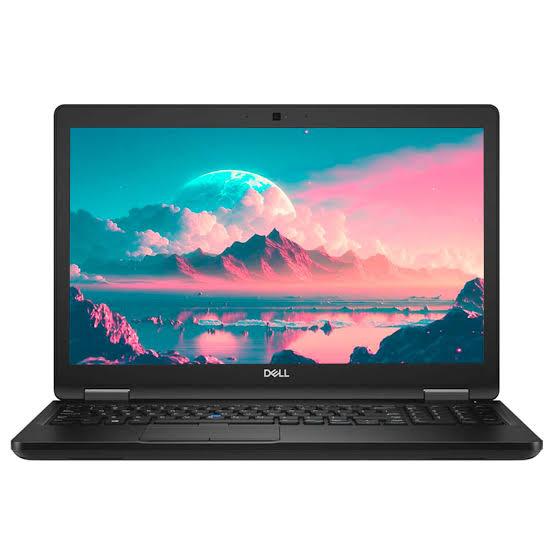
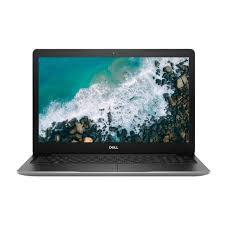
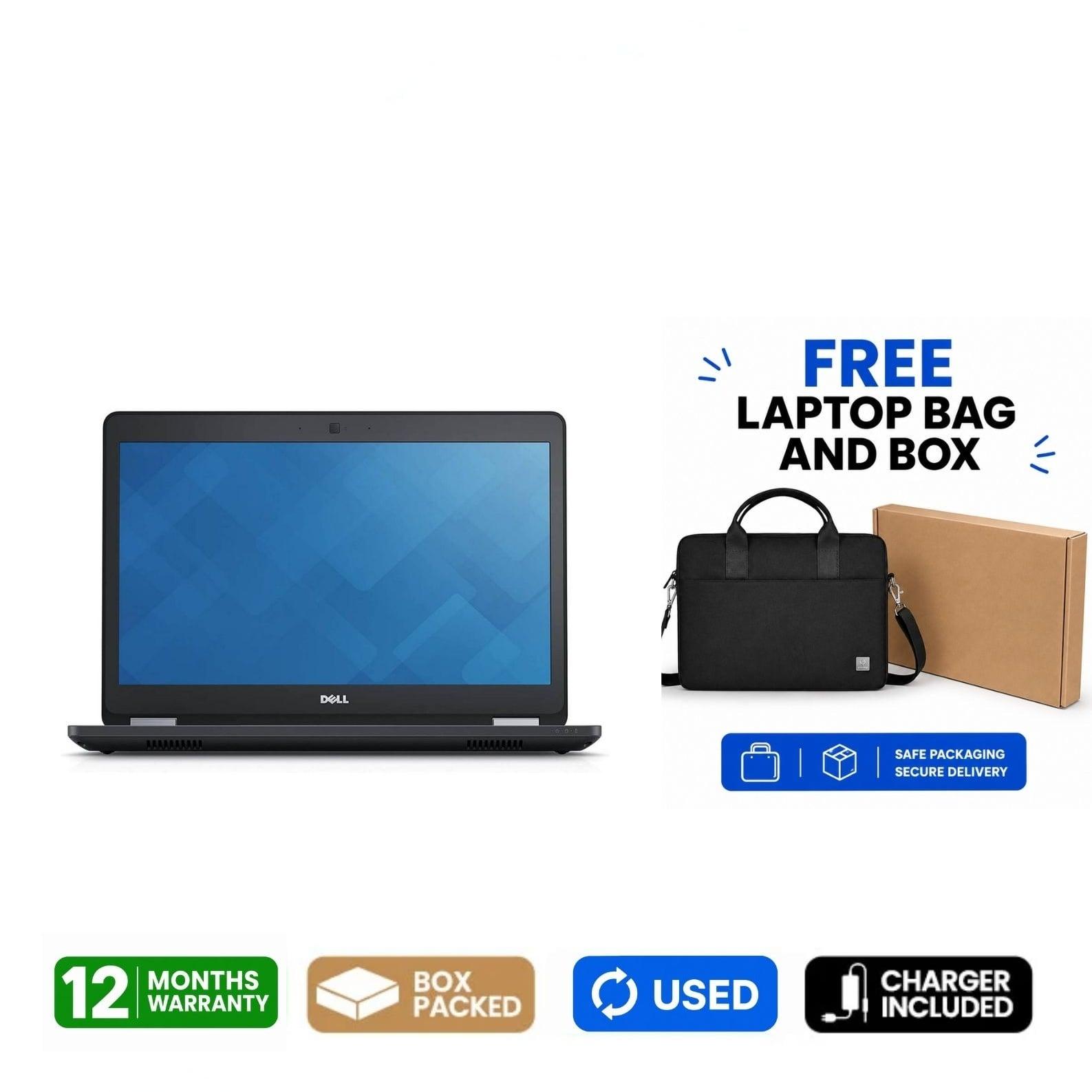
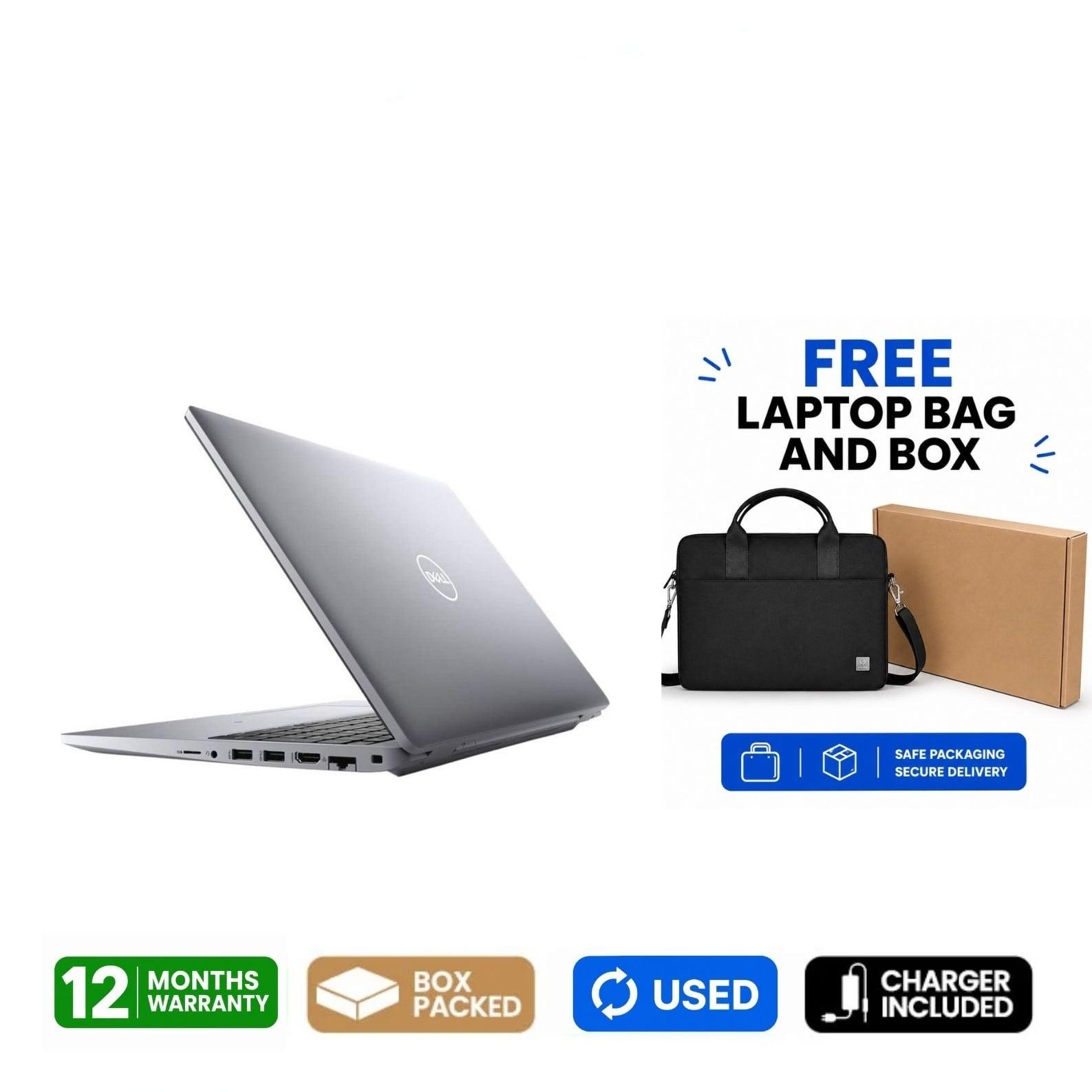
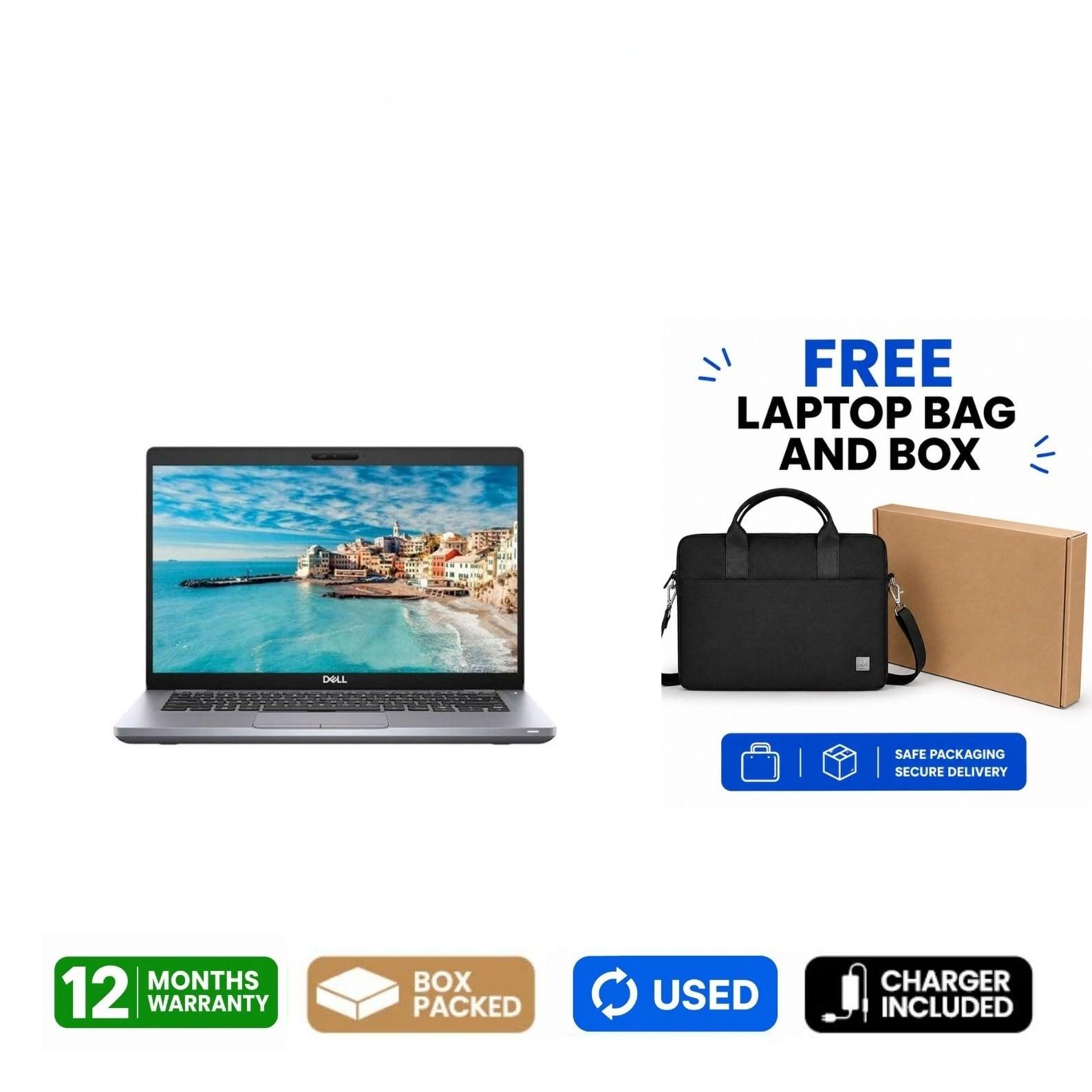
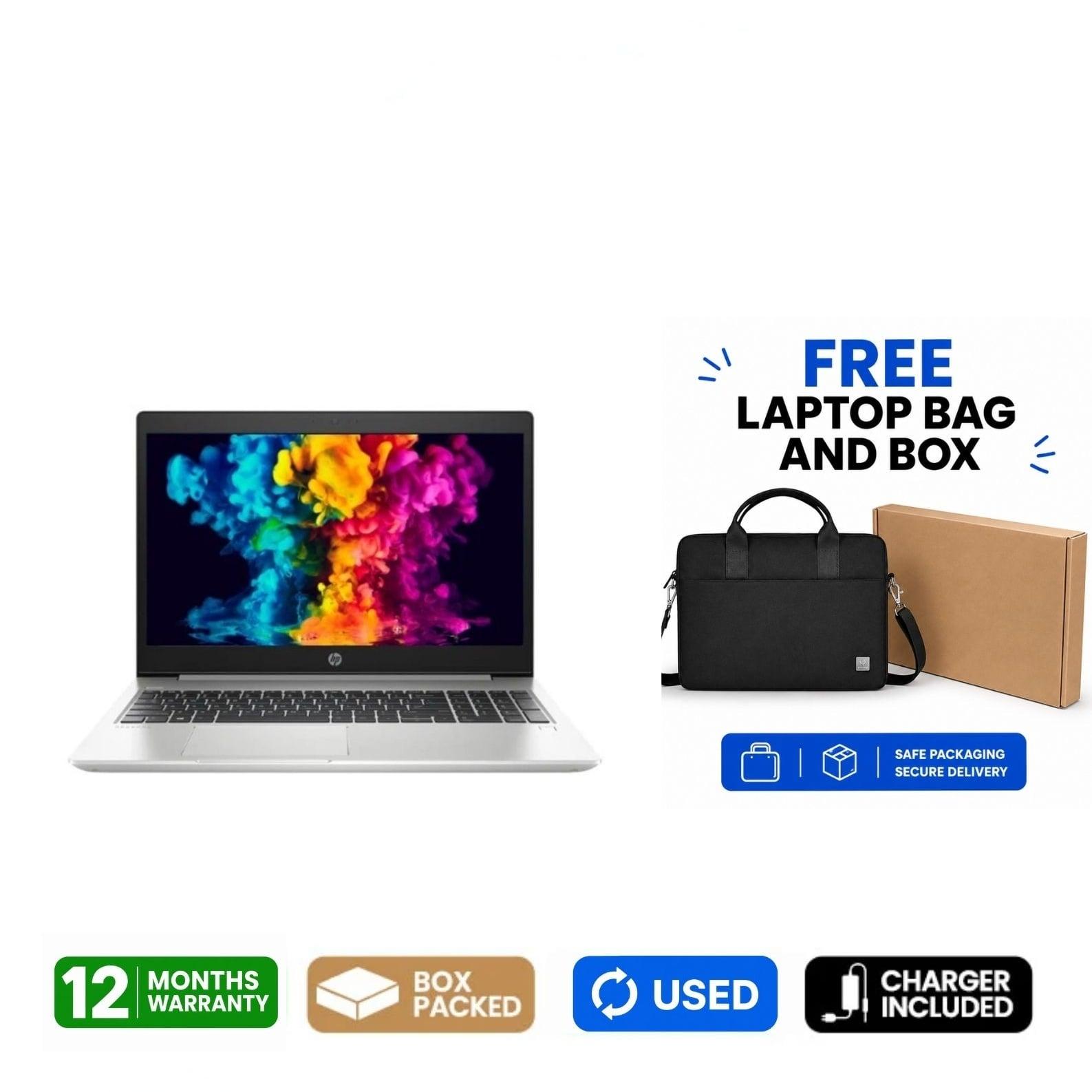
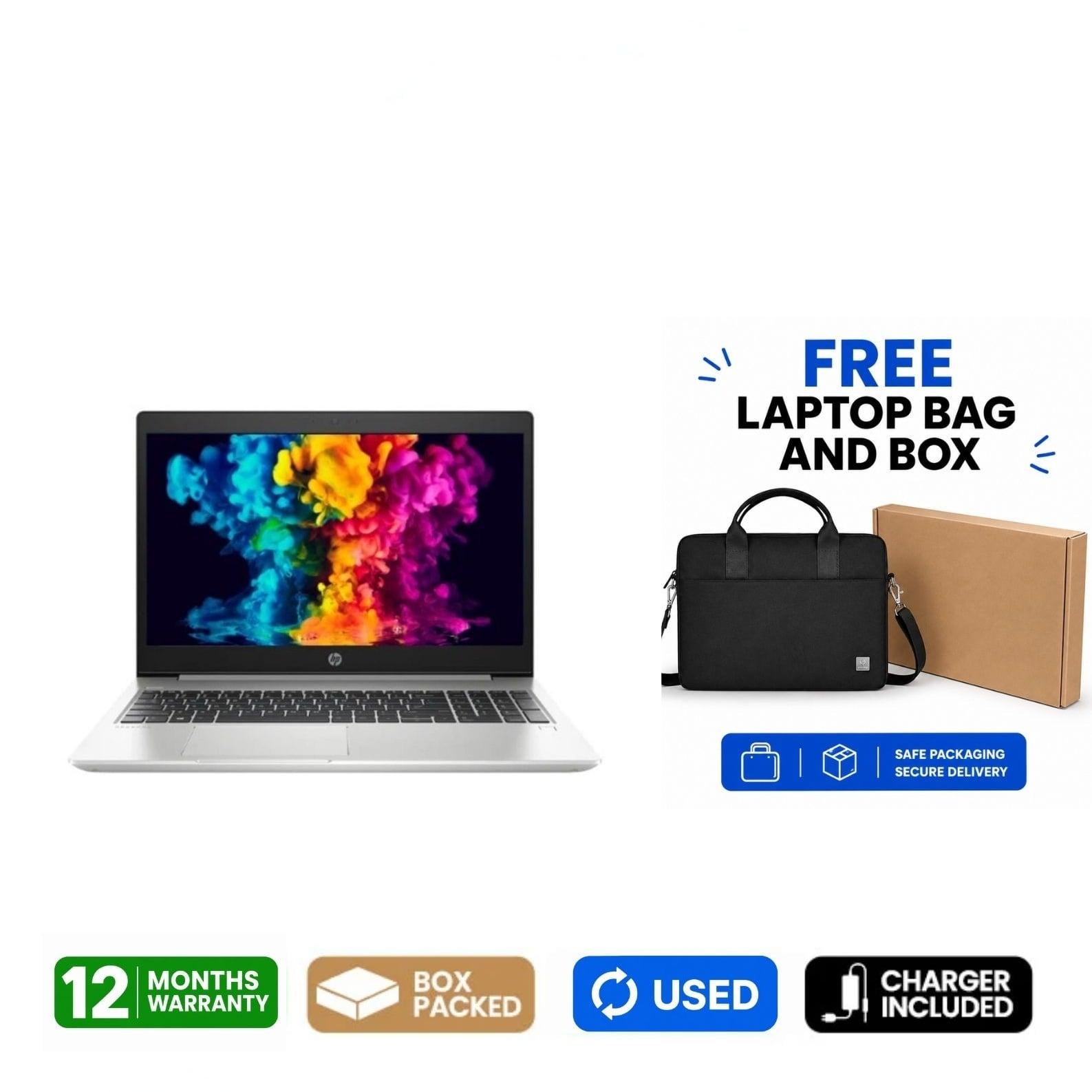
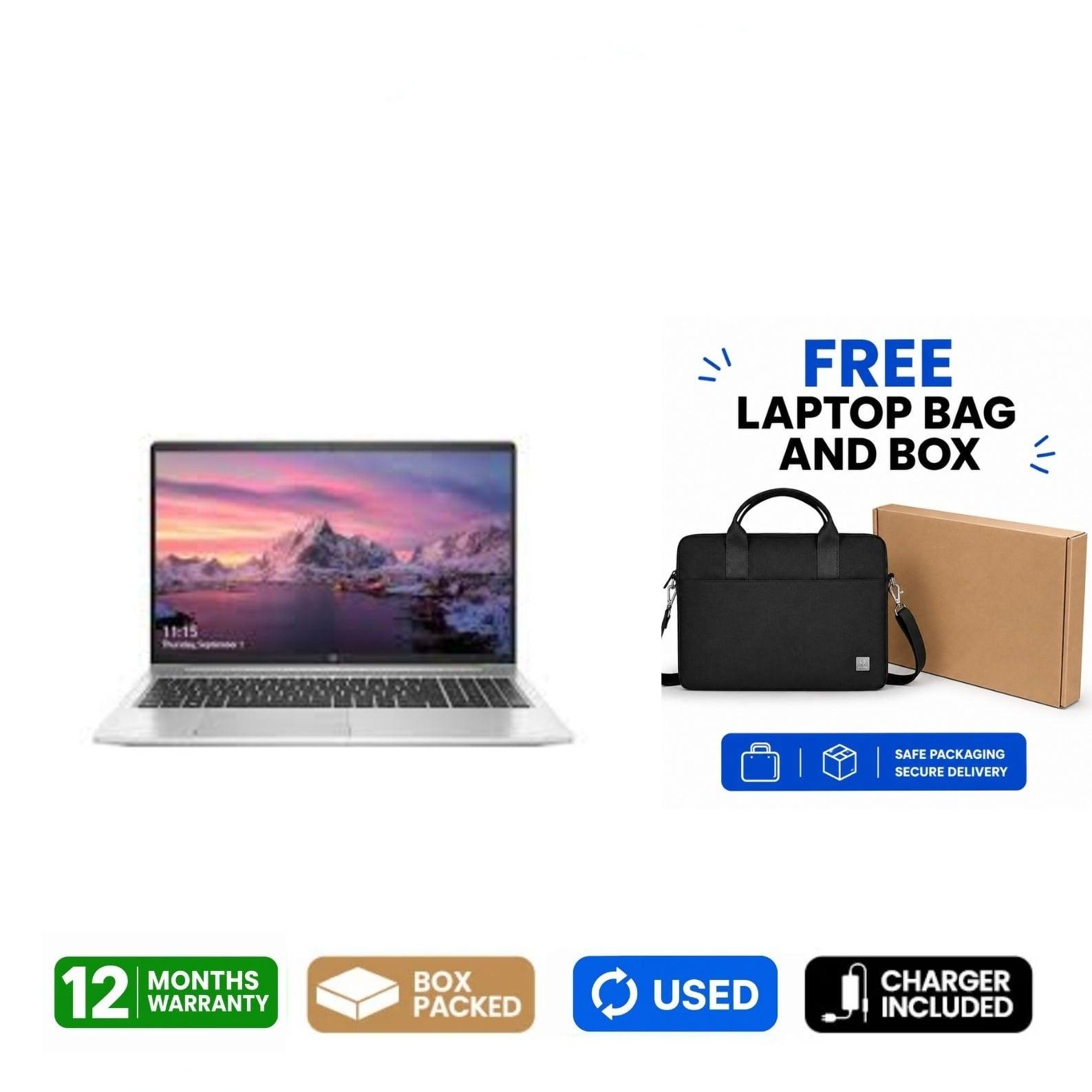
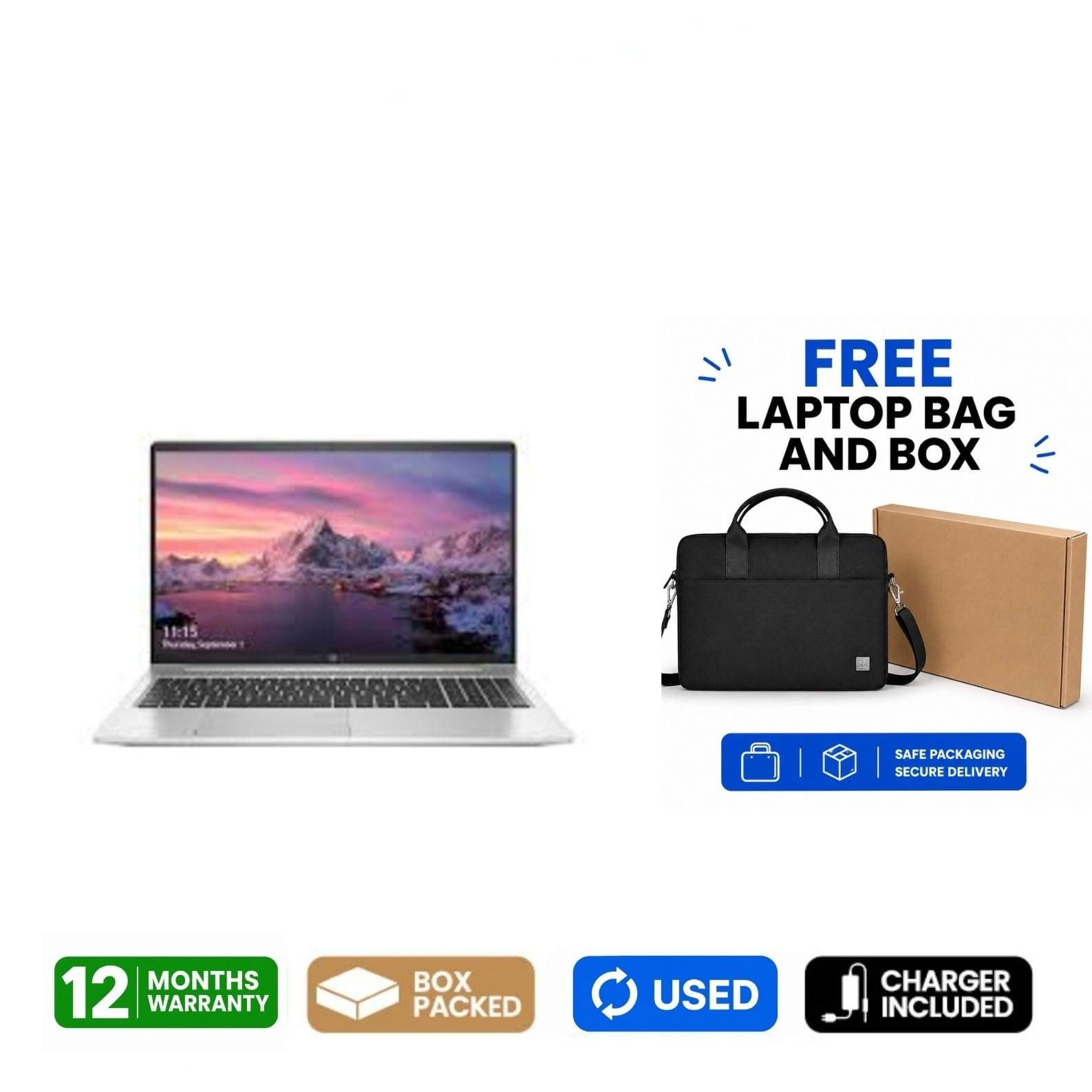
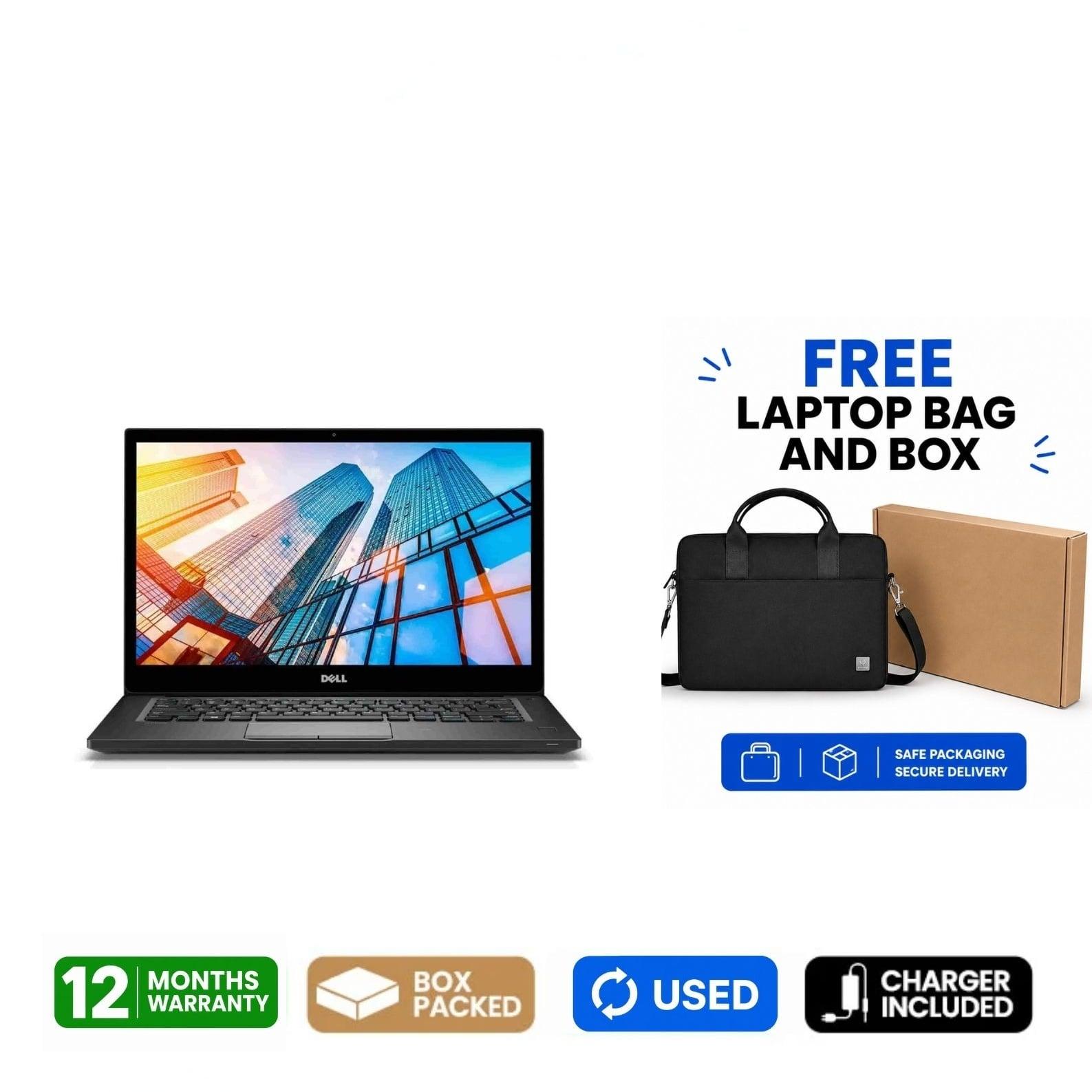
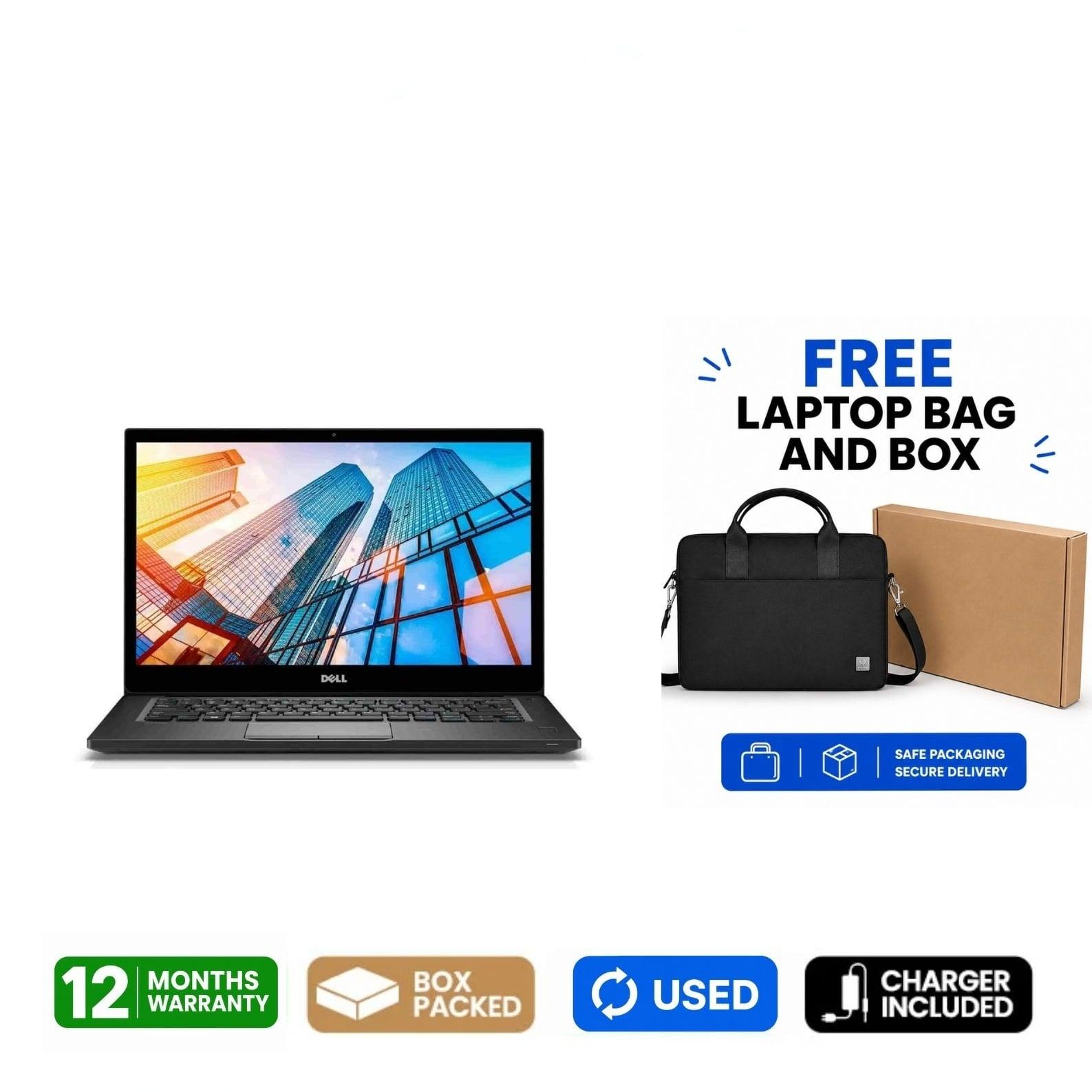
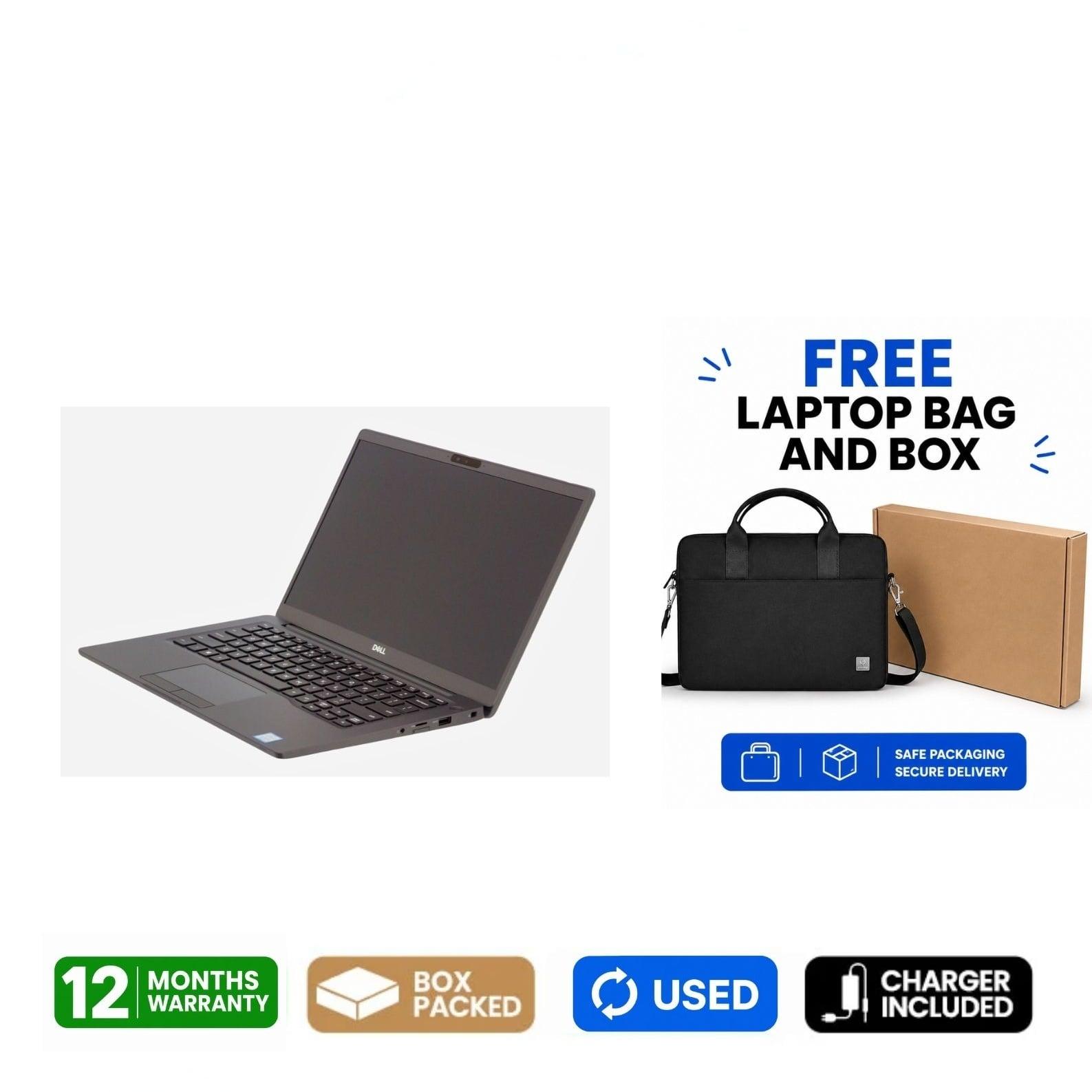
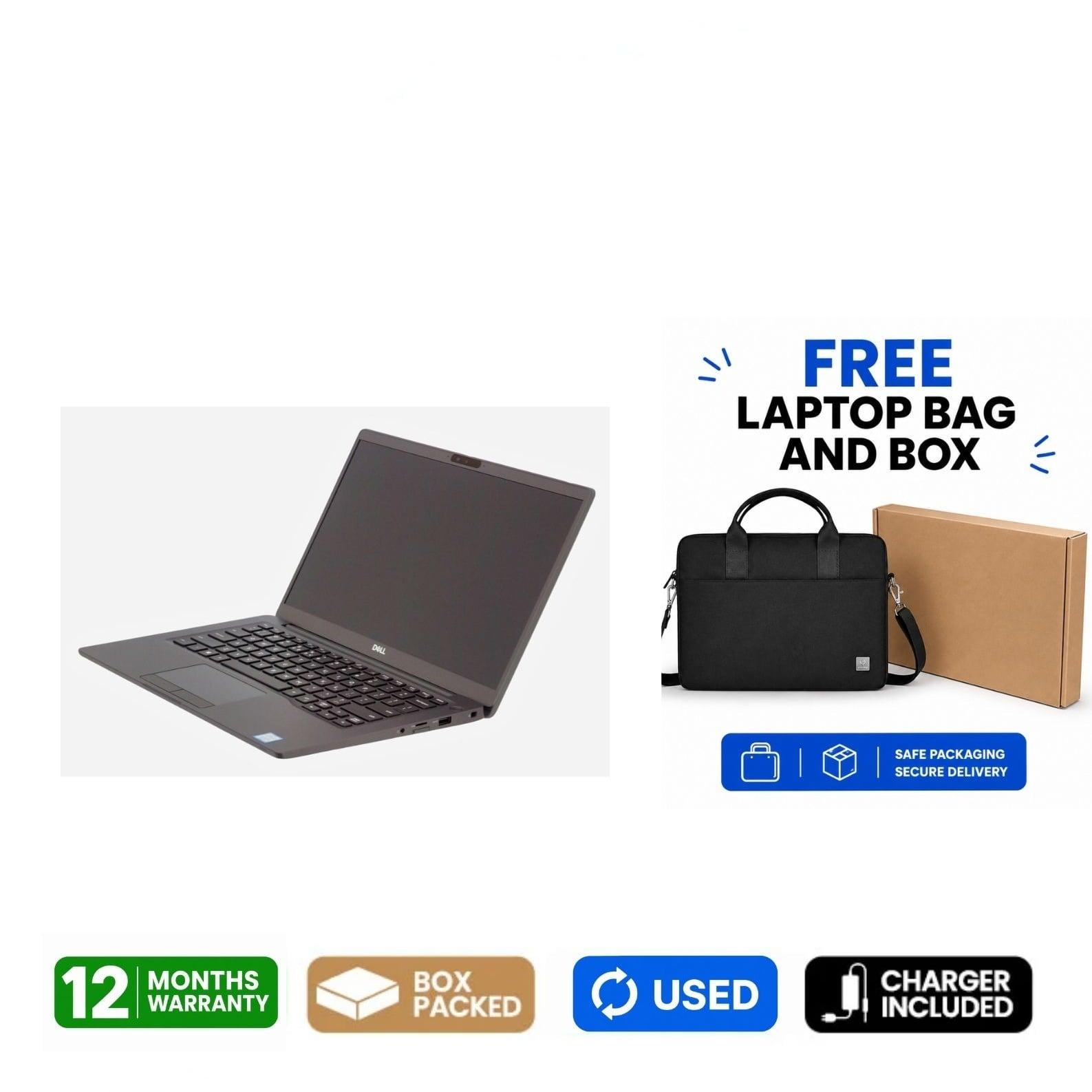
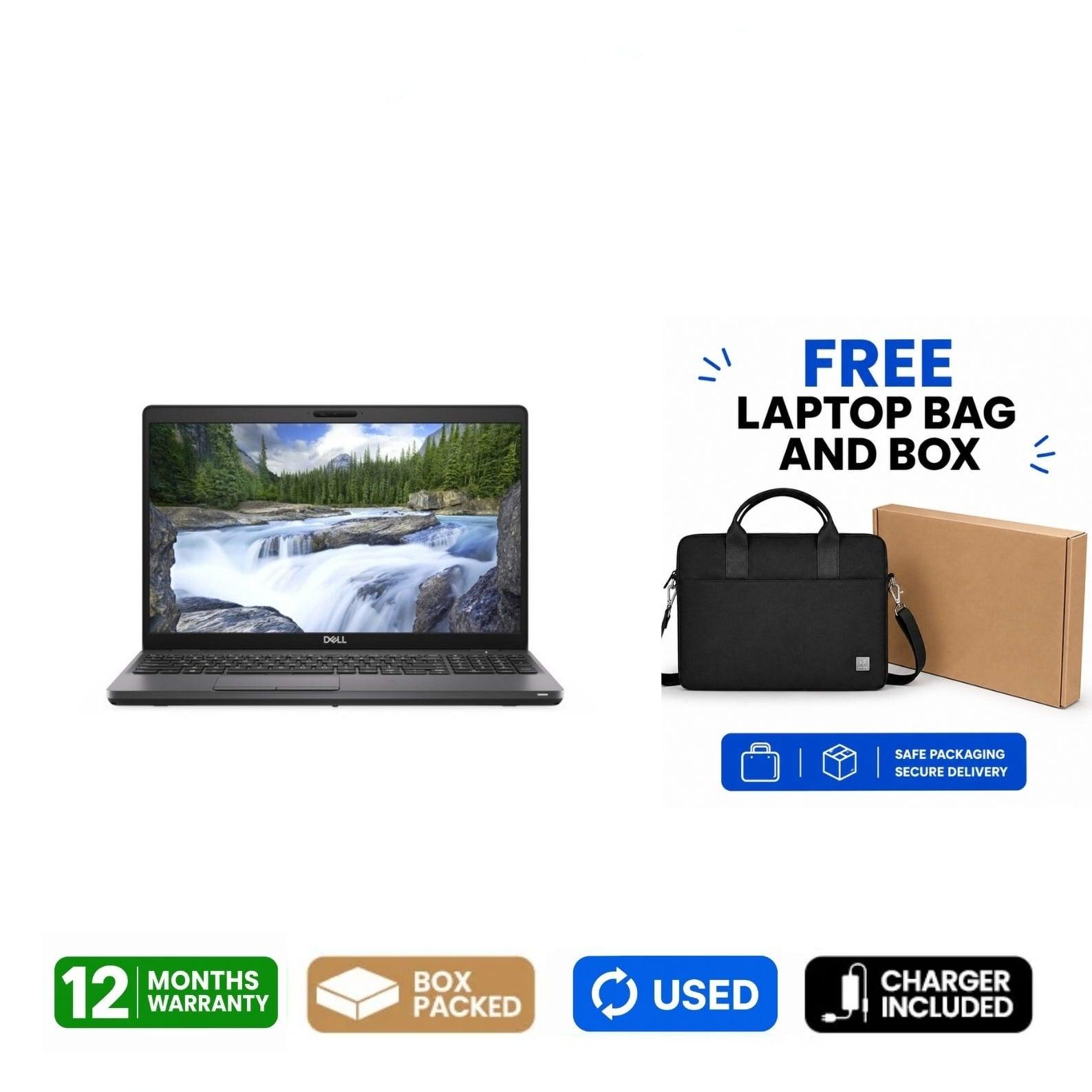
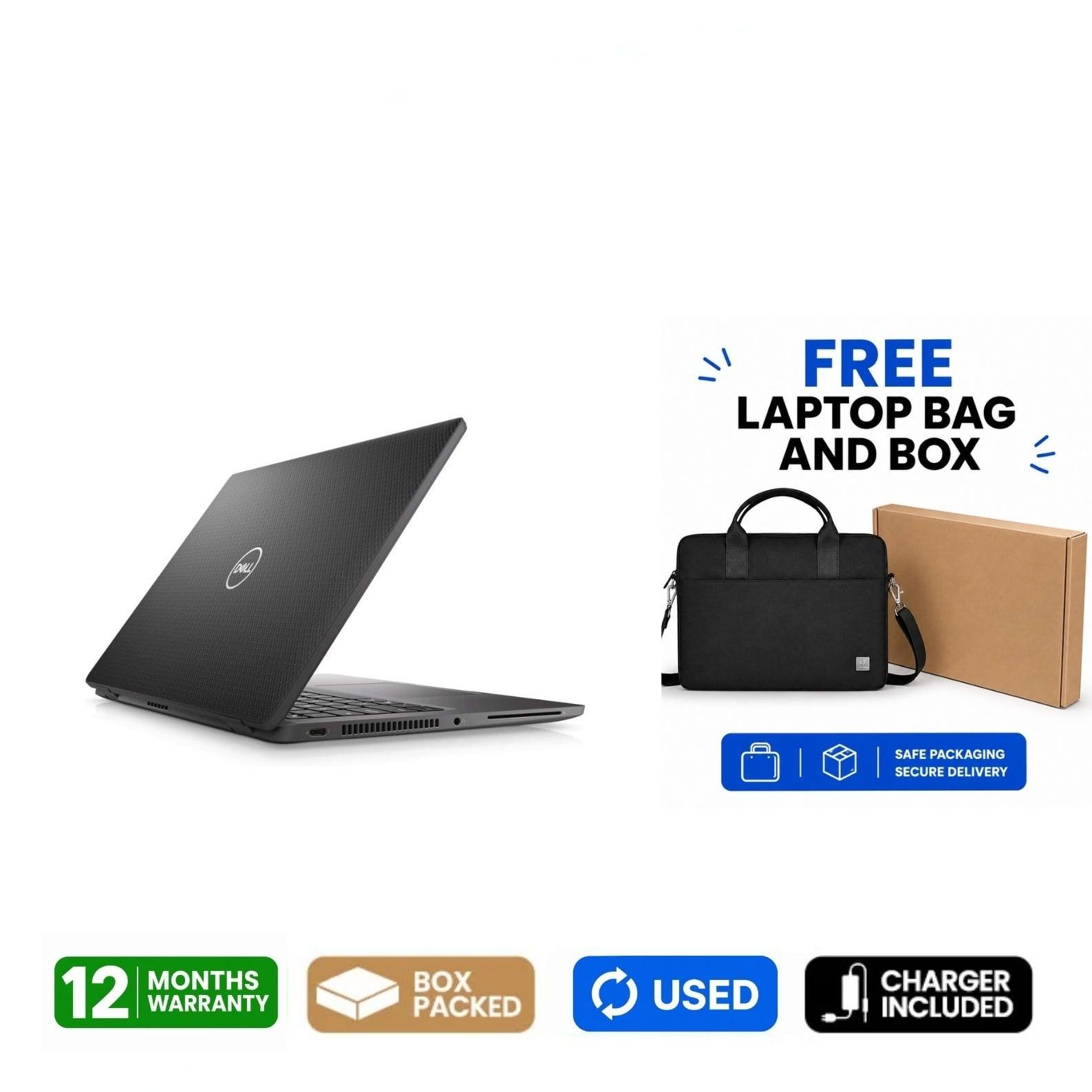
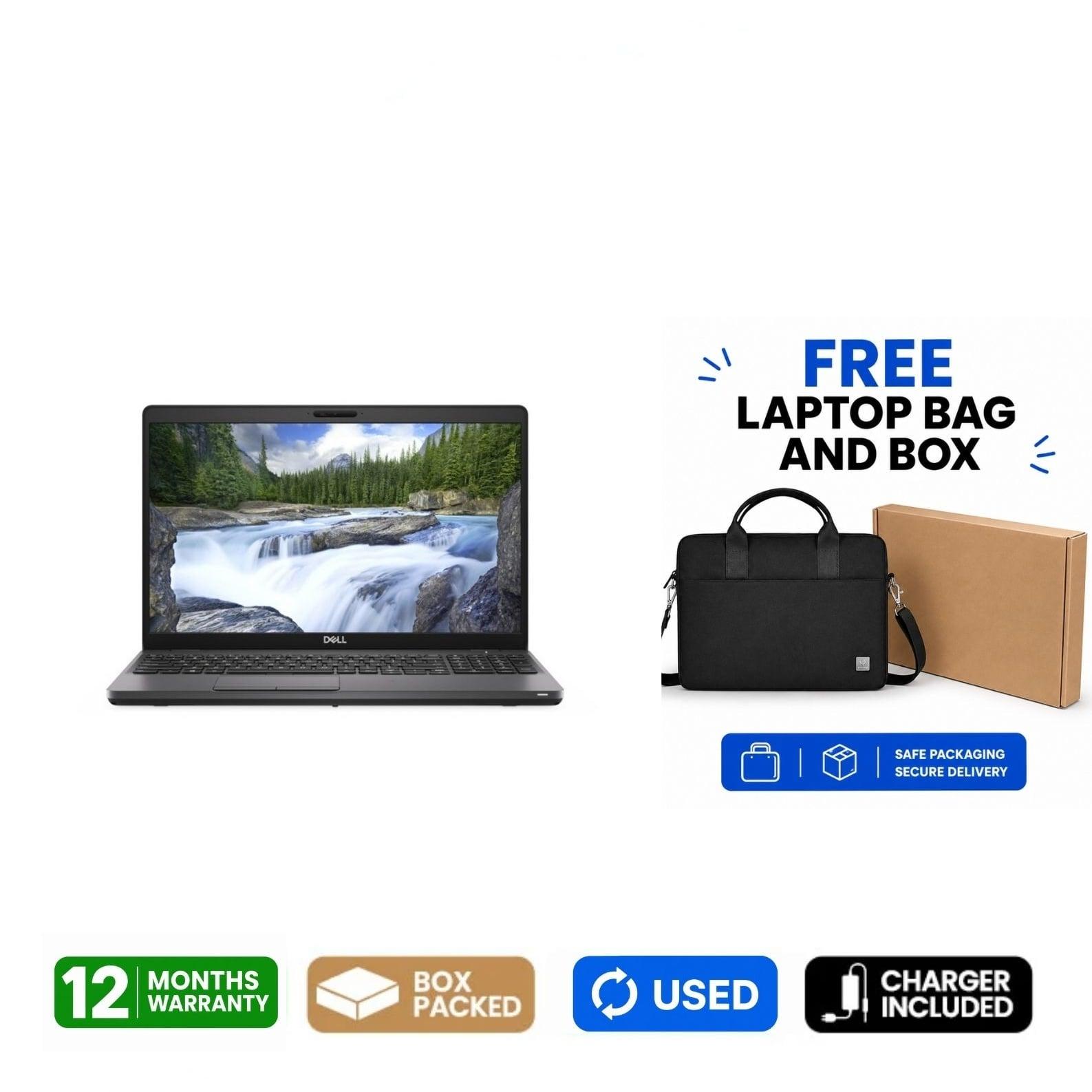
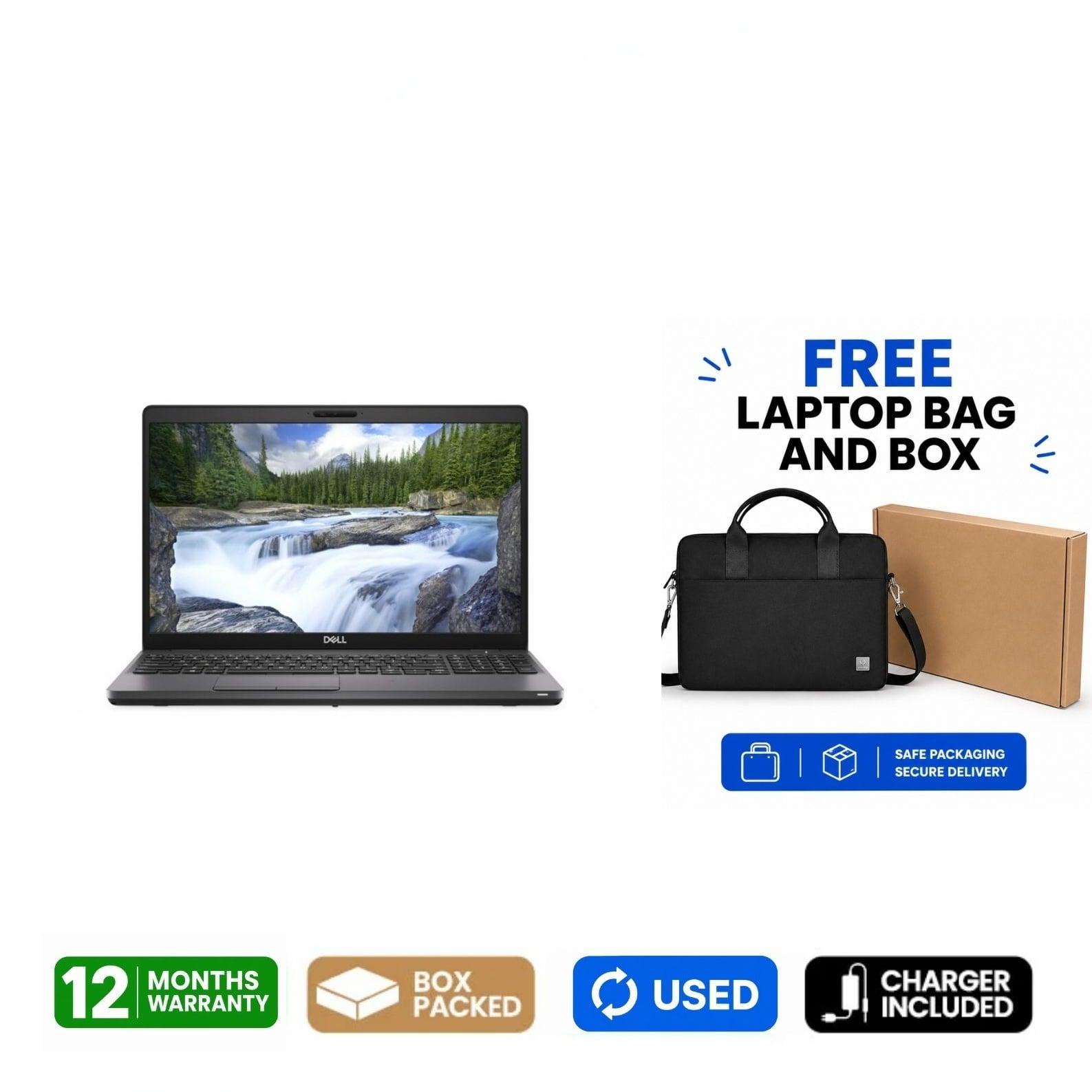
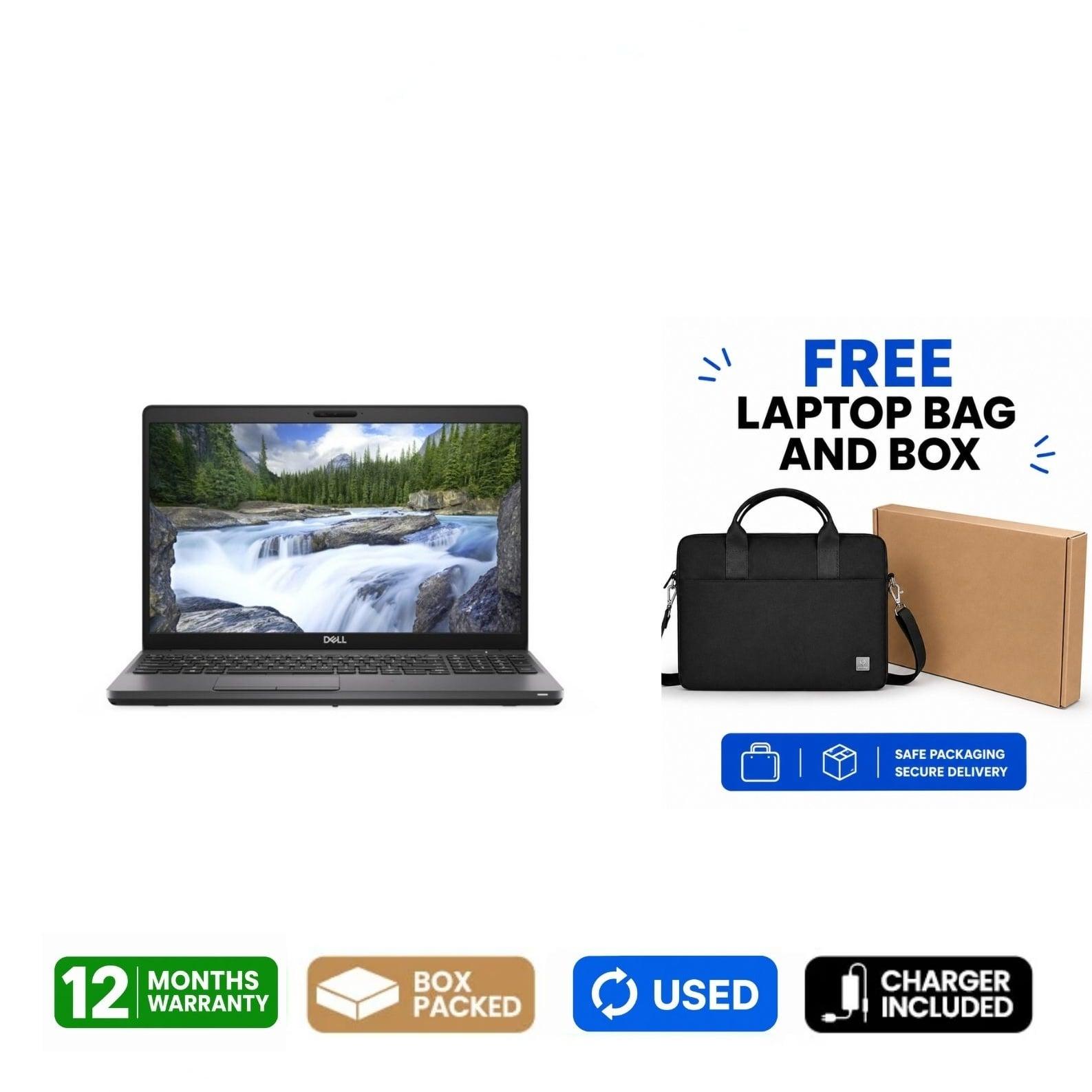
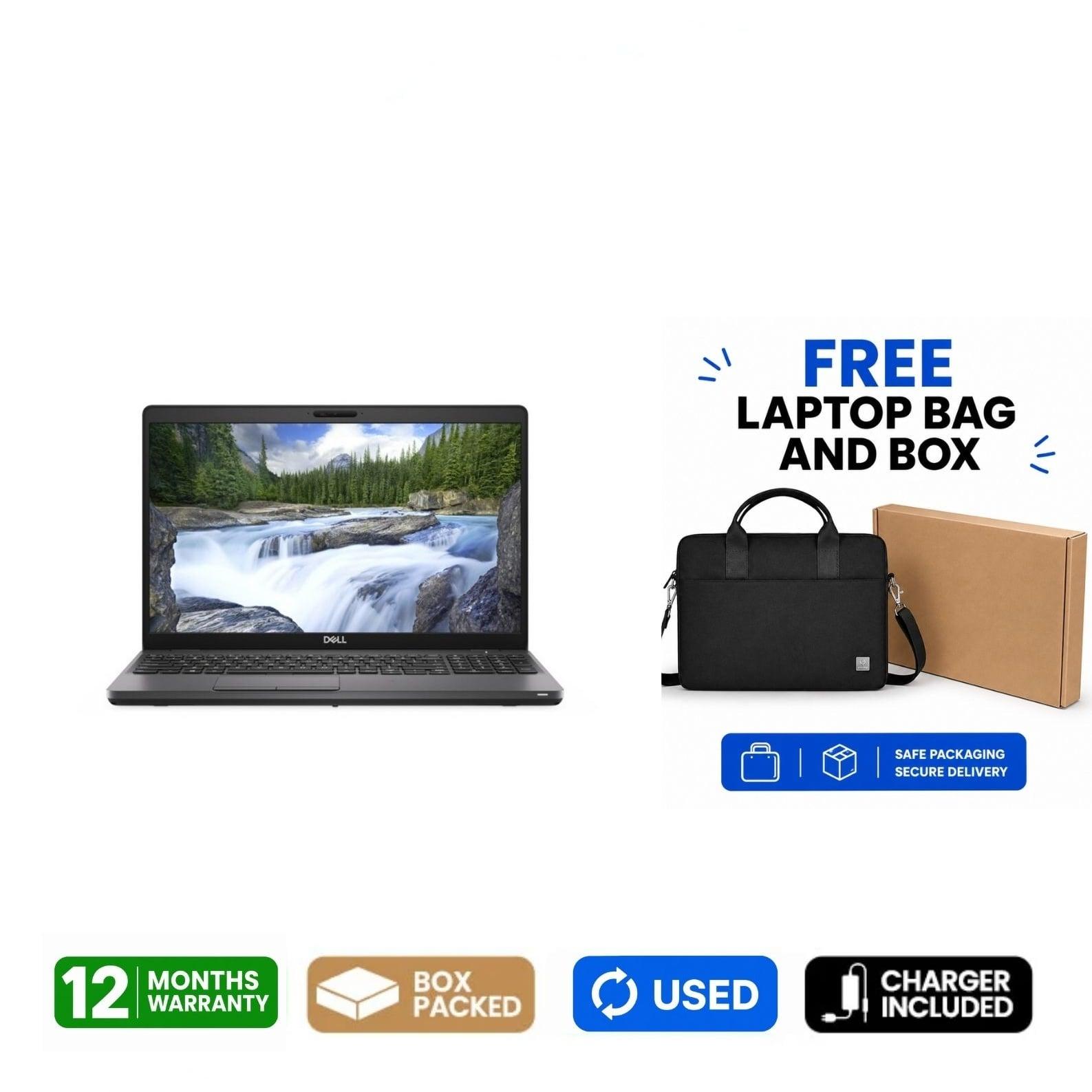
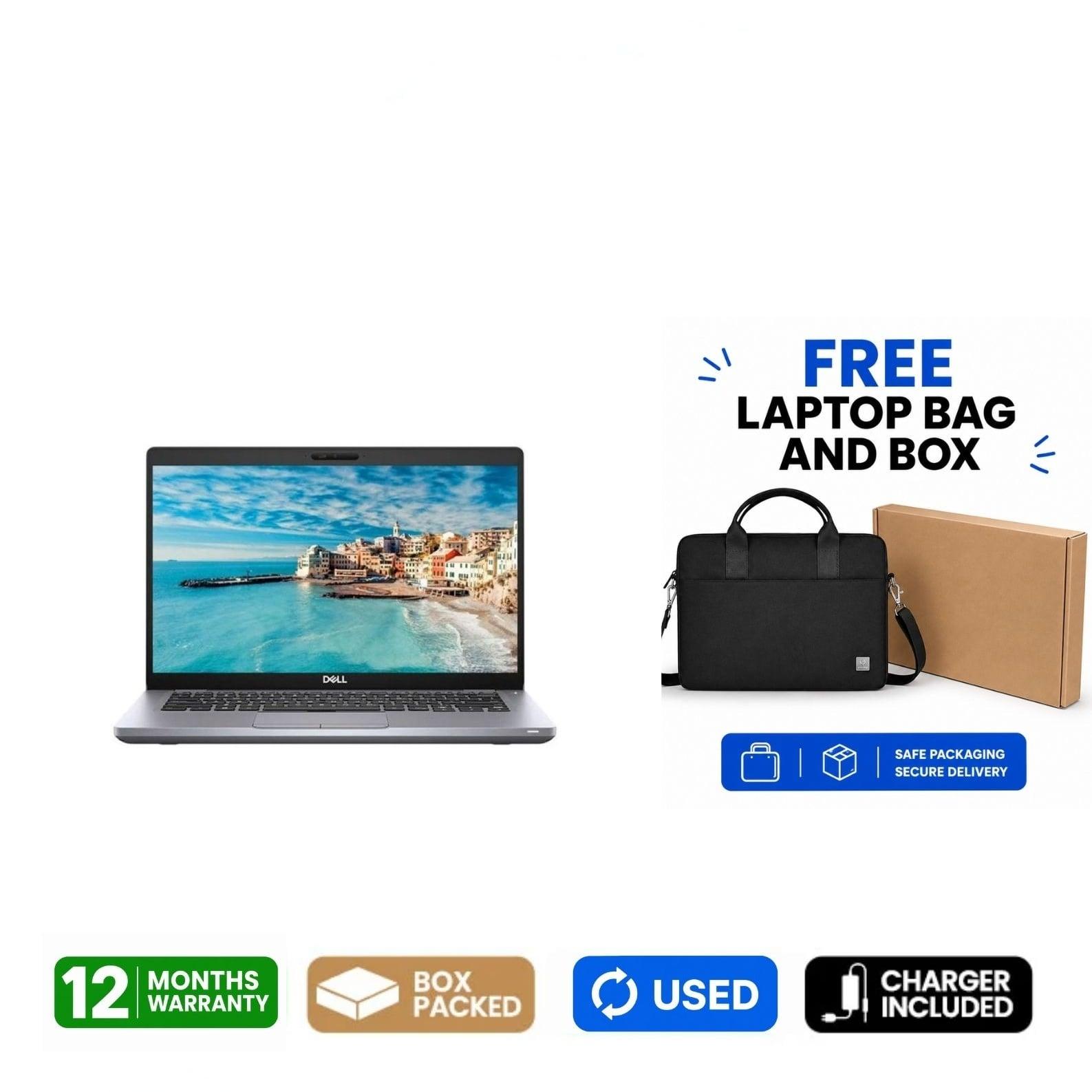
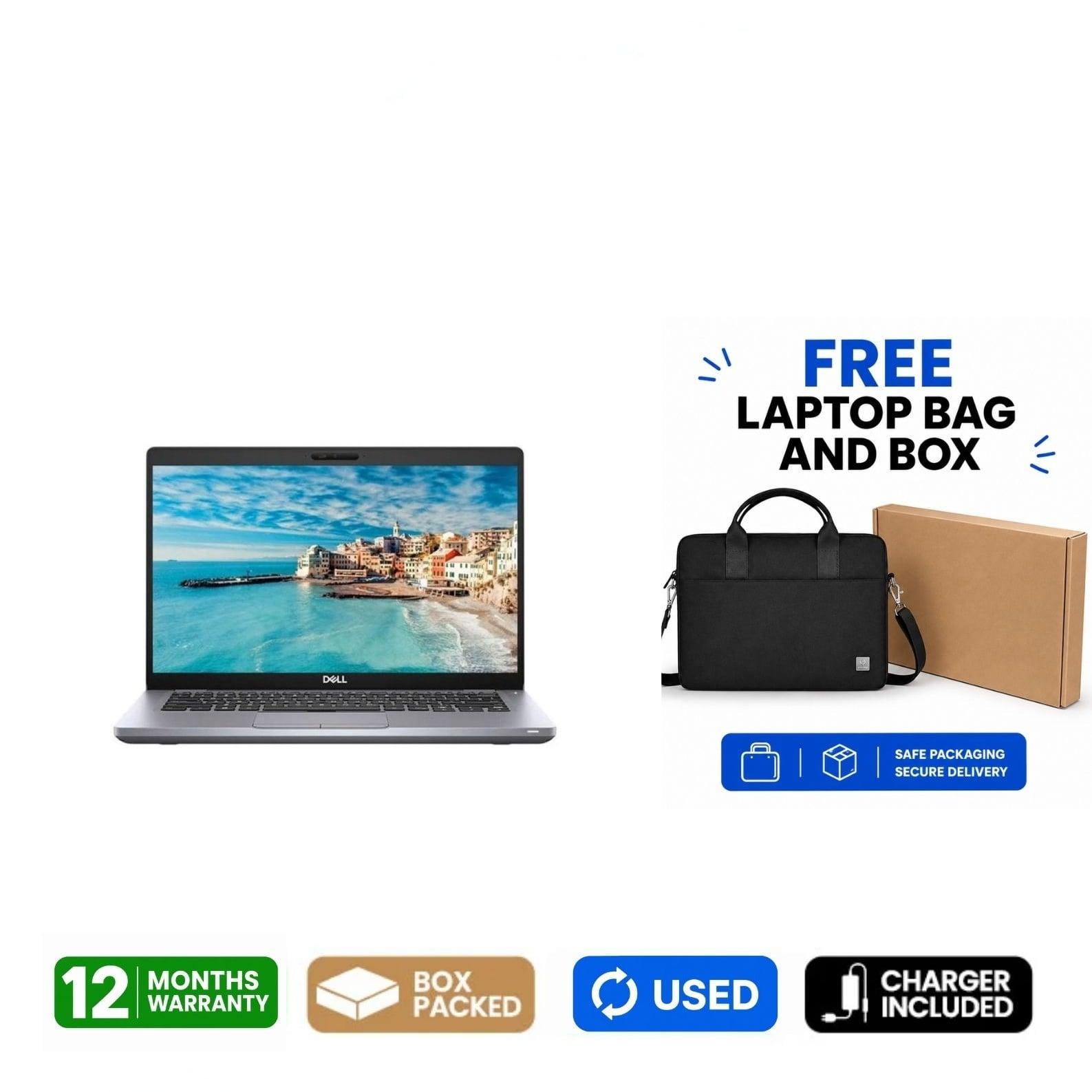
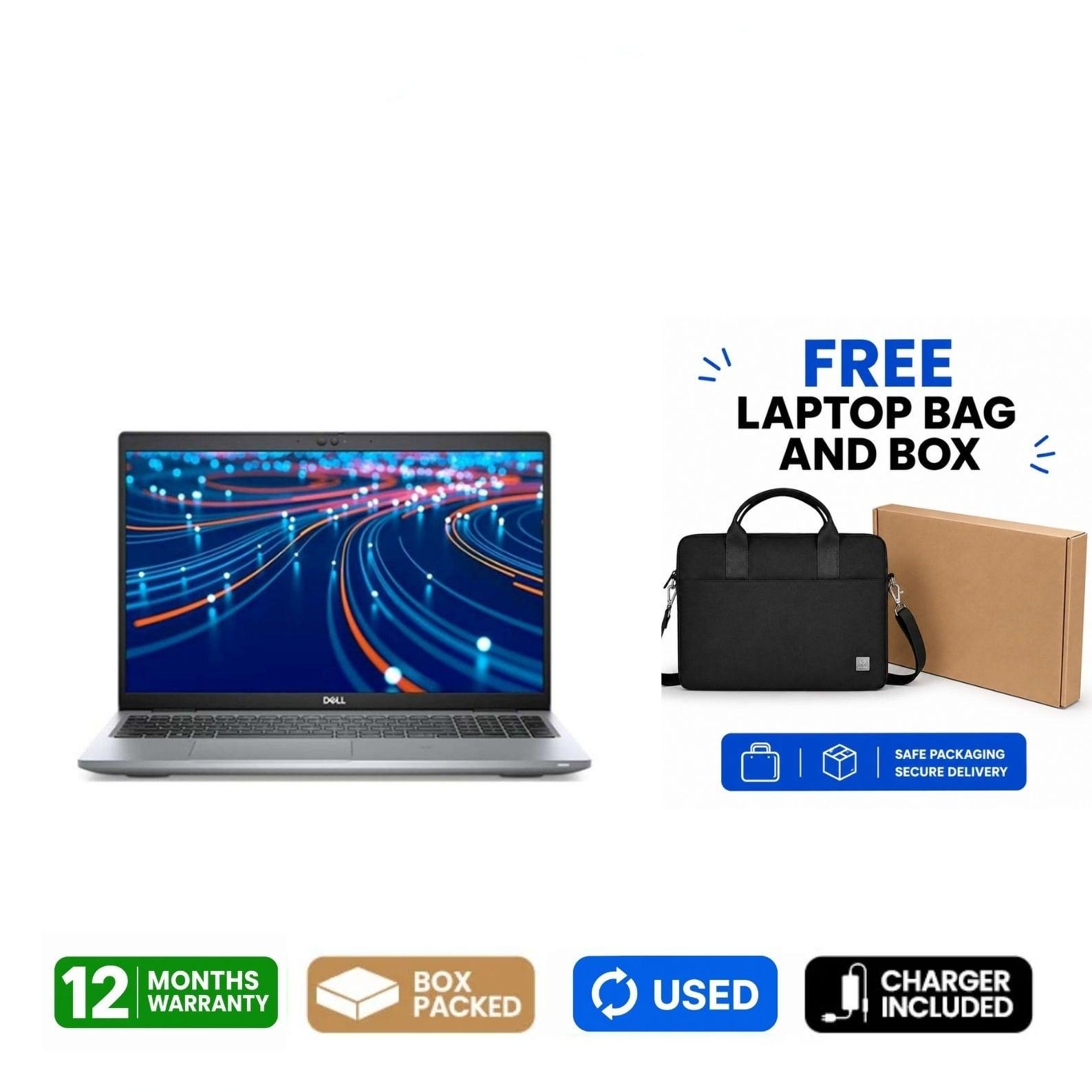
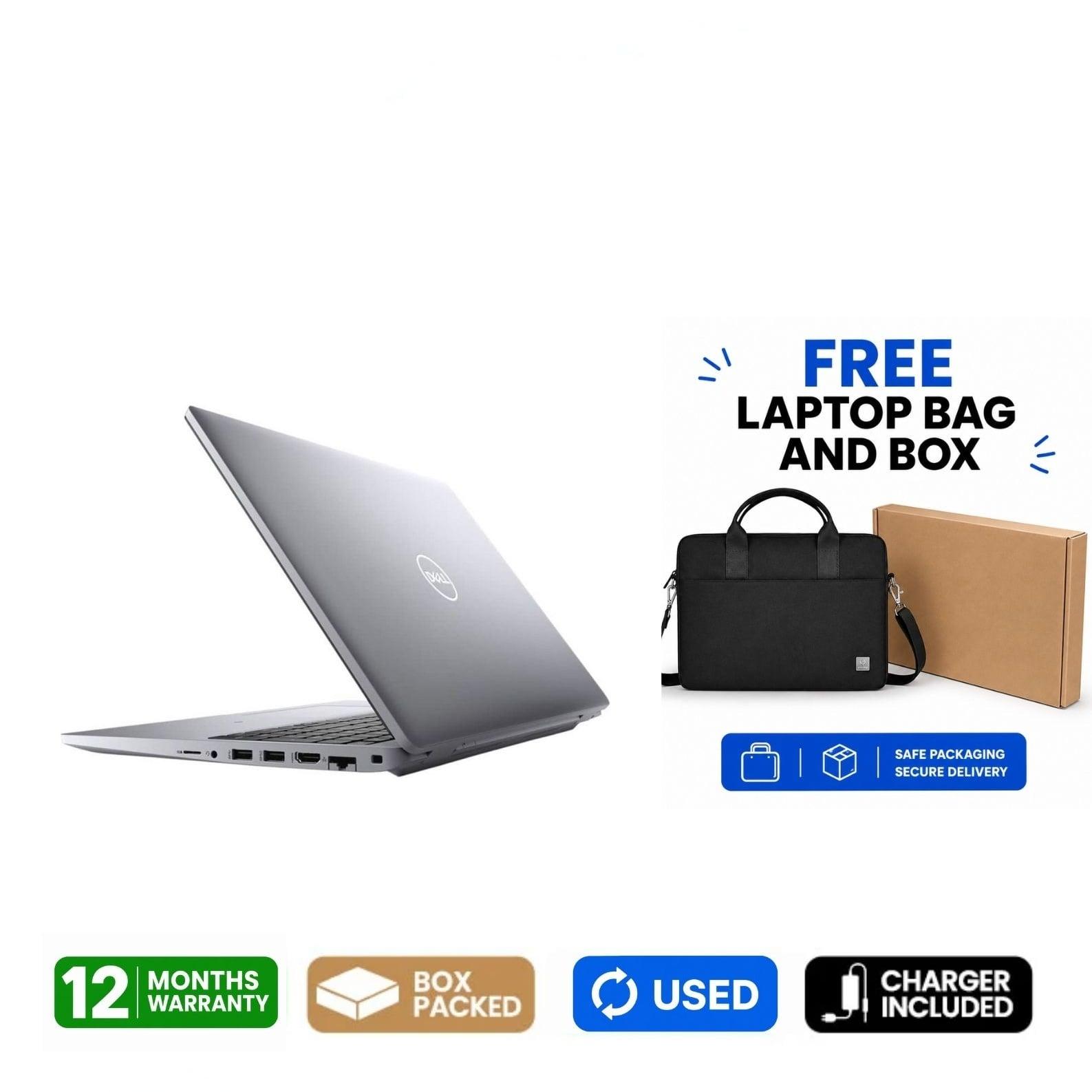
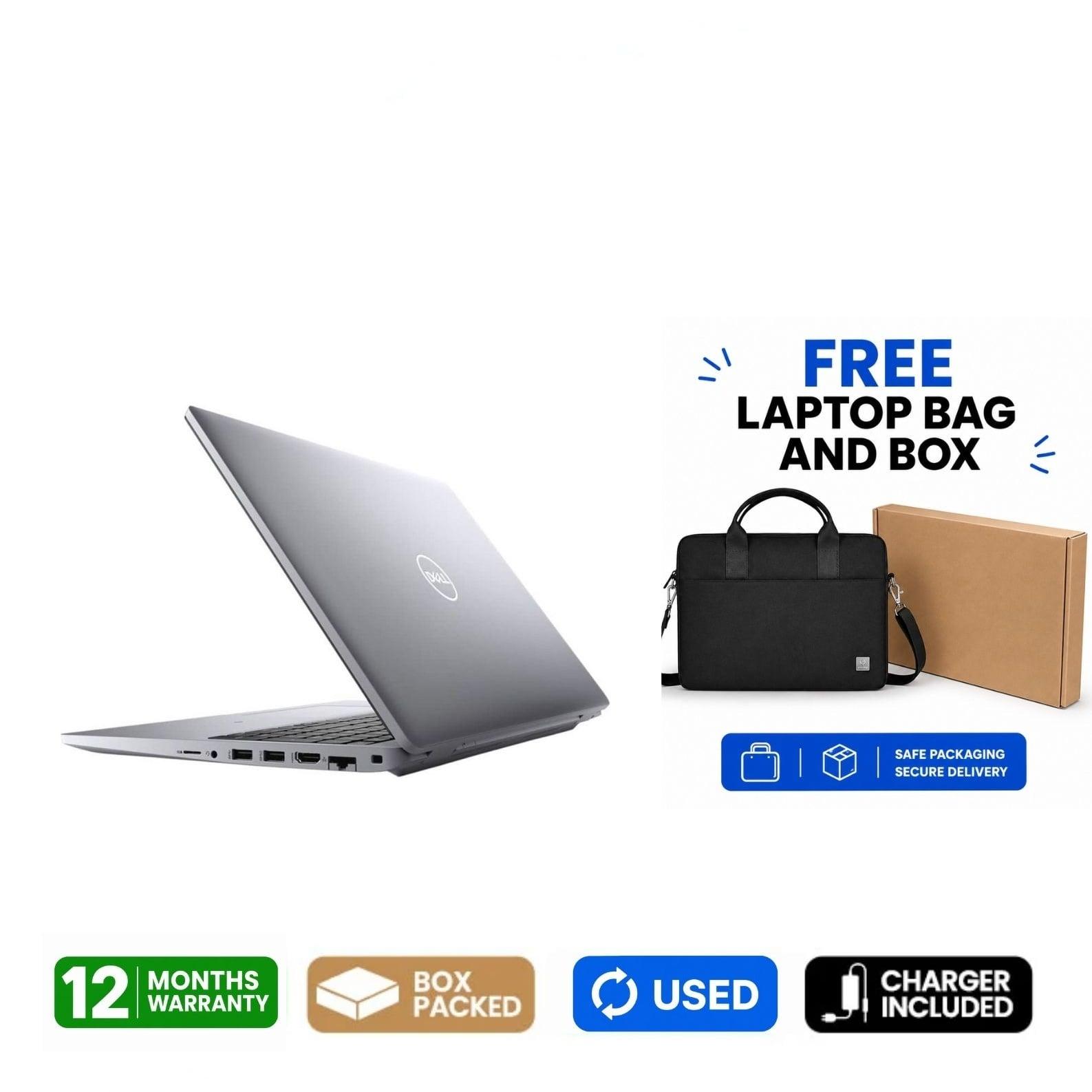
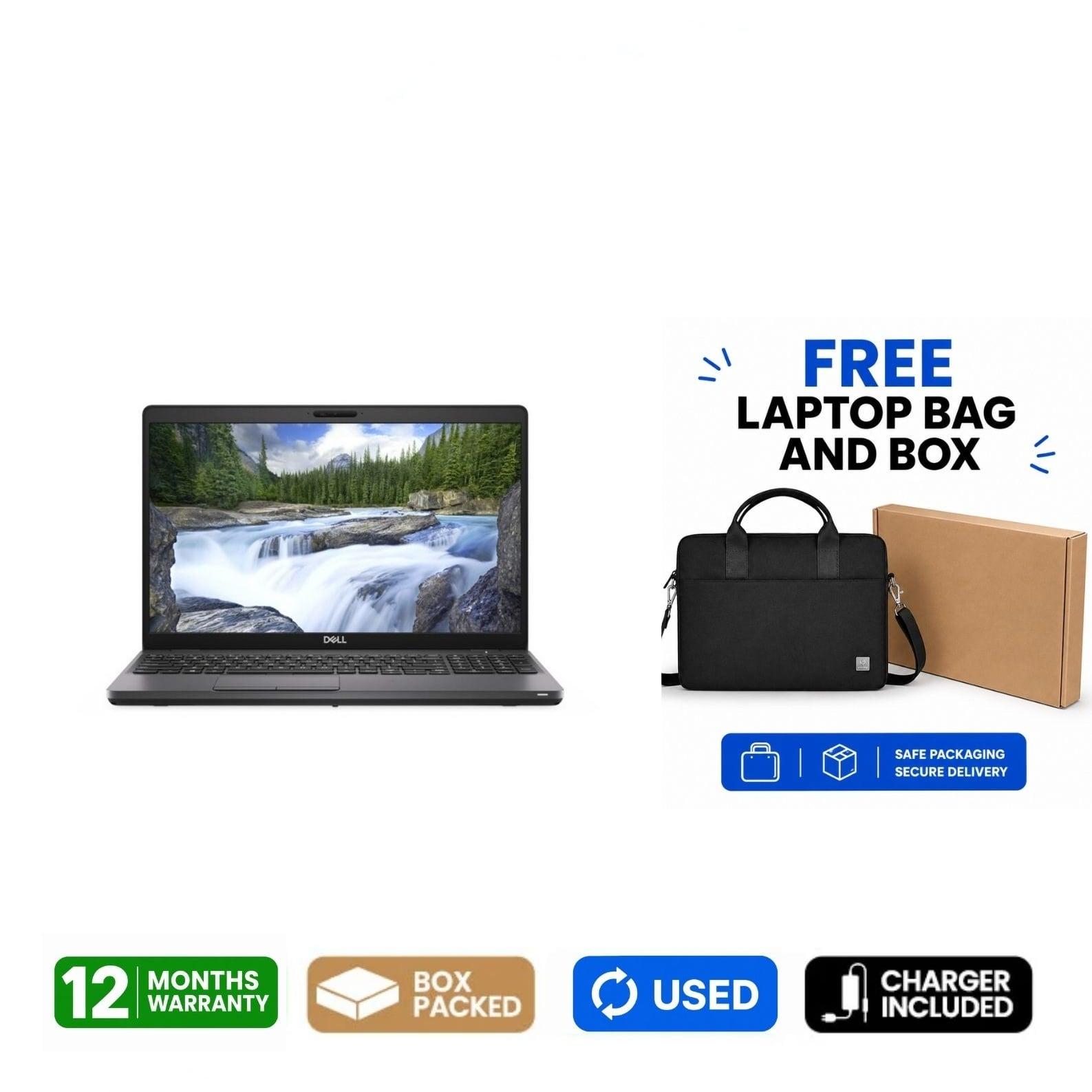
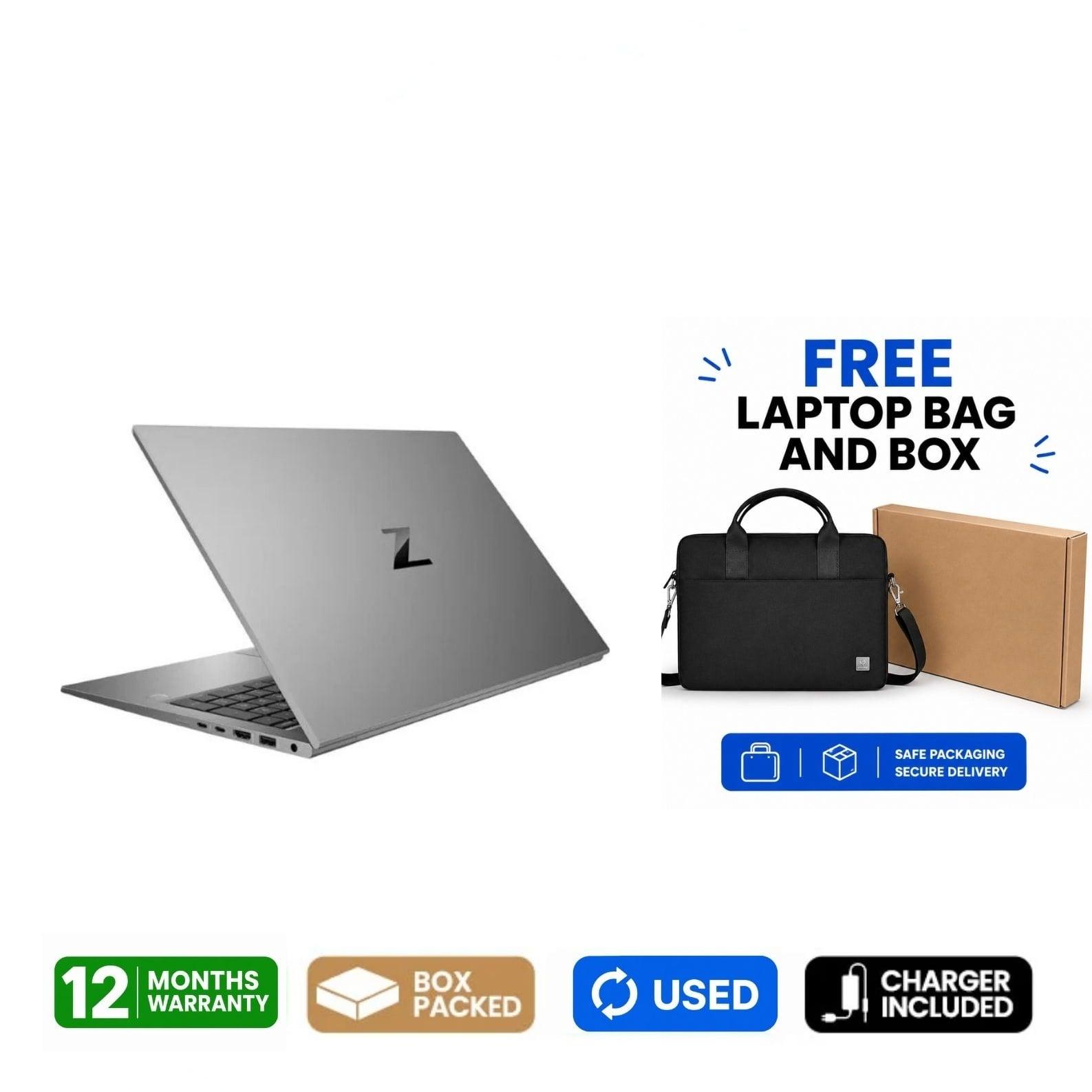
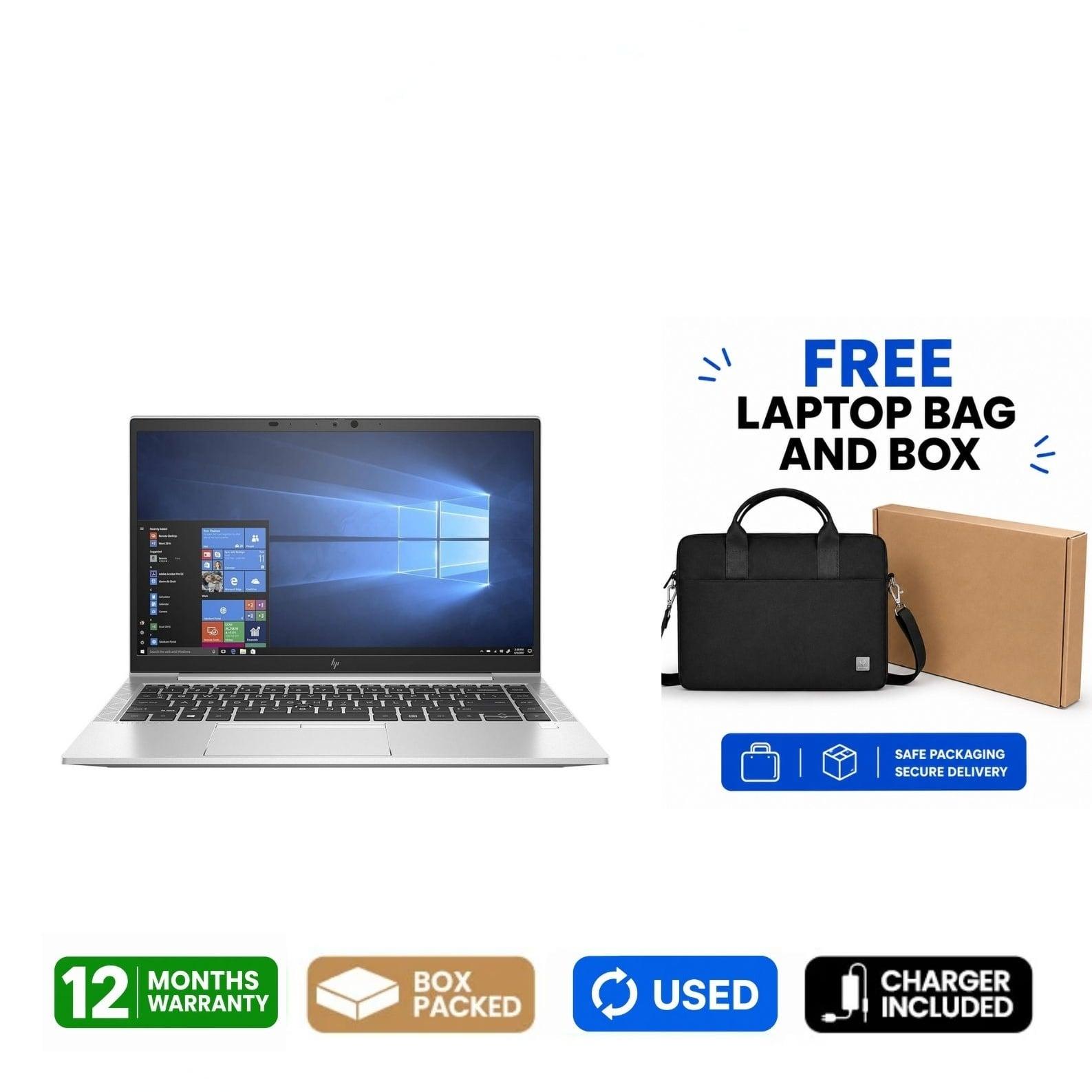
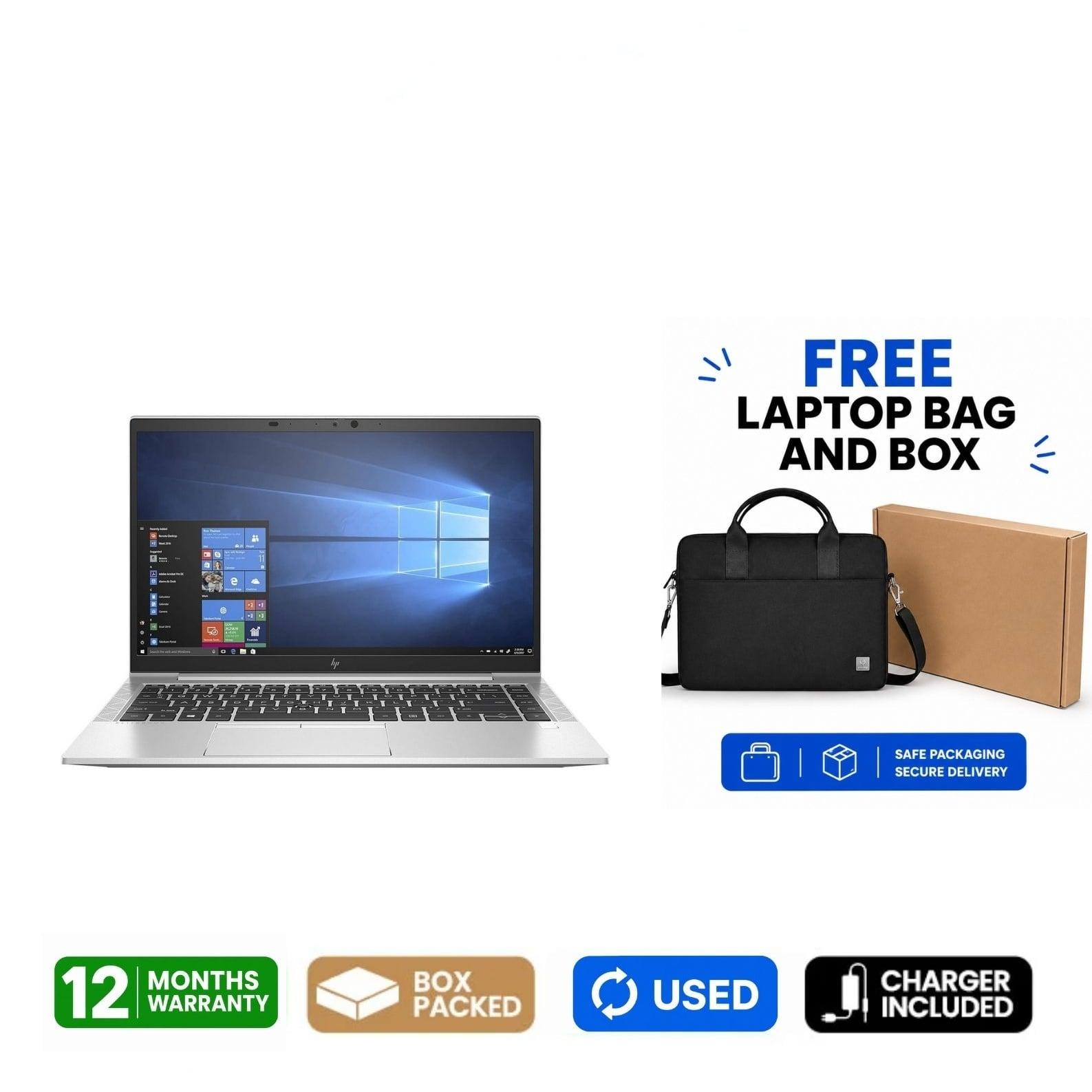
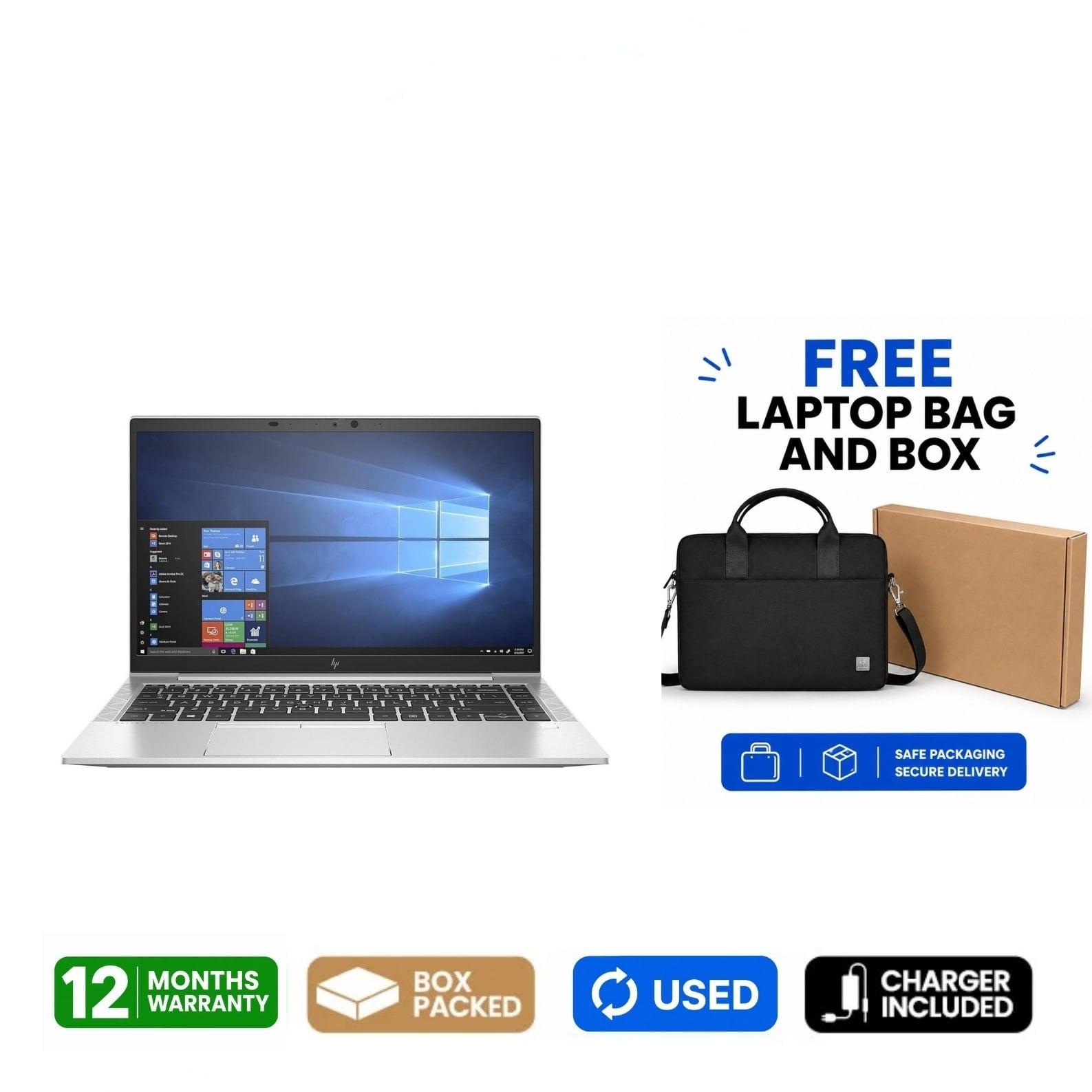
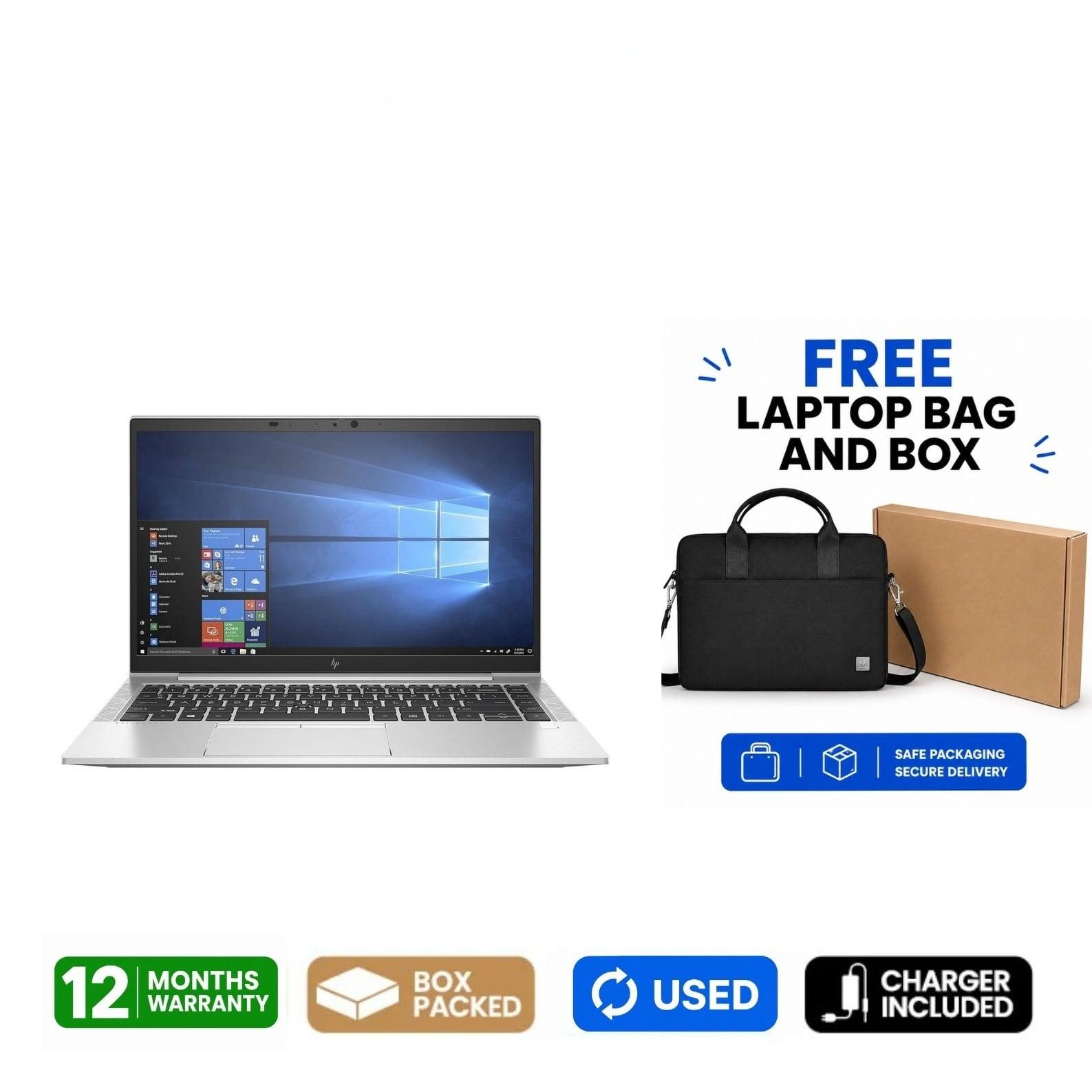
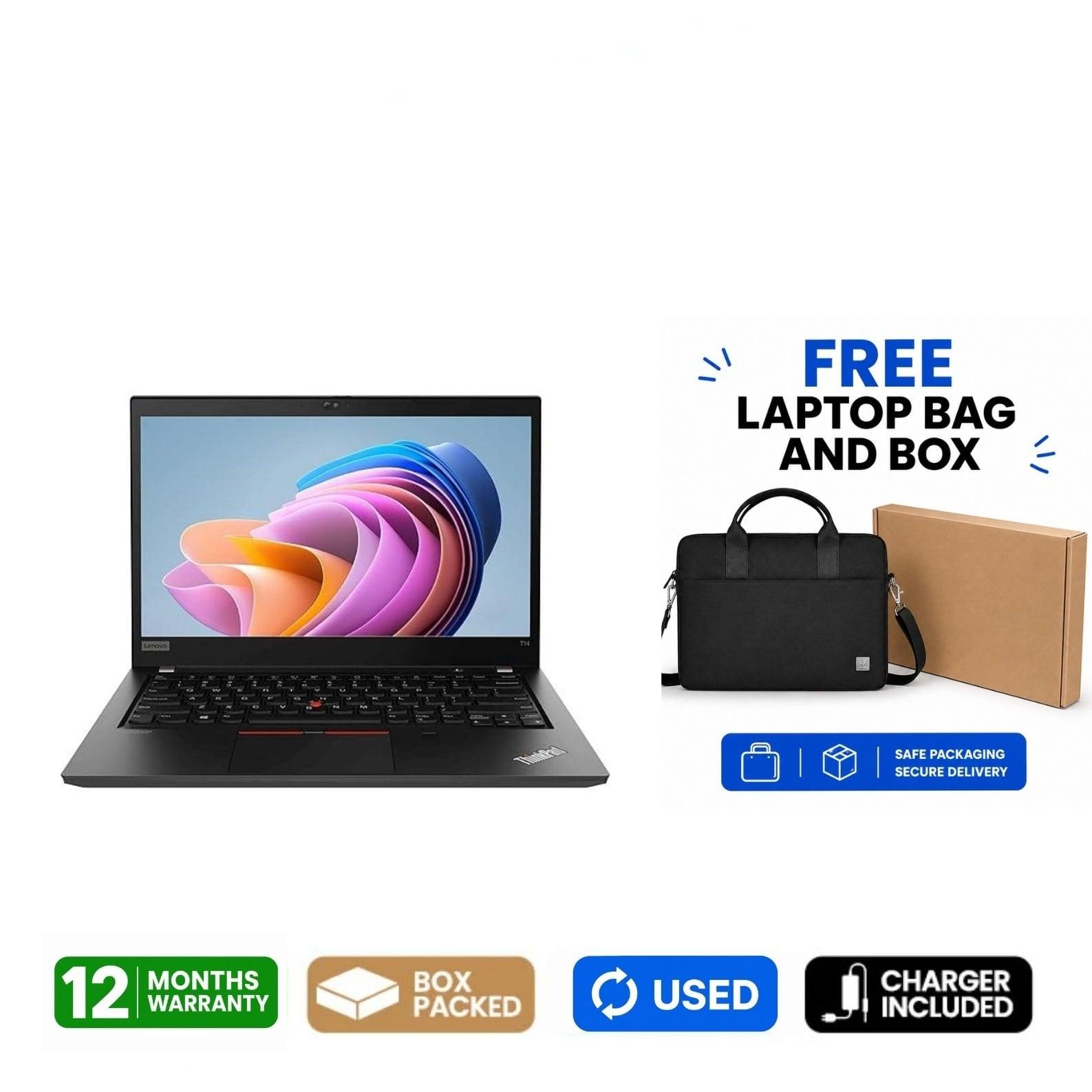
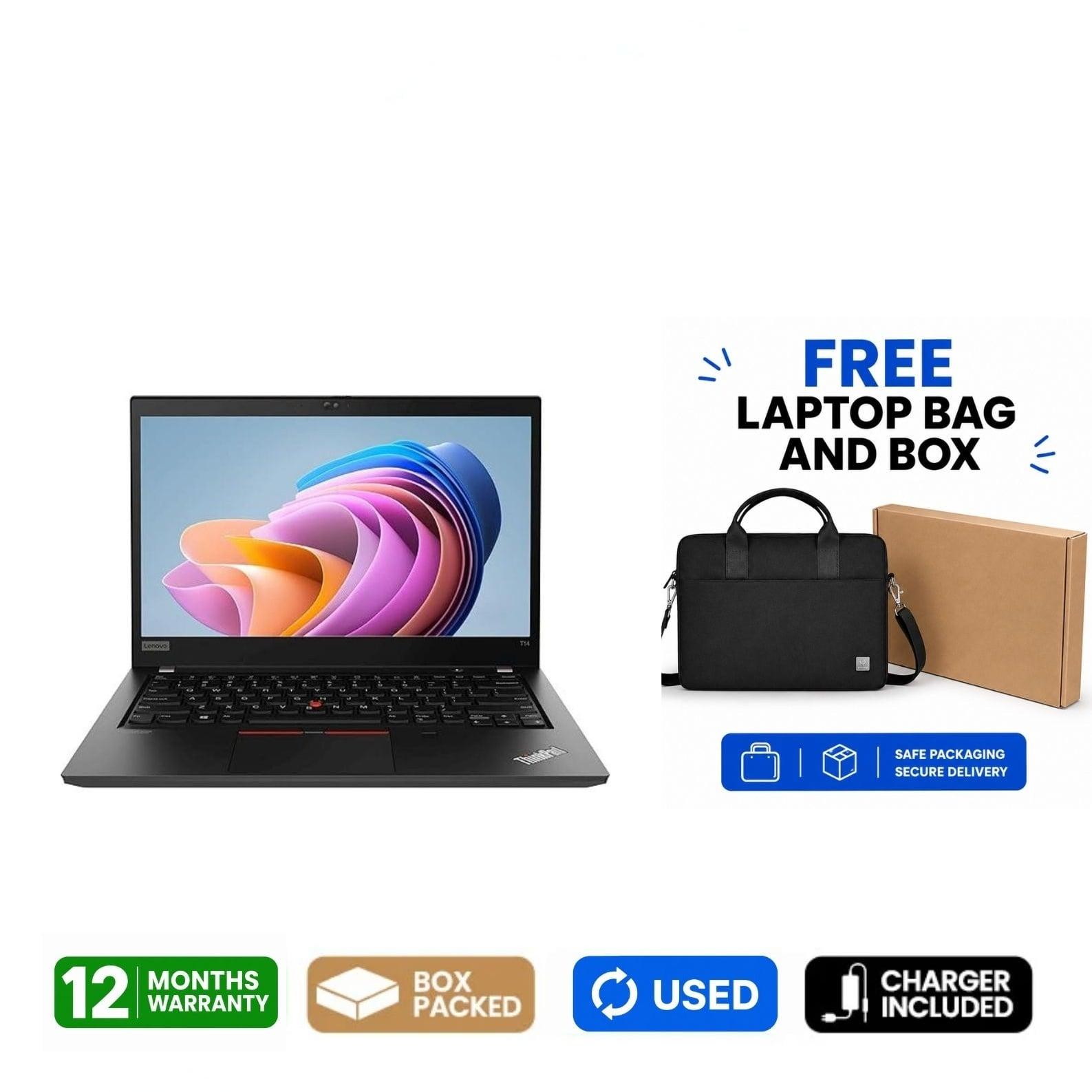
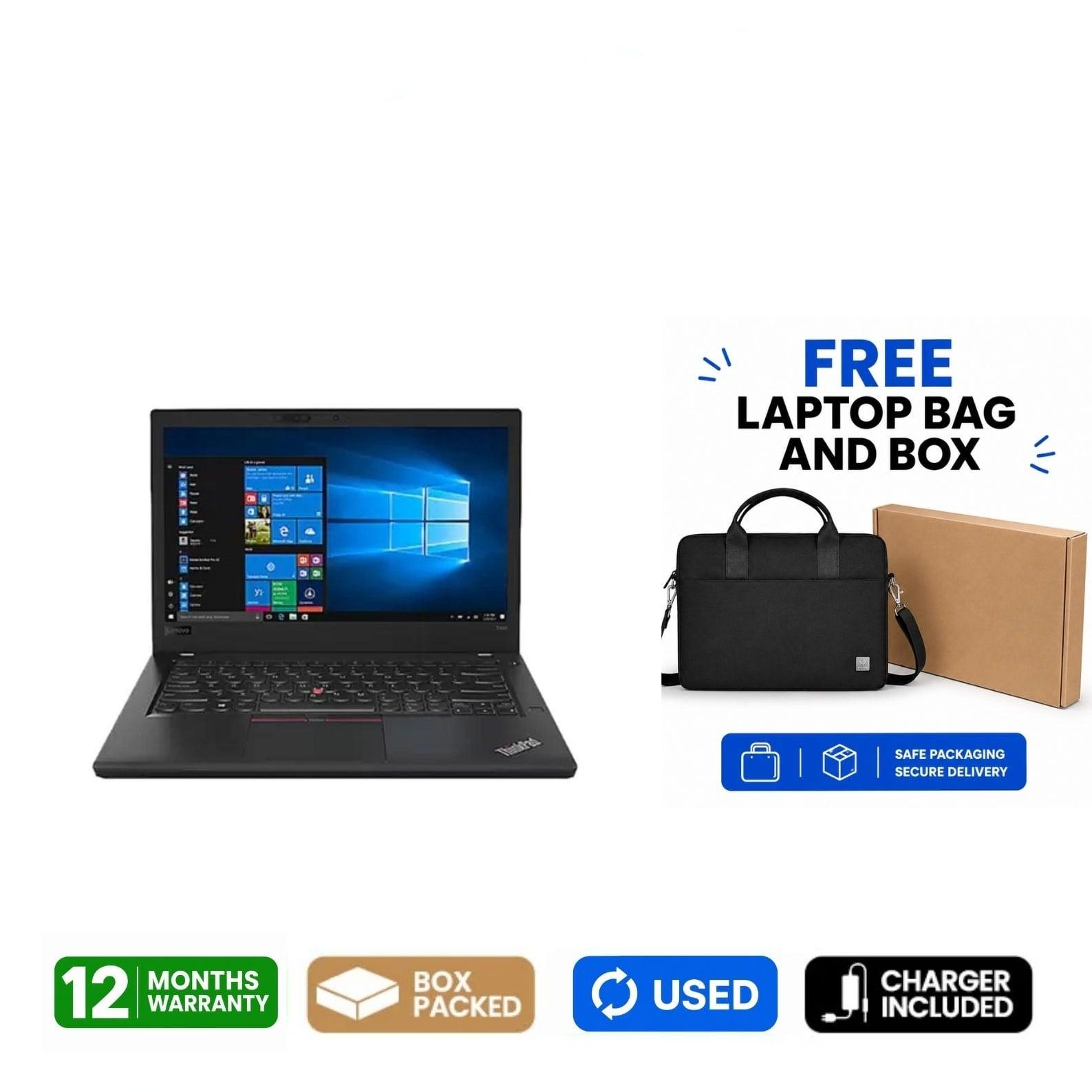
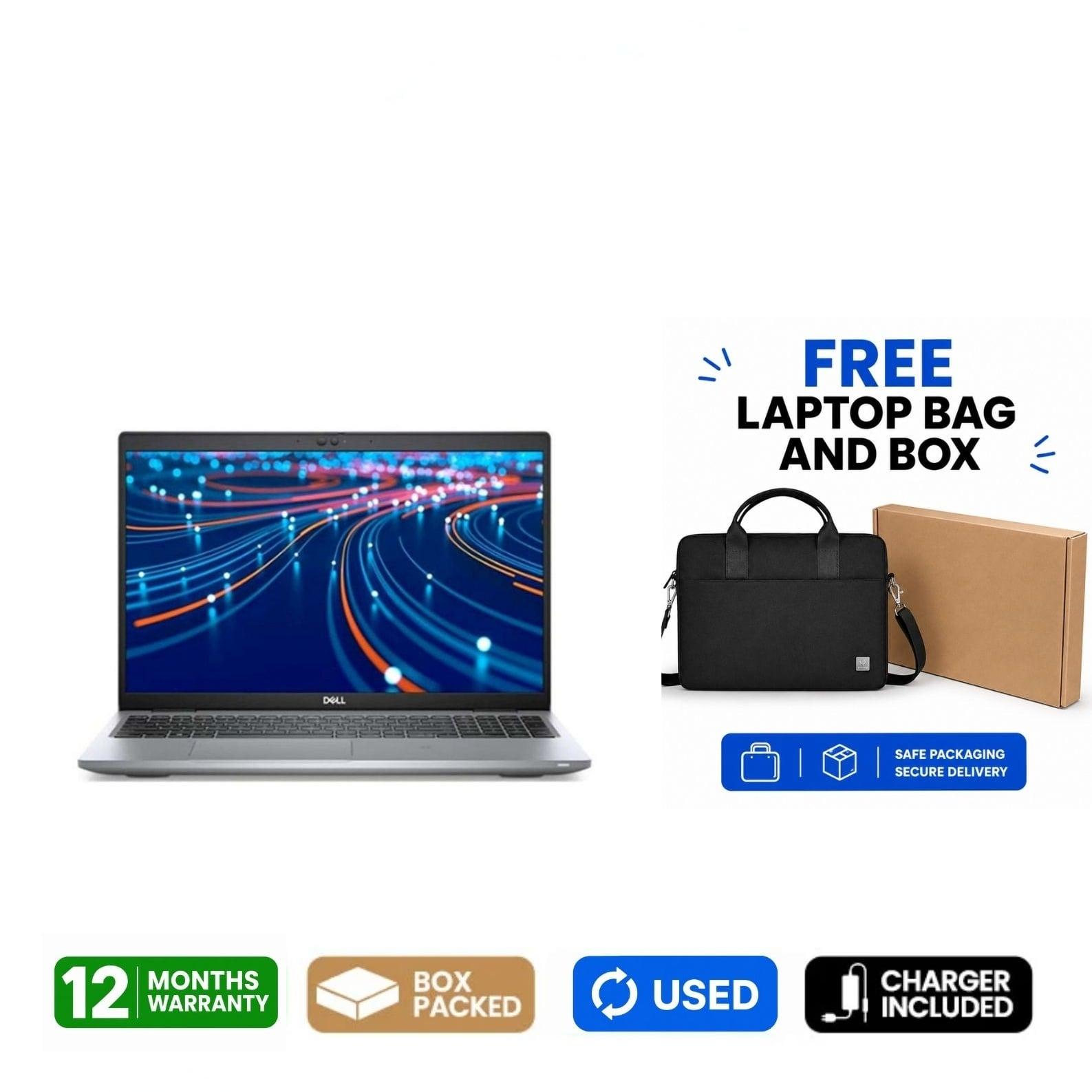
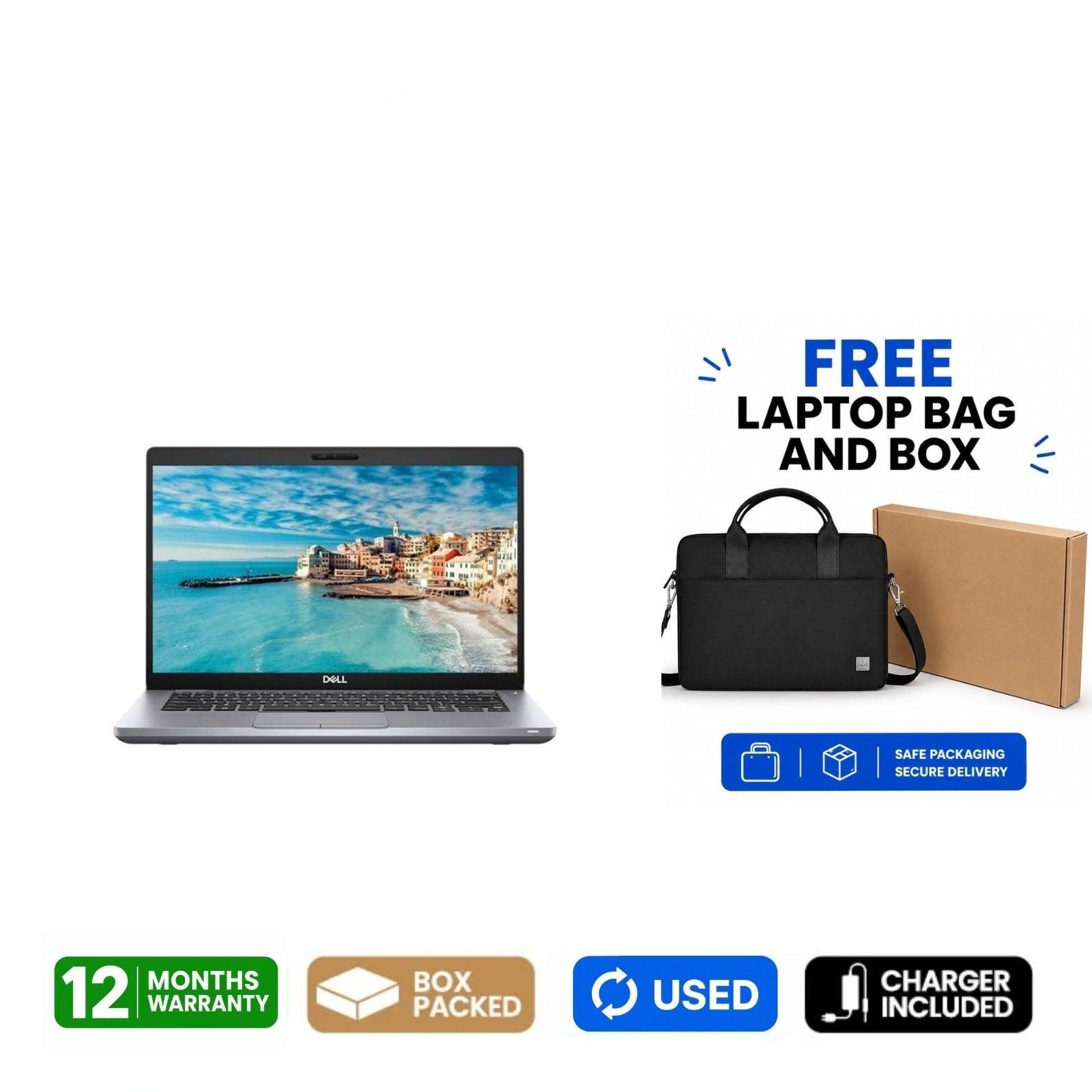
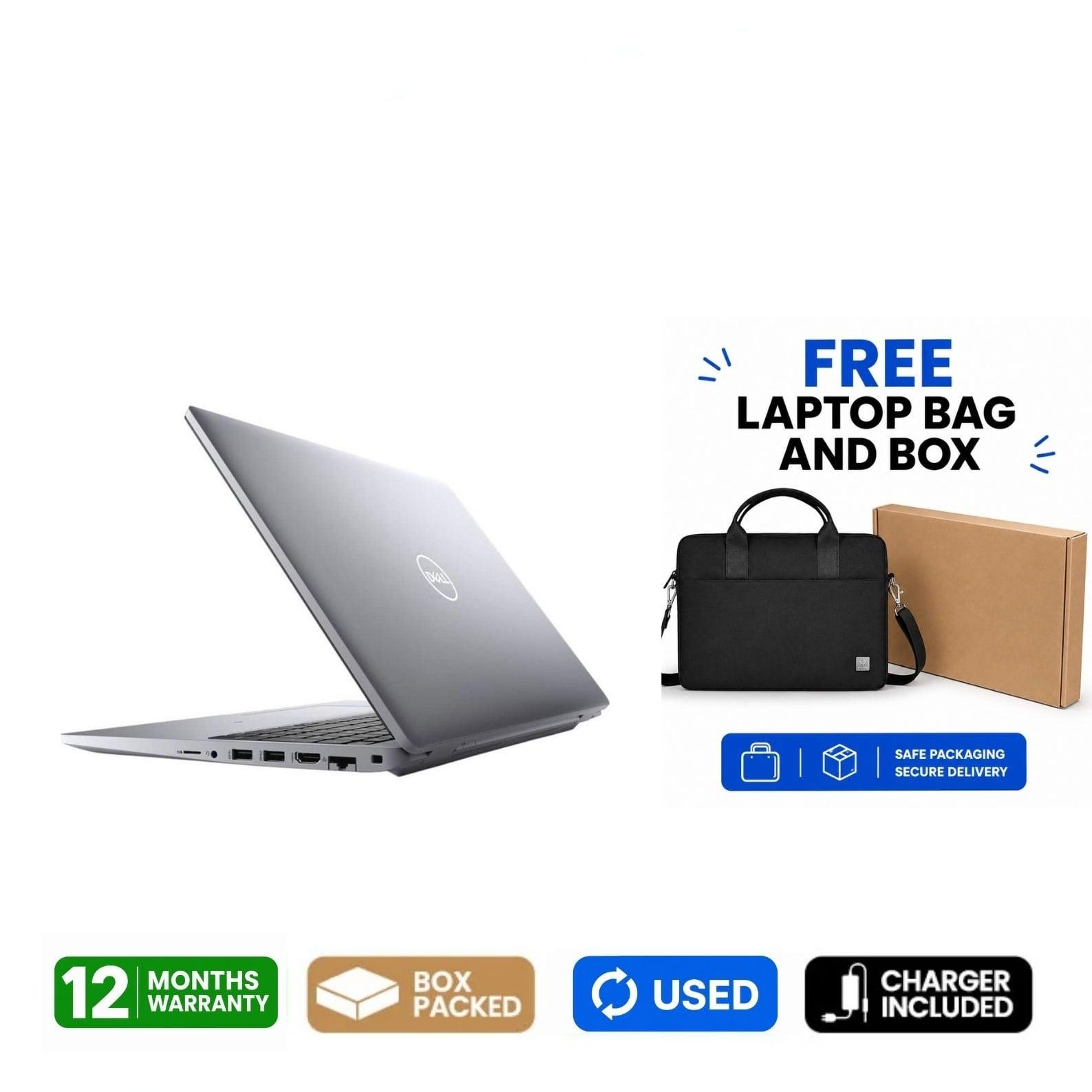
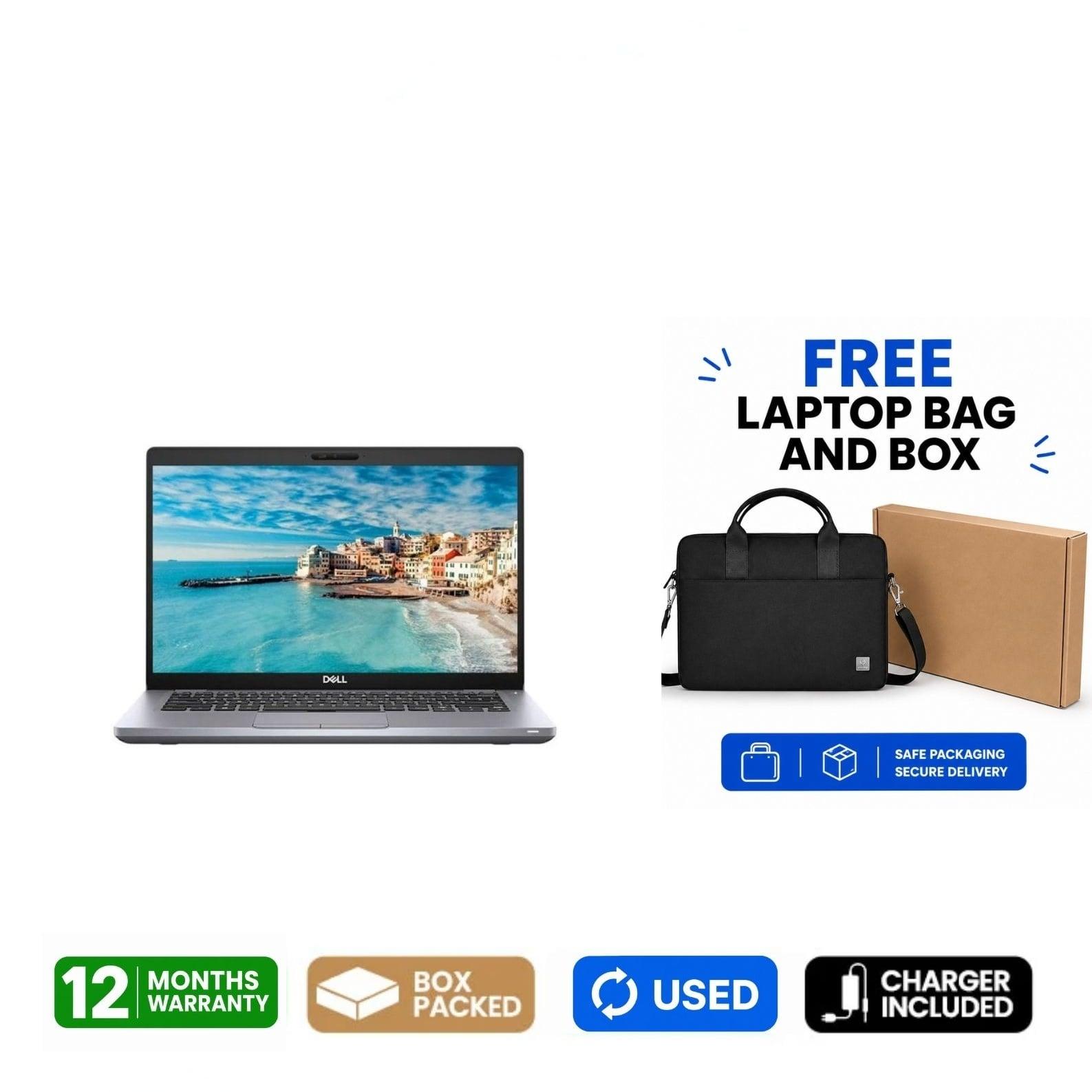
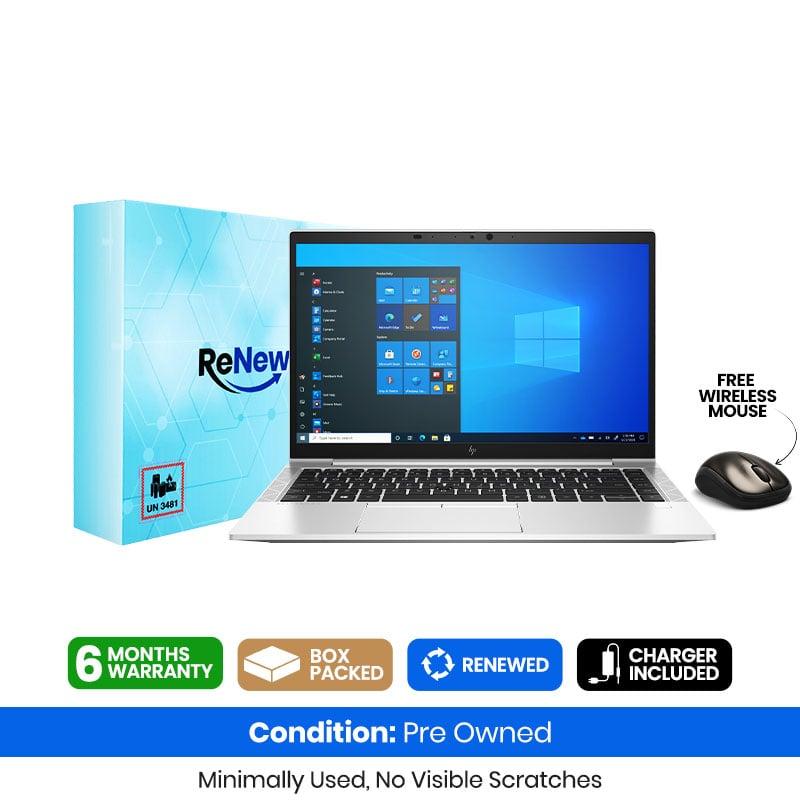
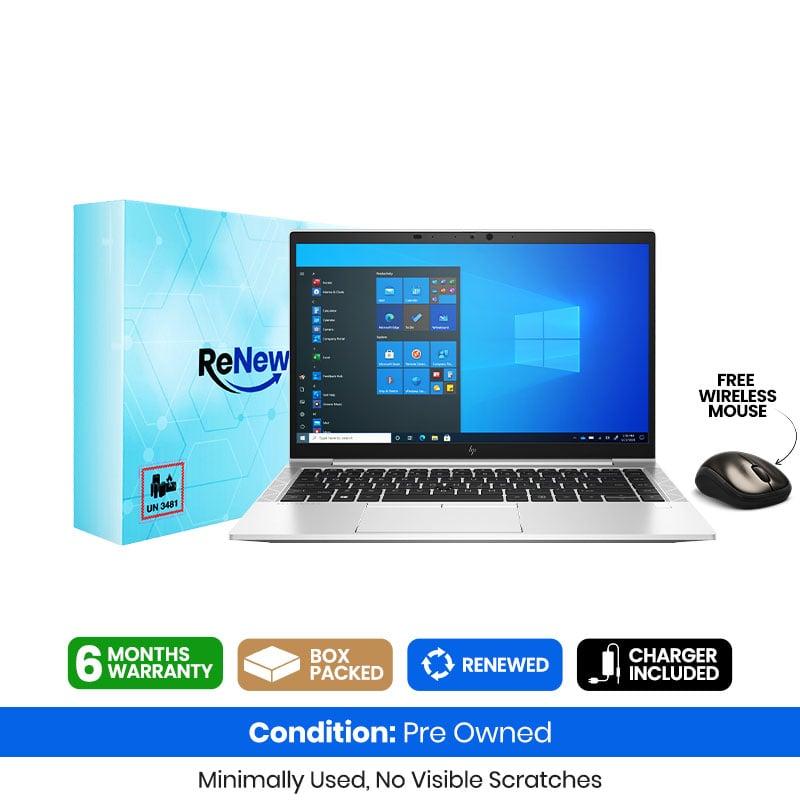
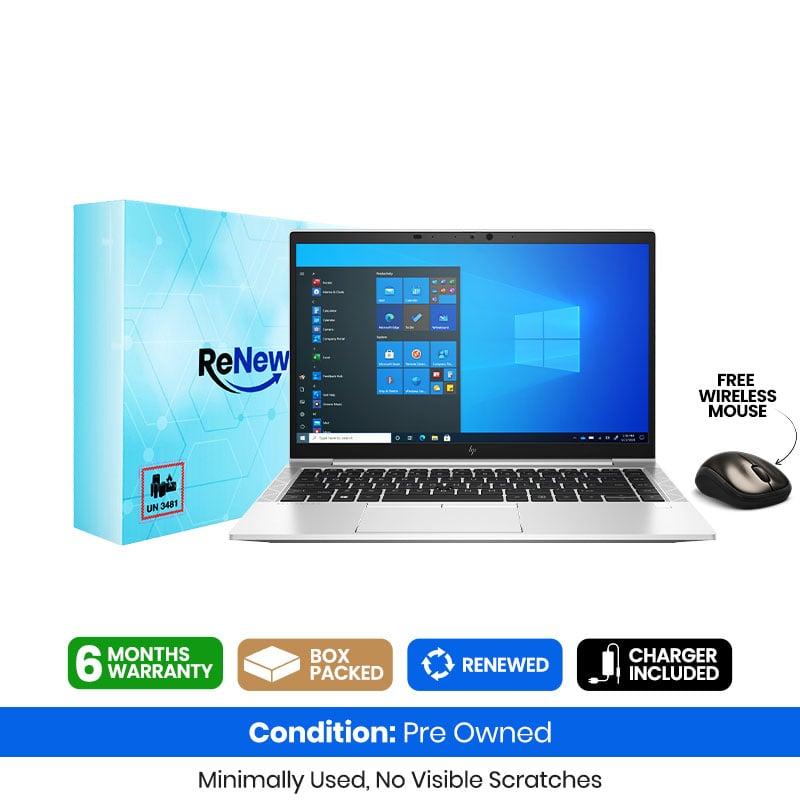
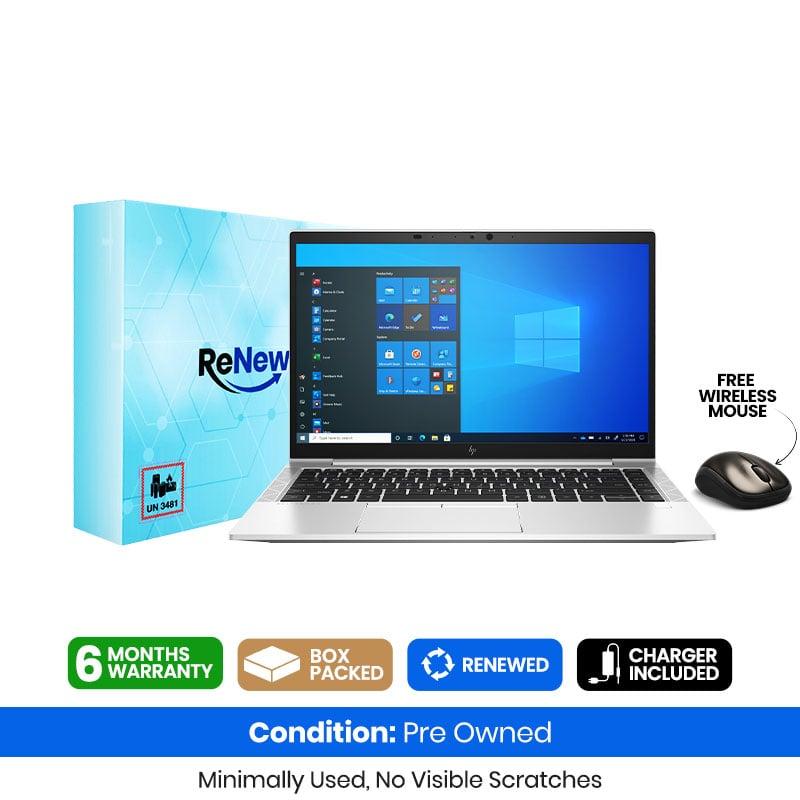
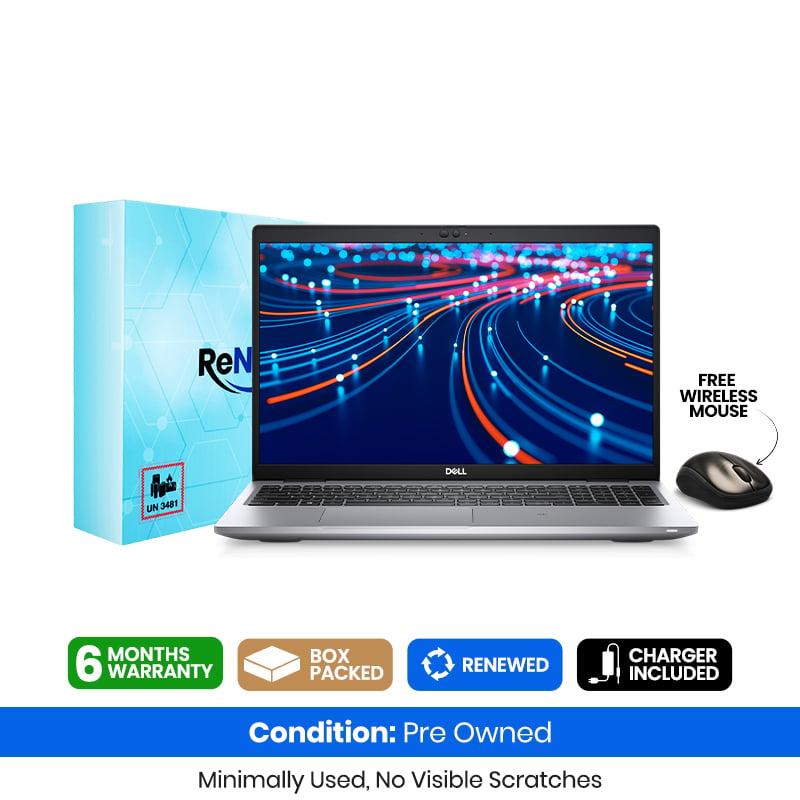
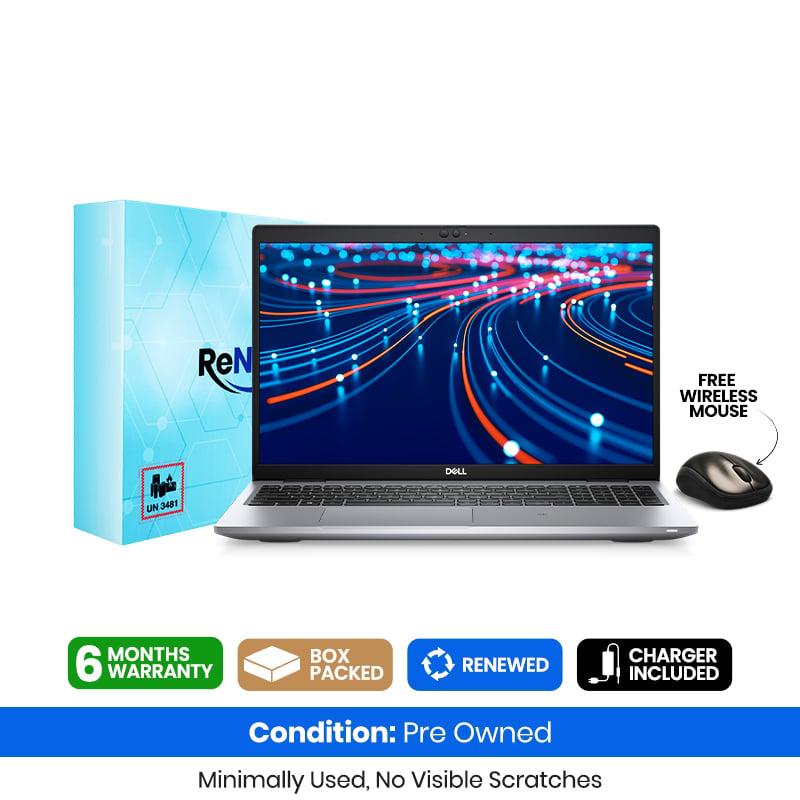
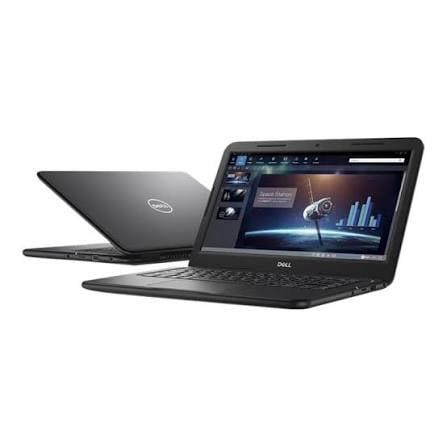
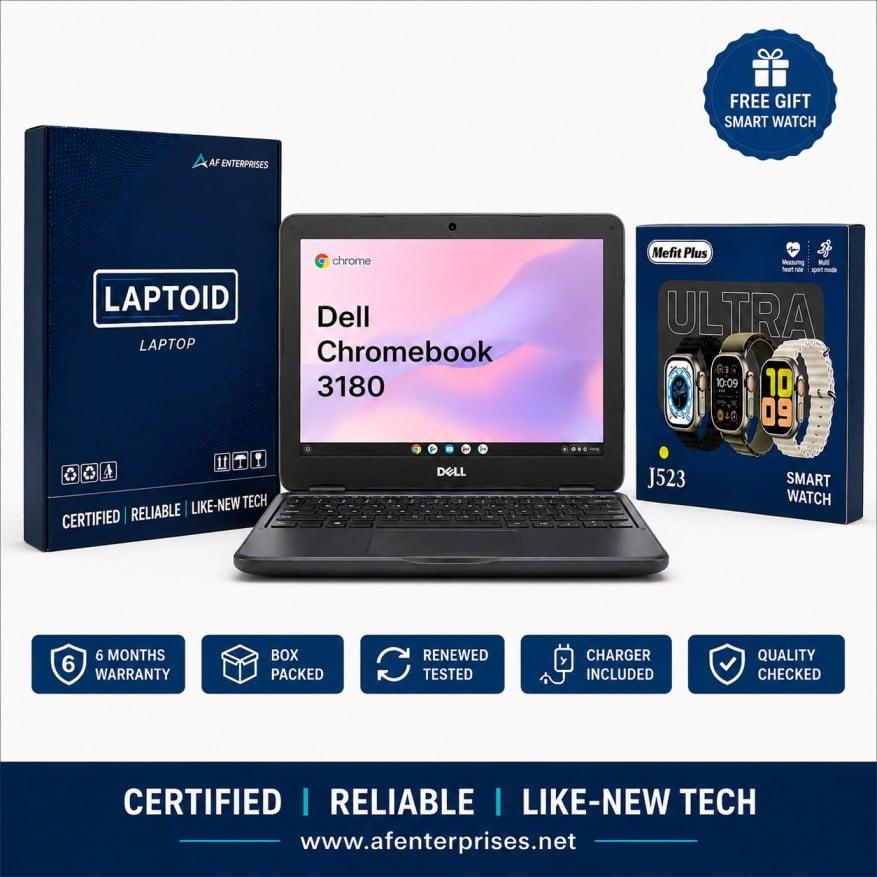
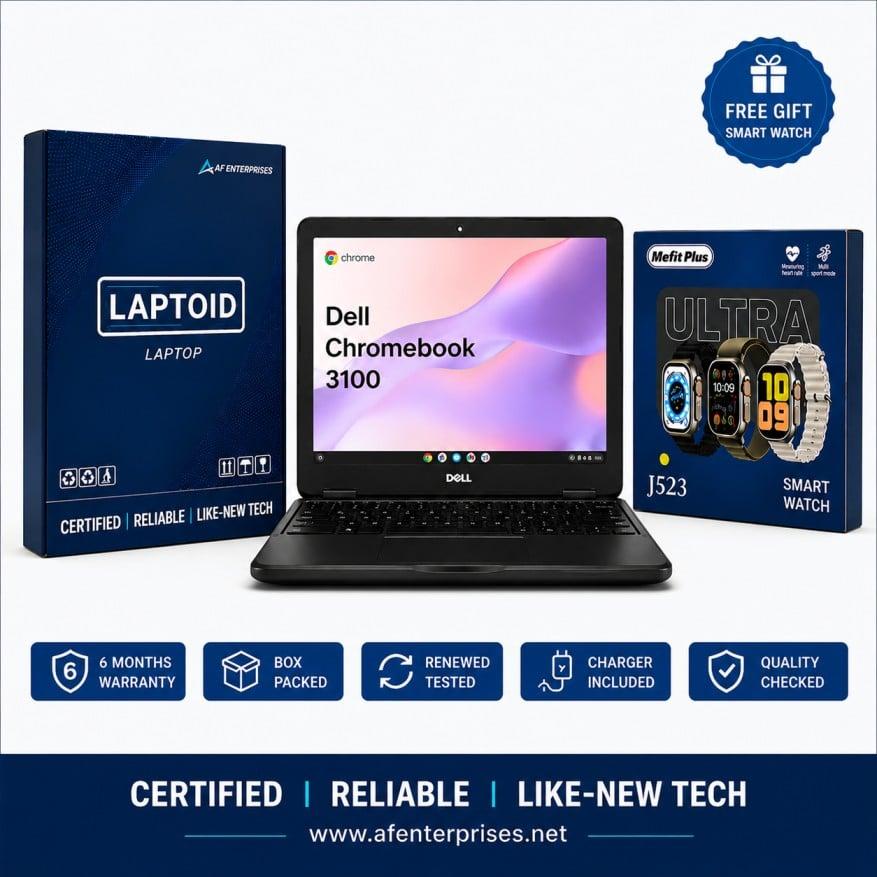
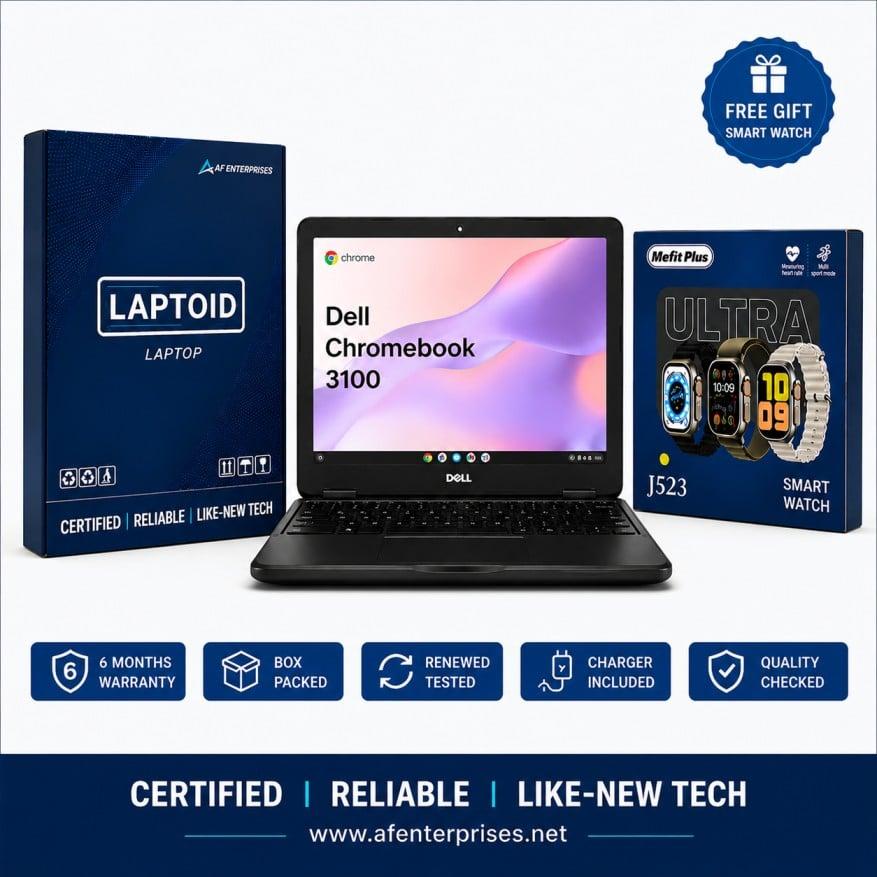
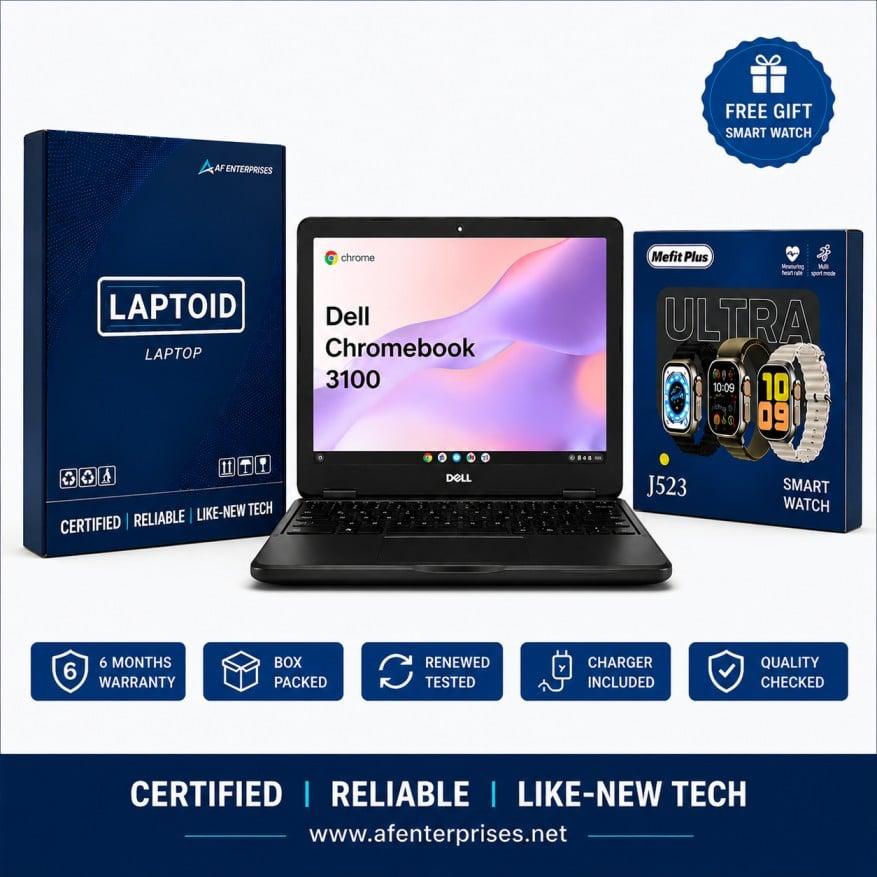
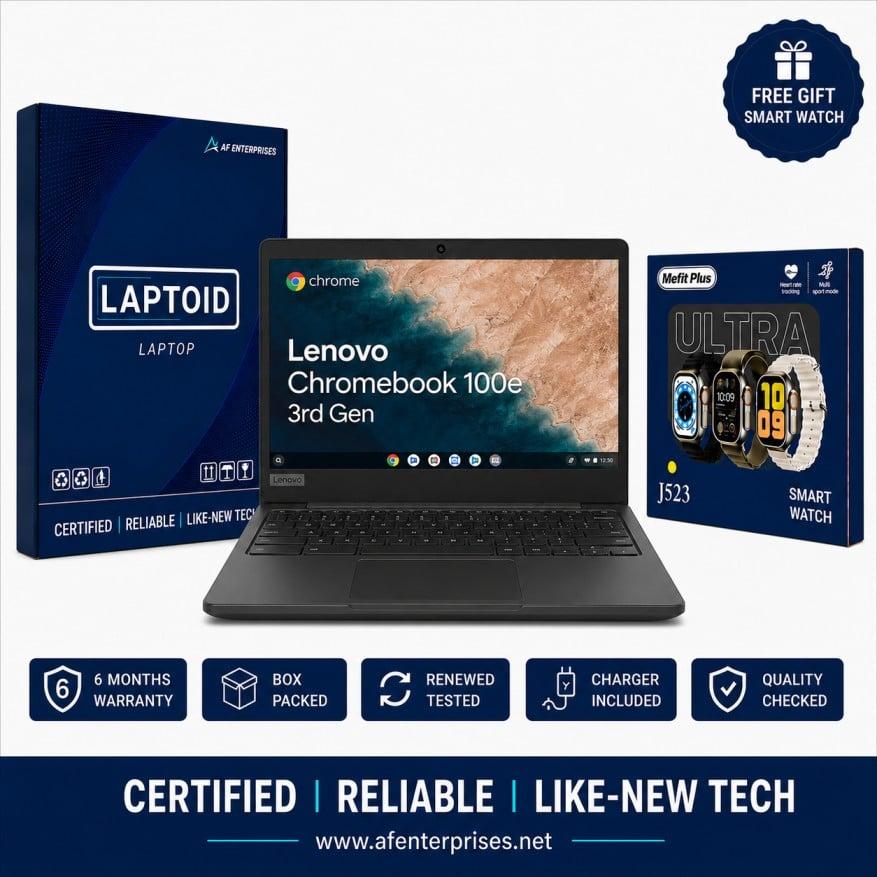
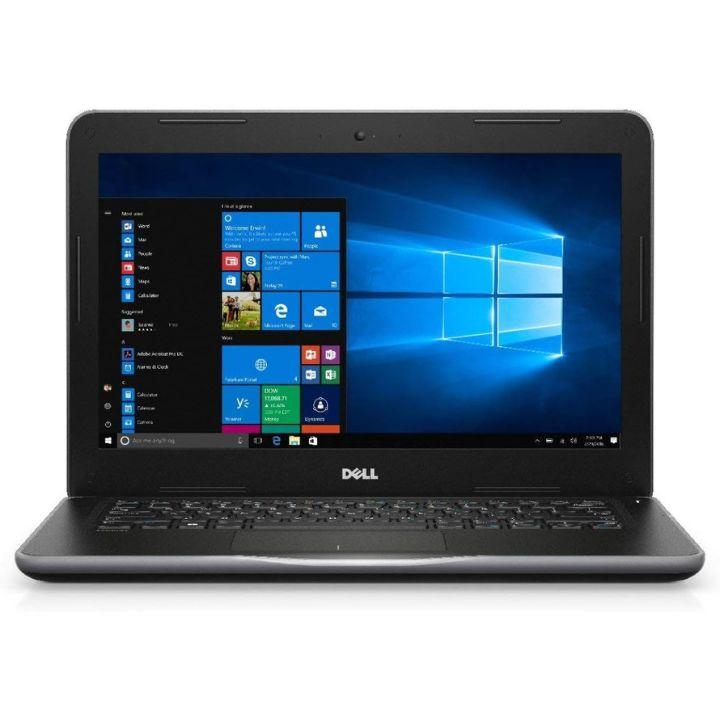
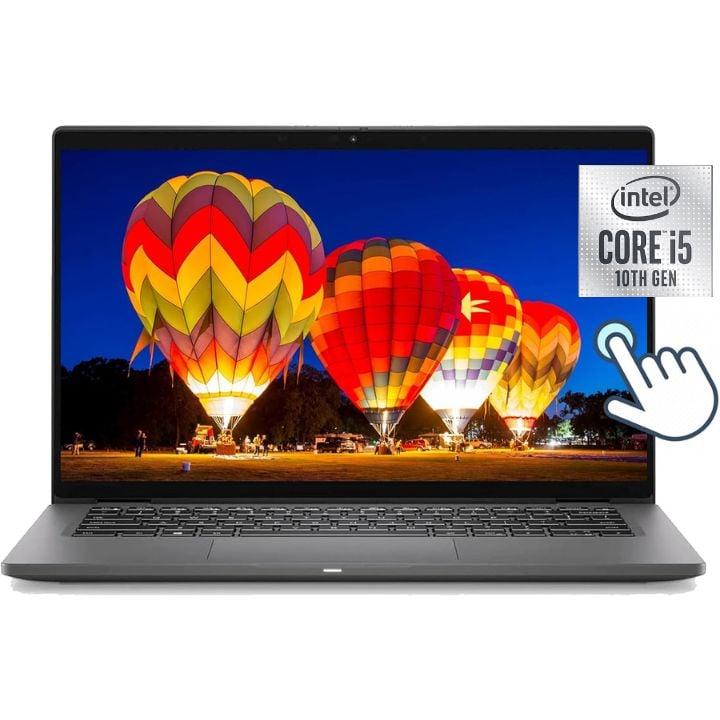
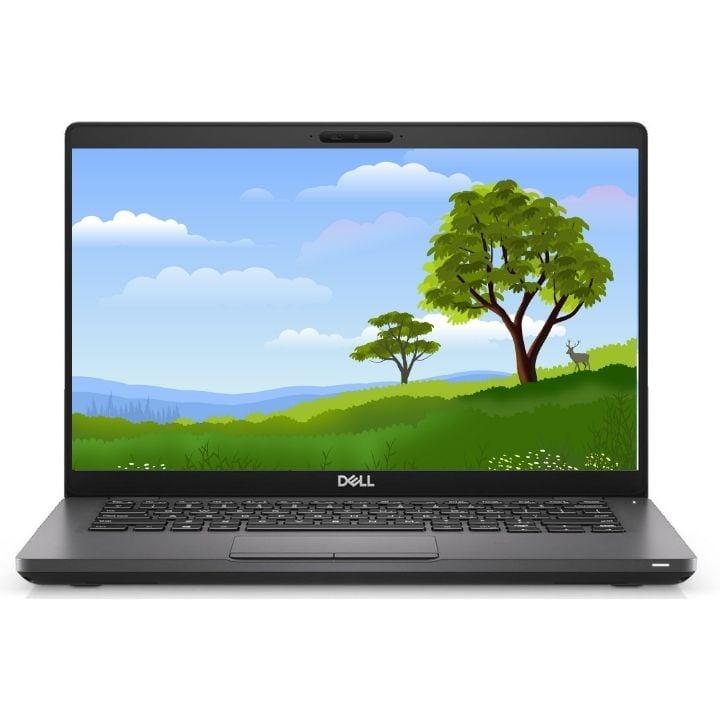
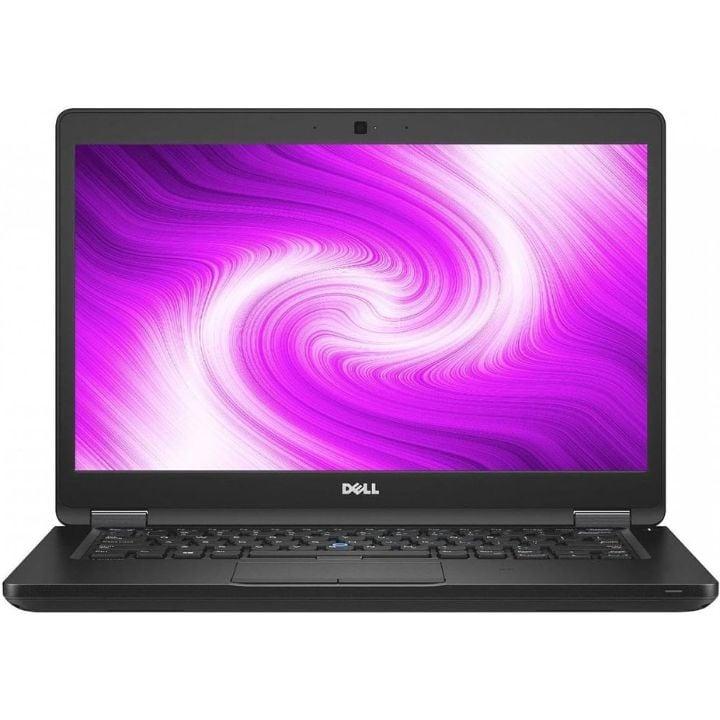
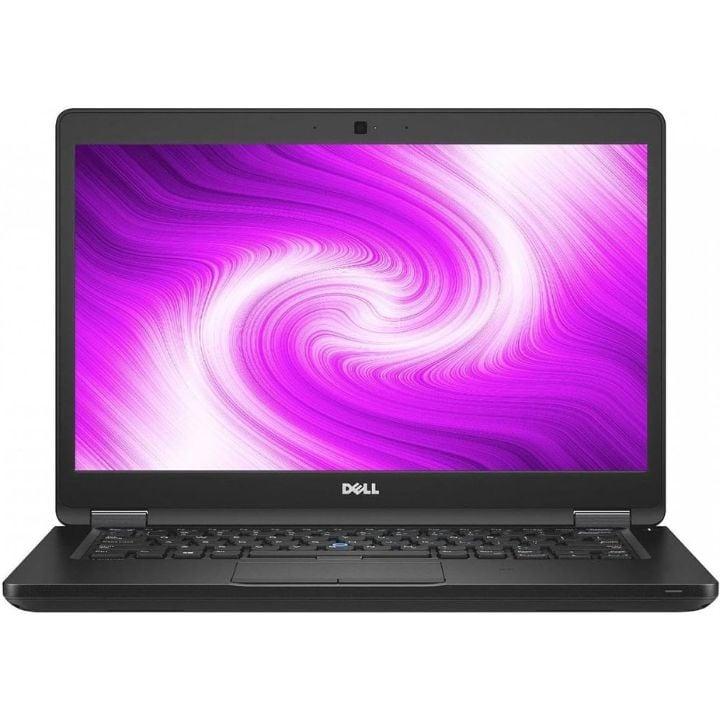
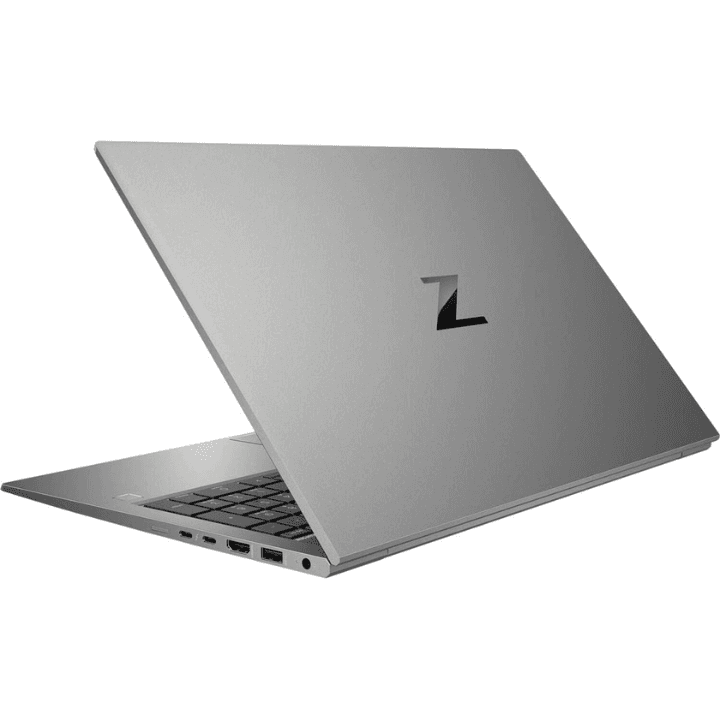
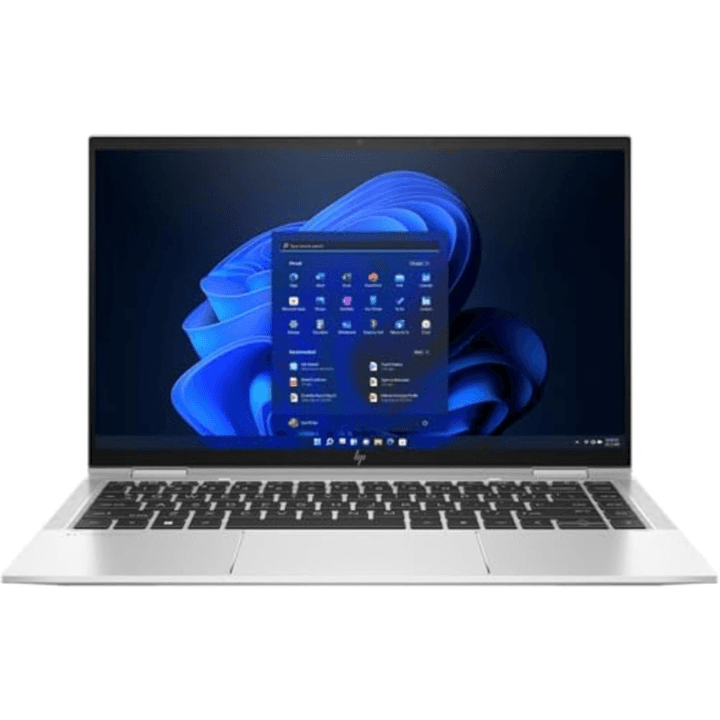
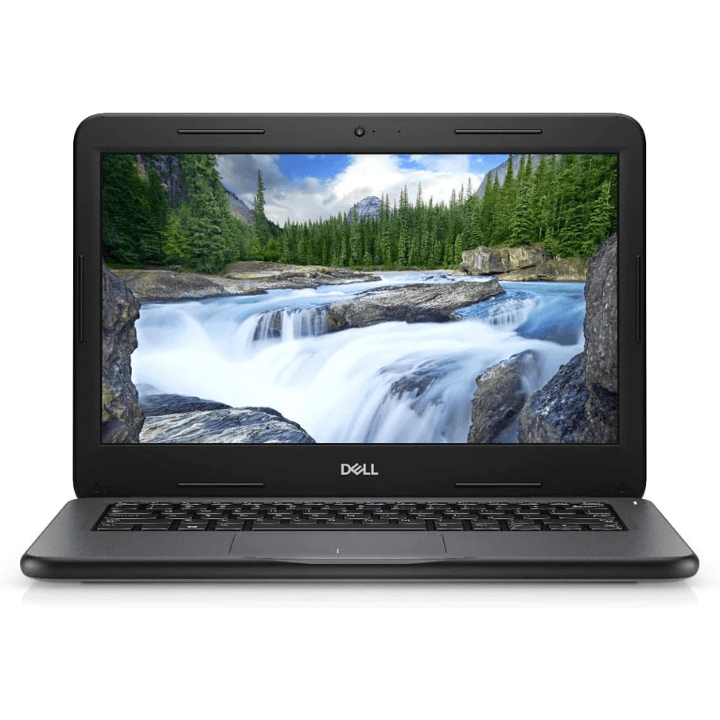
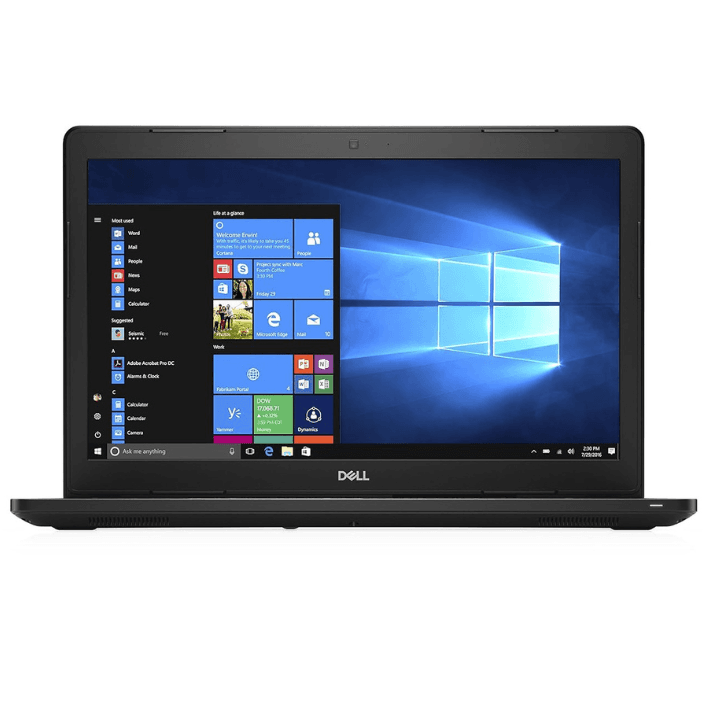
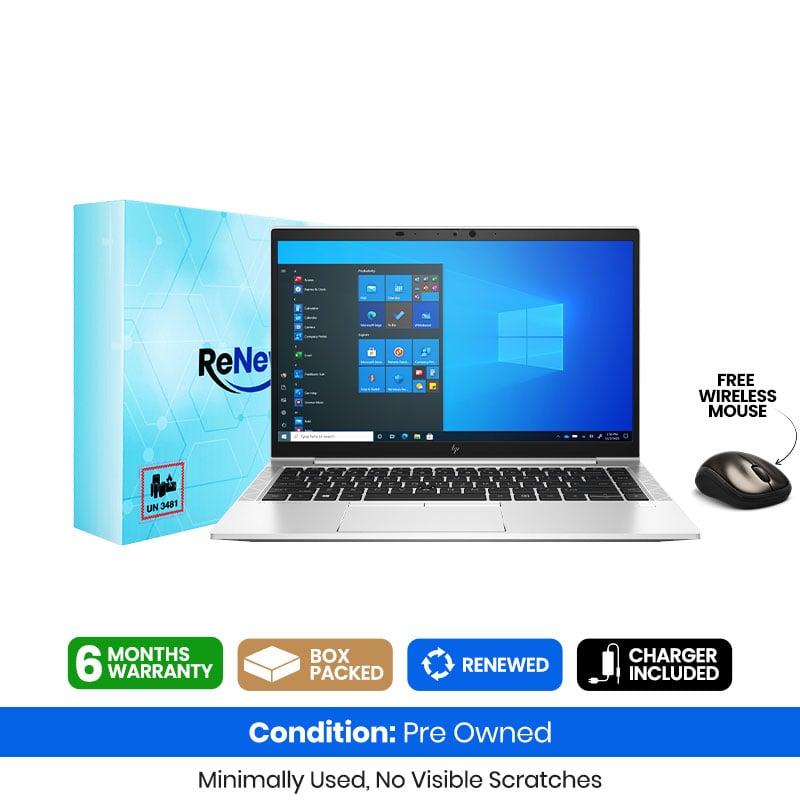
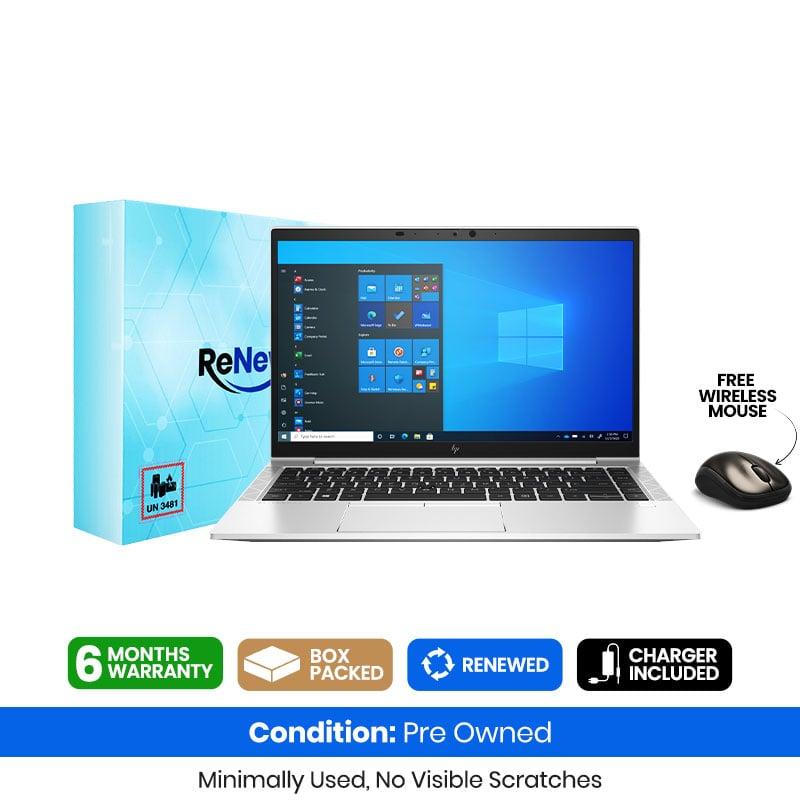
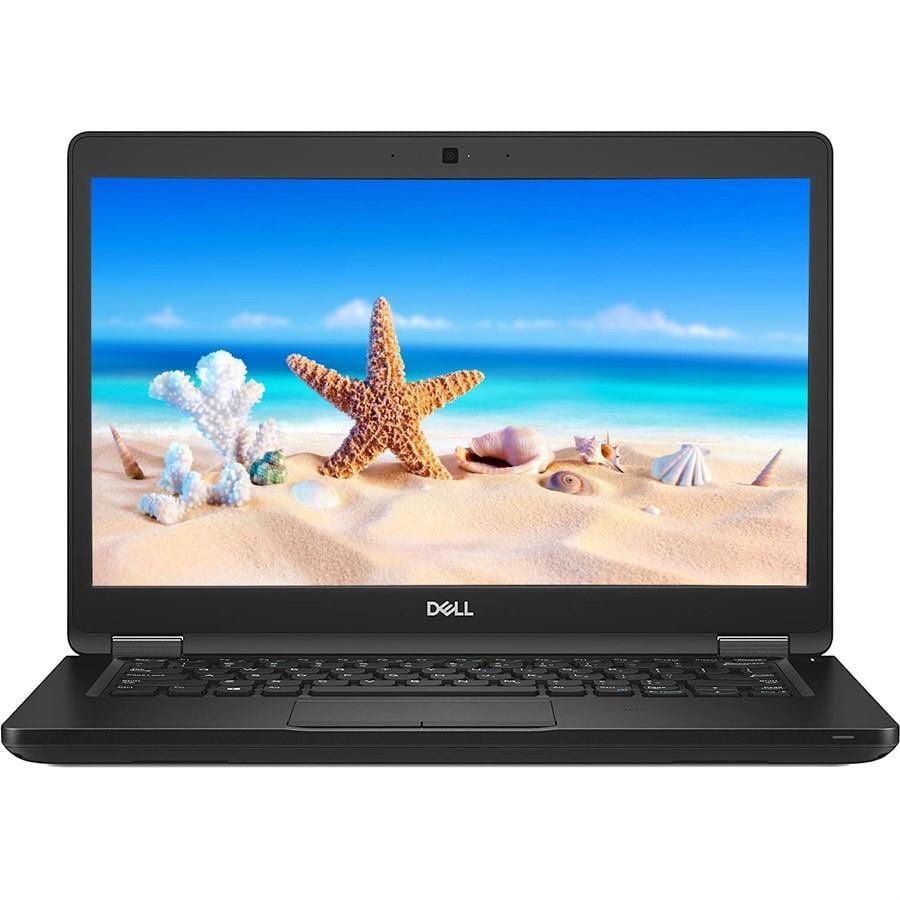
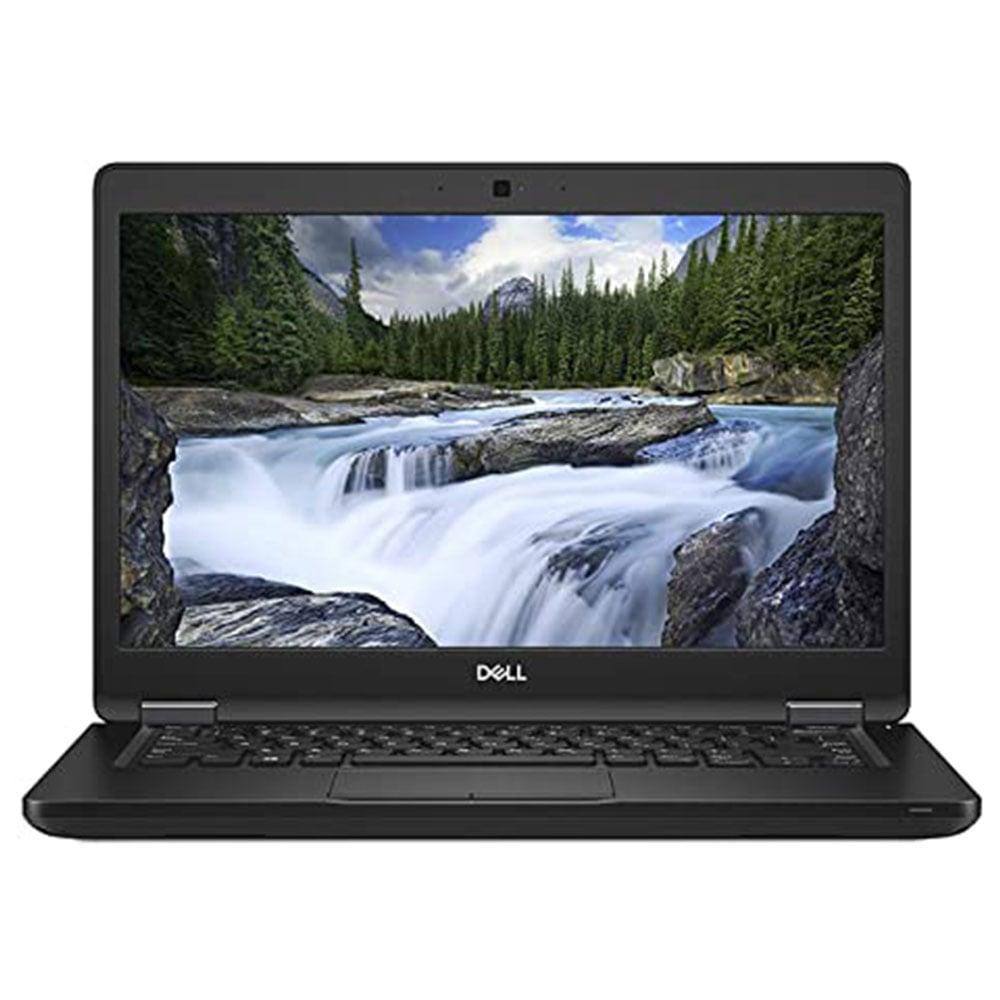
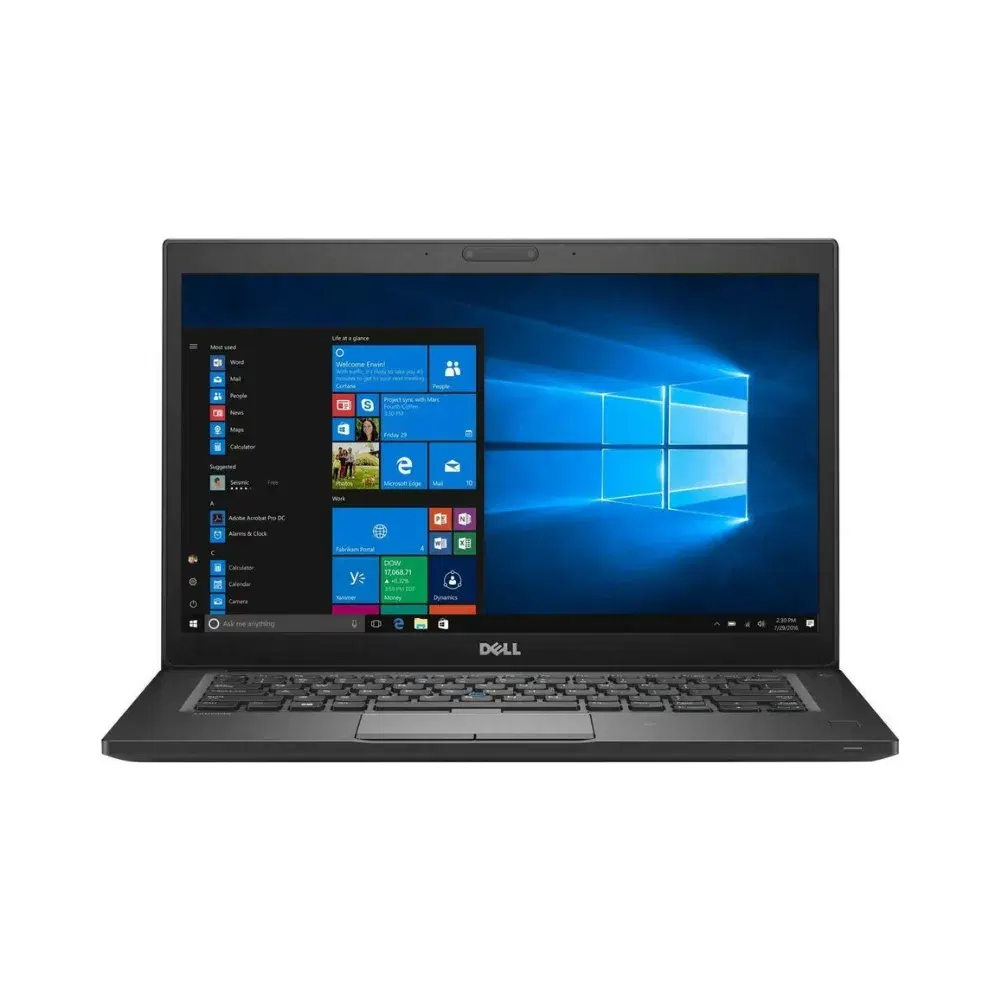
Dell Chromebook 3100 — Key Specs & Features
Performance & Memory
- Processor: Intel Celeron (dual-core, around 1.1 GHz) — basic but adequate for browsers, docs, video, e-learning.
- RAM: 4 GB LPDDR4 (soldered, not upgradable).
- Storage: 32 GB eMMC flash (some models also come with 32 GB).
- Graphics: Integrated Intel UHD Graphics.
Display
- Screen Size: 11.6 inches.
- Resolution: 1366 × 768 (HD).
- Panel: TN or optional touch versions exist (but basic models are non-touch).
Ports & Connectivity
- USB: 2 × USB-C (for charging and data), plus USB-A ports on many configs.
- Other: Headphone jack, Wi-Fi (802.11ac) and Bluetooth.
Battery & Build
- Battery Life: Up to ~9–14 hours depending on use.
- Design: Rugged, spill-resistant keyboard, classroom-ready durability.
- Weight: Around ~1.28–1.4 kg (lightweight).
Operating System & Android
- ChromeOS: Built-in Google Chrome OS with automatic updates.
- Play Store / Android Apps: Supported on many Chromebook 3100 units — meaning you can download Android apps from the Google Play Store.
- Auto-Update Expiration (AUE): Supported updates through June 2029 — after this date you’ll still be able to use the device, but it might stop receiving ChromeOS security and feature updates.
What It’s Best For
Web browsing, Gmail, Google Workspace (Docs/Sheets)
Streaming video (YouTube, Netflix via web/Android apps)
Online classes and emails
Light productivity tasks
If you want help comparing this with other Chromebooks in a similar price range or want suggestions for best use (e.g., for school/work), just let me know!
Write a detailed description of \Dell Chromebook 3100 | Windows 10 | 4GB RAM | 16GB Rom | 2029 Update | Type C | 11.6inch Screen
Here’s a detailed and accurate description of the Dell Chromebook 3100 with your listed specs, along with an important clarification about the operating system you mentioned:
Product Overview — Dell Chromebook 3100 (11.6″, 4 GB RAM, 32 GB Storage)
The Dell Chromebook 3100 is a budget-friendly, lightweight laptop designed primarily for everyday productivity, schoolwork, web browsing, and cloud-based tasks. It’s part of Dell’s Chromebook lineup — devices specifically optimized for Google’s ChromeOS rather than traditional Windows operating systems.
Important Note — Operating System
Despite some listings online claiming “Windows 10” or “Windows 11” versions, the *official Dell Chromebook 3100 from Dell ships with Google ChromeOS — not Windows 10/11. ChromeOS is a lightweight, cloud-centric operating system built by Google, which delivers fast boot times, built-in security, automatic updates, and support for Android apps via the Google Play Store.
- Some third-party resellers may list Windows-installed versions, but these are not official Dell configurations and often involve unofficial modifications. Chromebooks are not designed for Windows out of the box, and installing Windows typically requires advanced custom firmware changes — something that can cause issues and isn’t supported by Dell.
Key Specifications
Processor & Performance
- CPU: Intel® Celeron N4020 Dual-Core (up to ~2.8 GHz) — efficient performance for basic tasks.
- RAM: 4 GB LPDDR4 — adequate for web browsing, online apps, and light multitasking.
- Graphics: Integrated Intel UHD Graphics.
Display
- Size: 11.6 inches.
- Resolution: HD (1366×768) — clear for web browsing, documents, and videos.
- Panel: Non-touch in standard configurations (some variants may include touchscreens).
Memory & Storage
- RAM: 4 GB (soldered — not upgradable).
- Internal Storage: 32 GB eMMC — small but fine for ChromeOS, as apps and files often reside in the cloud (Google Drive).
Connectivity & Ports
- USB: Multiple ports including USB-C and USB-A for charging, data transfer, and peripherals.
- Wi-Fi: 802.11ac support (Wi-Fi 5).
- Bluetooth: Supported.
- Audio: Headphone/mic combo jack and built-in speakers/mic.
Battery & Build
- Battery: Typically a 3-cell 42 WHr battery with long-lasting usage between charges.
- Design: Lightweight (~1.29 kg), durable chassis that’s ideal for students or mobile use.
Operating System Updates
- ChromeOS Auto-Update Expiration (AUE): Official support and security updates for ChromeOS are provided for years (many listings indicate update support through around 2029 for some SKU/builds).
What It’s Best For
✔ Internet browsing and cloud-based apps
✔ Google Workspace (Docs, Sheets, Gmail)
✔ Online classes and video calls
✔ Streaming video and casual media
✔ Android apps via the Google Play Store (ChromeOS supports this)
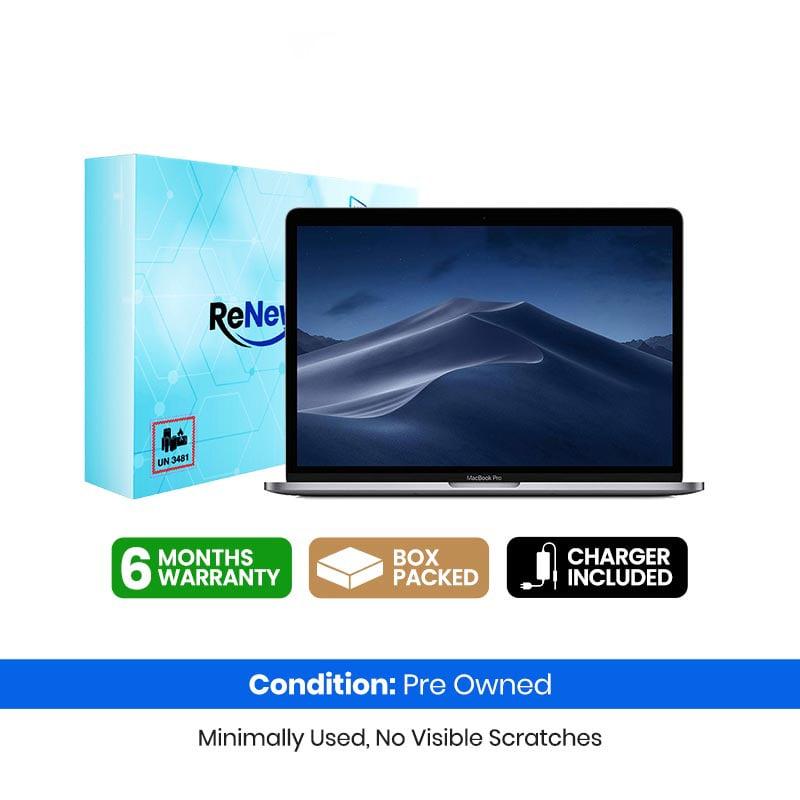
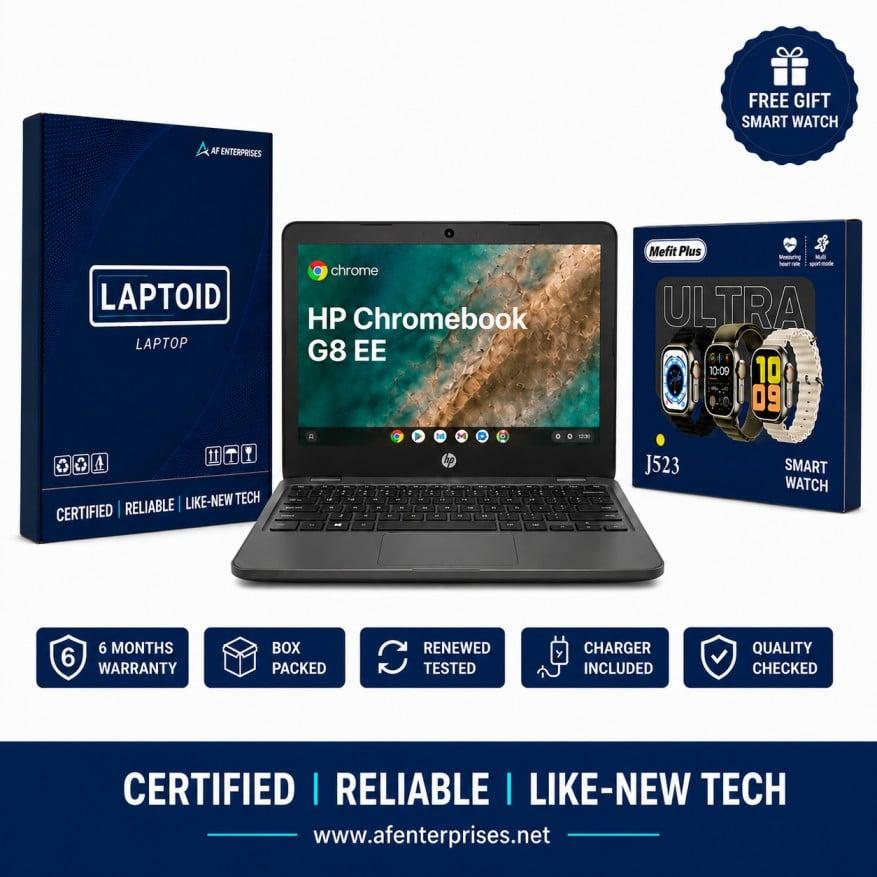
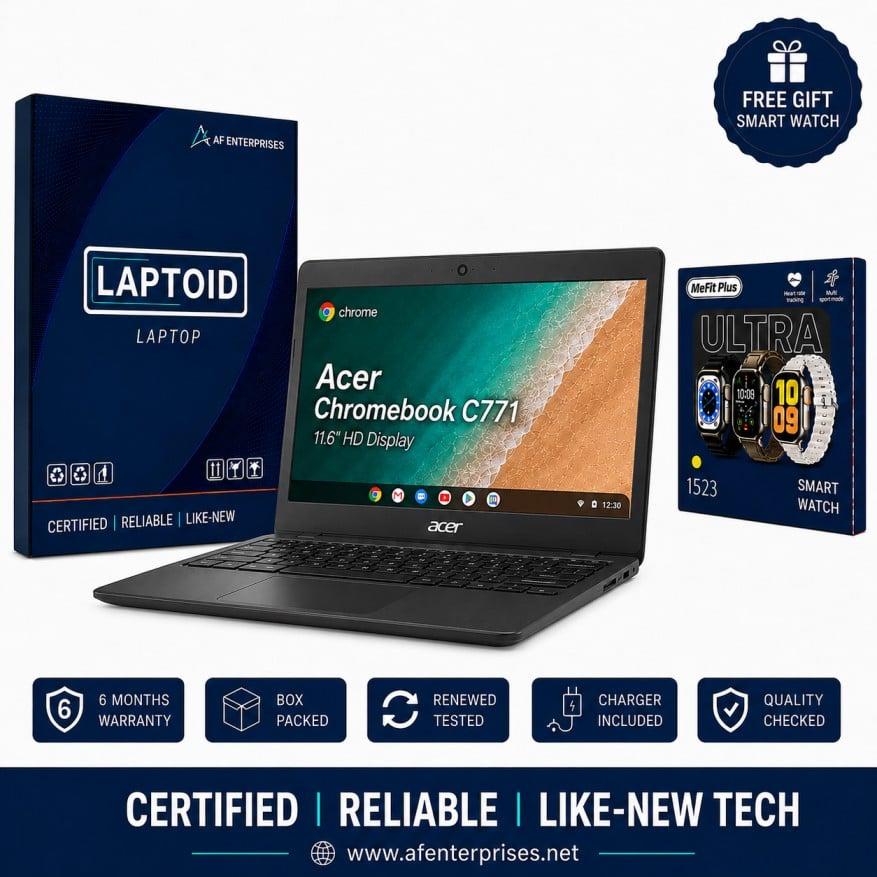
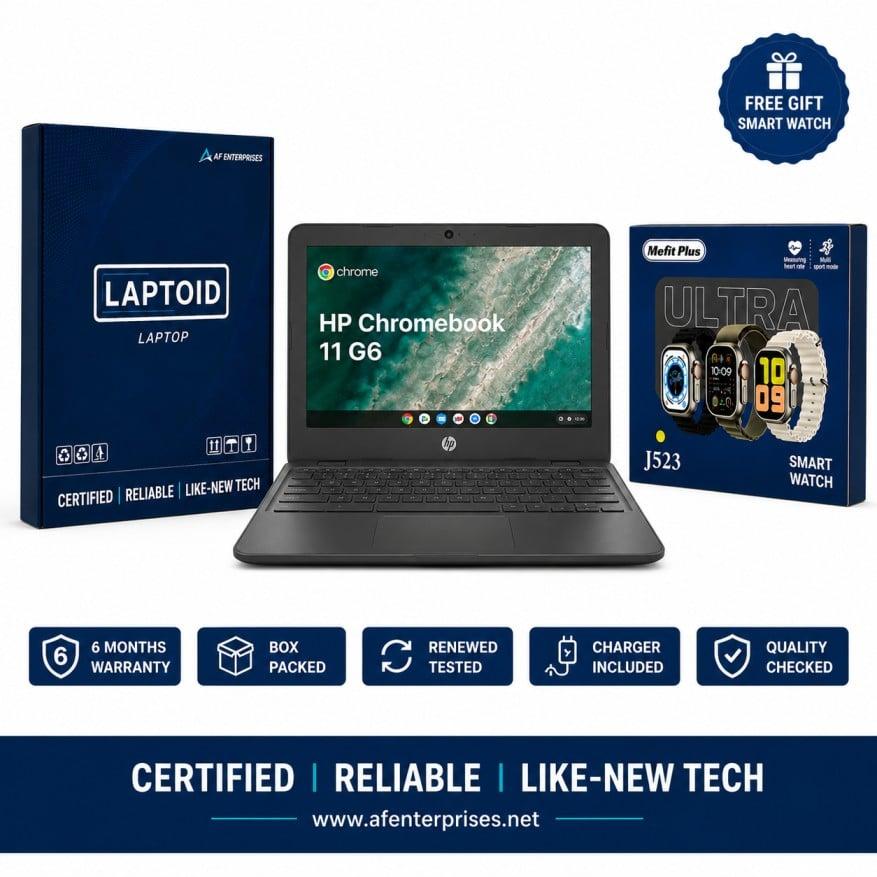
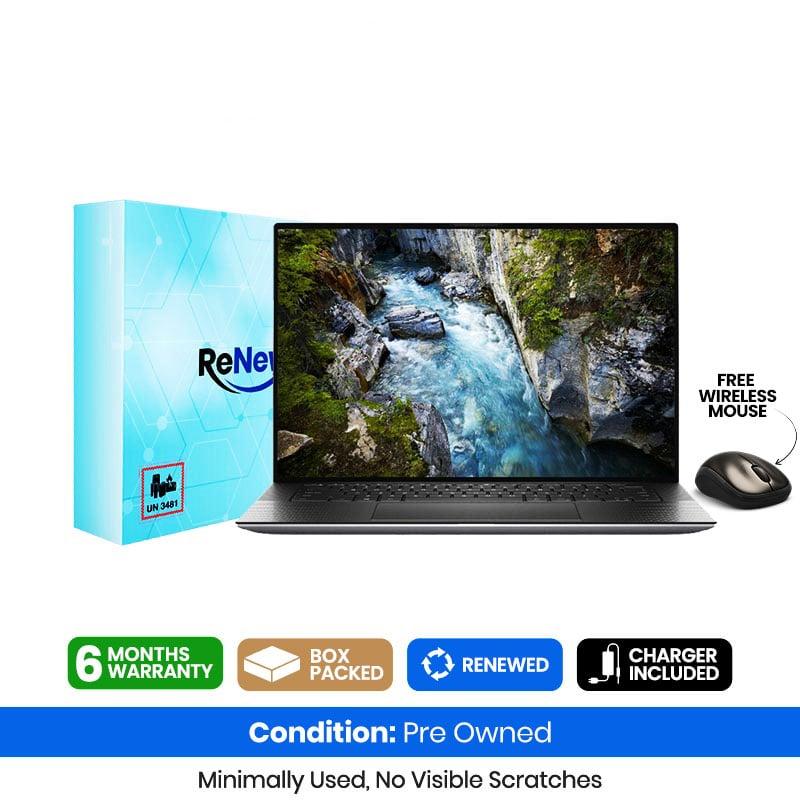
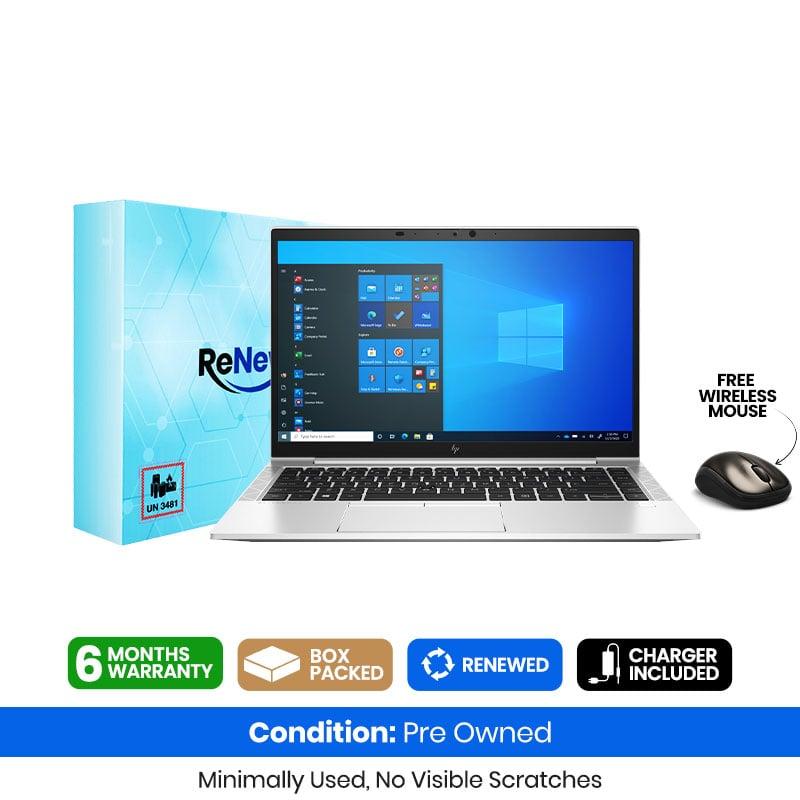
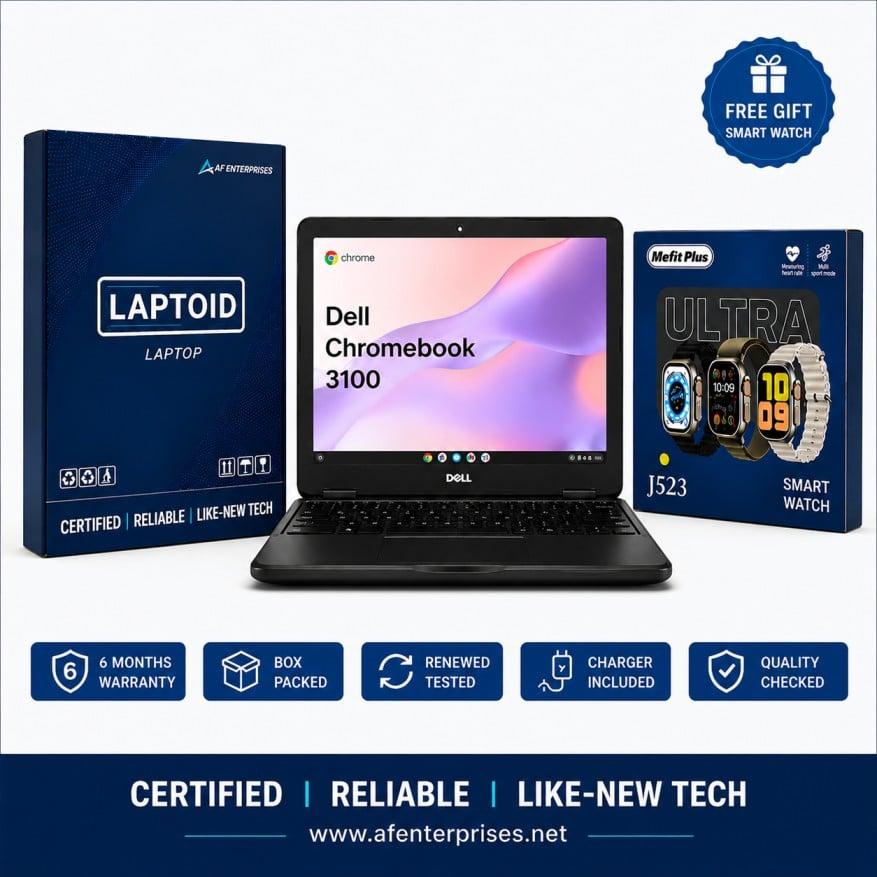
6 Month Warranty

 A&F Enterprises